Nano Image

Product Studio

Fragrance / CampaignConcept example
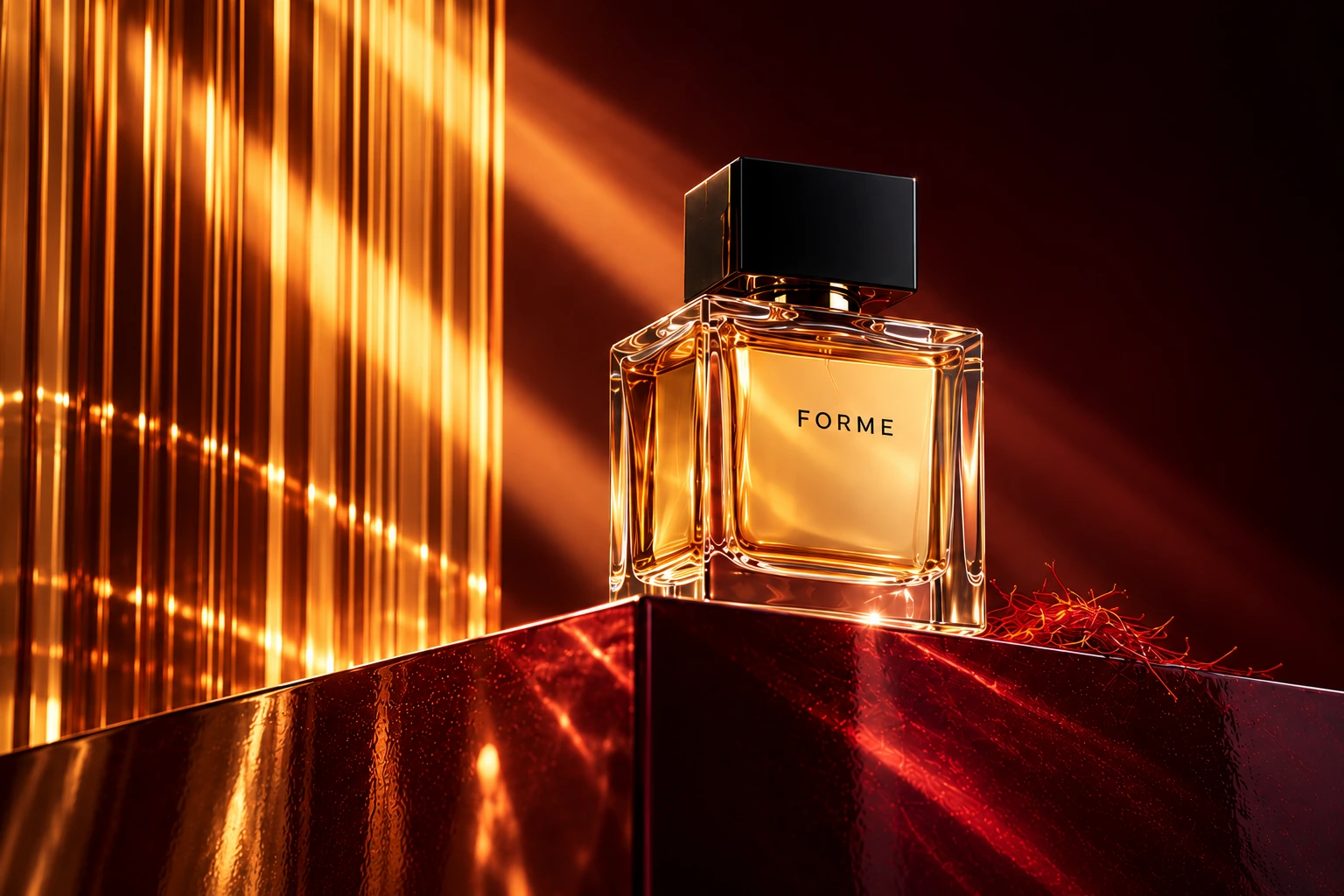
Amber perfume bottle on a burgundy plinth with golden light through ribbed glass

AI concept example · Not a customer result.

Explore six creative directions

Concept studies. Switching examples is free.

AI PRODUCT PHOTOGRAPHY

Product photos with a scene,
not just a new background.

Nano Image is an AI product photo generator for creating campaign and lifestyle images from a product photo you already have. Add reference images for lighting, composition, a room or material details, then describe the scene. Generate one image at a time and compare it with the original before using it.

2 credits per 1K image12 credits per 4K image1 product + up to 9 reference imagesFree example browsing and task recoveryPlans and credit packs →

THE WORKFLOW

How to generate product photos with AI

  1. 01

    Start with a clear product

    Upload a JPG, PNG or WebP showing the full item. Keep its label, edges and material visible. Avoid combining unrelated products in the source image.

  2. 02

    Give references a job

    Use a lighting photo for light, a composition image for framing, and a room image for the environment. The product remains image 1; reference order is explicit.

  3. 03

    Describe one coherent scene

    Name the surface, palette, light and framing. Start with a few useful references. Keep details asks for a closer match; Recreate gives more freedom. Neither locks pixels.

  4. 04

    Compare, check and download

    Review the result beside the original. Check text, shape, color, materials, scale and unexpected additions. Download a usable result or deliberately spend credits on another attempt.

CAMPAIGN & LIFESTYLE SCENES

Different products need different creative directions.

The images below are AI-generated concept studies, not customer results or a guarantee of product fidelity.

Amber perfume bottle on a burgundy plinth with golden light through ribbed glass — illustrative concept

Perfume and bottle product ads

Direct reflections, glass, lighting and negative space around a bottle. Use a clear product photo and a separate lighting reference. Check the cap, label and liquid color; glass and reflections can be reinterpreted.

Explore this example →
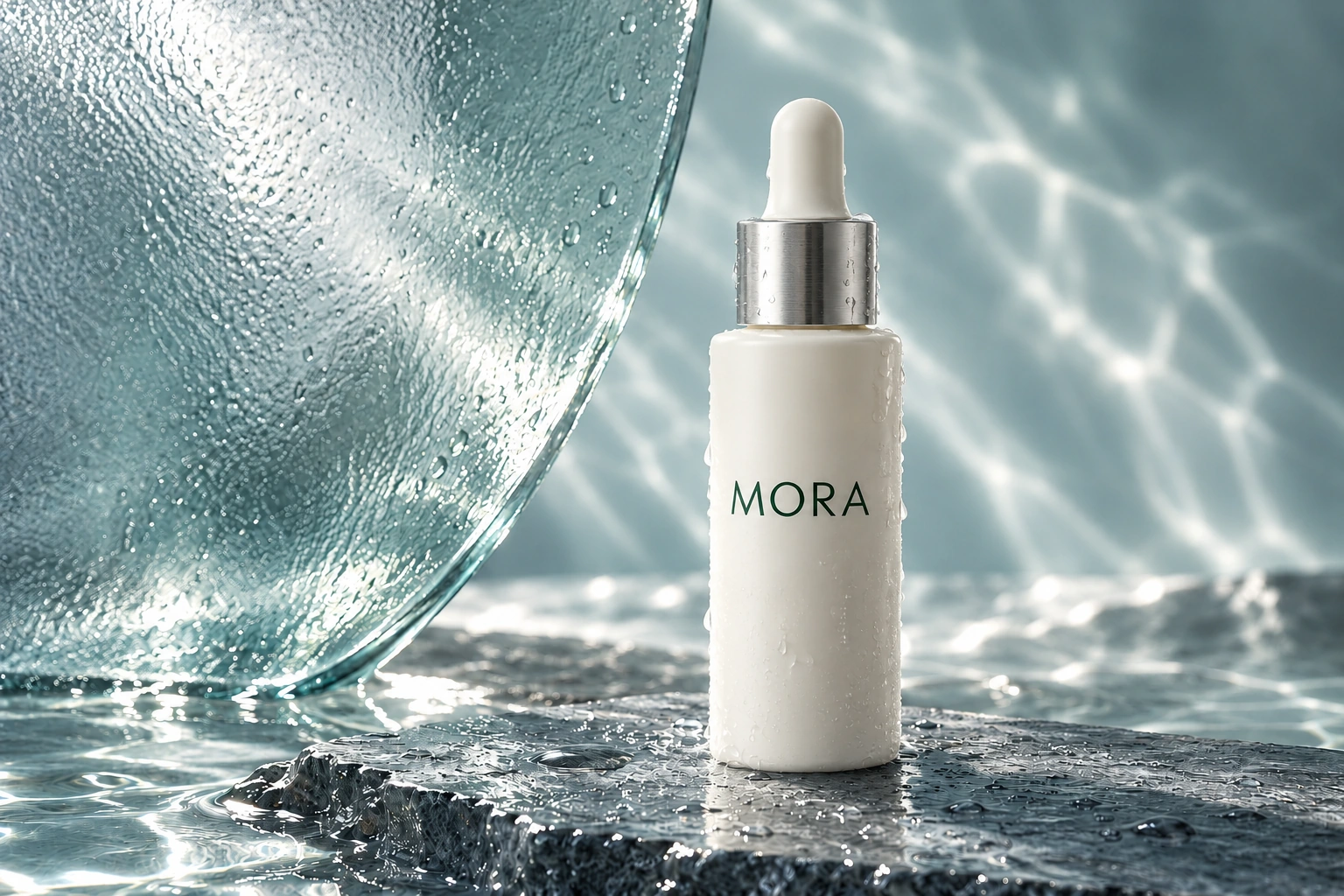
Ivory serum bottle with frosted glass, cool celadon tones and water caustics — illustrative concept

Cosmetic product scene generation

Build skincare and cosmetic compositions with a defined palette, surfaces and props. Keep ingredient text, packaging quantities and product claims out of the creative brief unless they are visible and verified on the real item.

Explore this example →
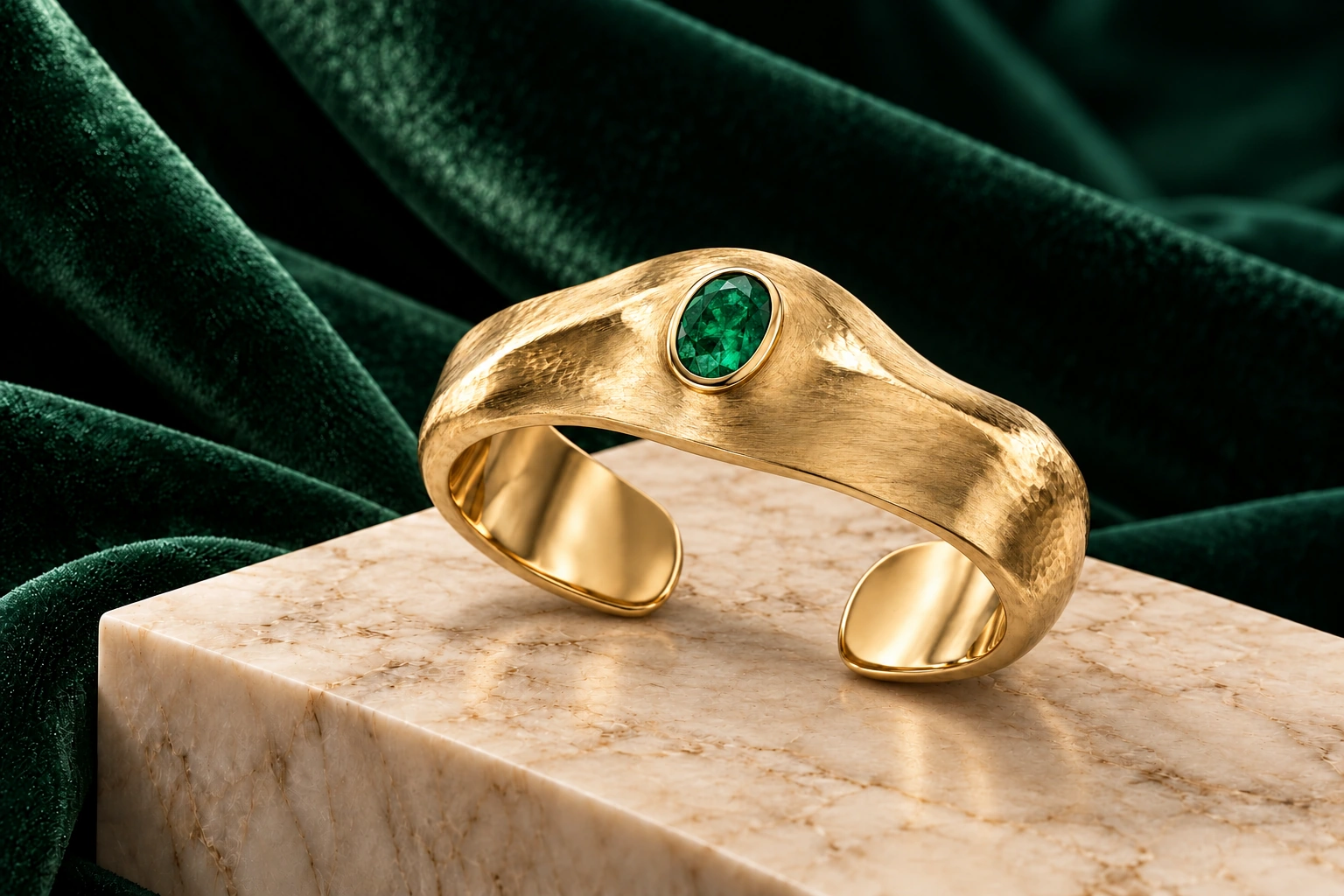
Sculptural gold cuff with an emerald on forest-green velvet and pale marble — illustrative concept

Jewelry lifestyle and campaign photos

Explore velvet, stone and close-up lighting for jewelry product photography. Inspect stone count, settings, fasteners and metal color. A convincing campaign image does not establish the item's actual material or construction.

Explore this example →
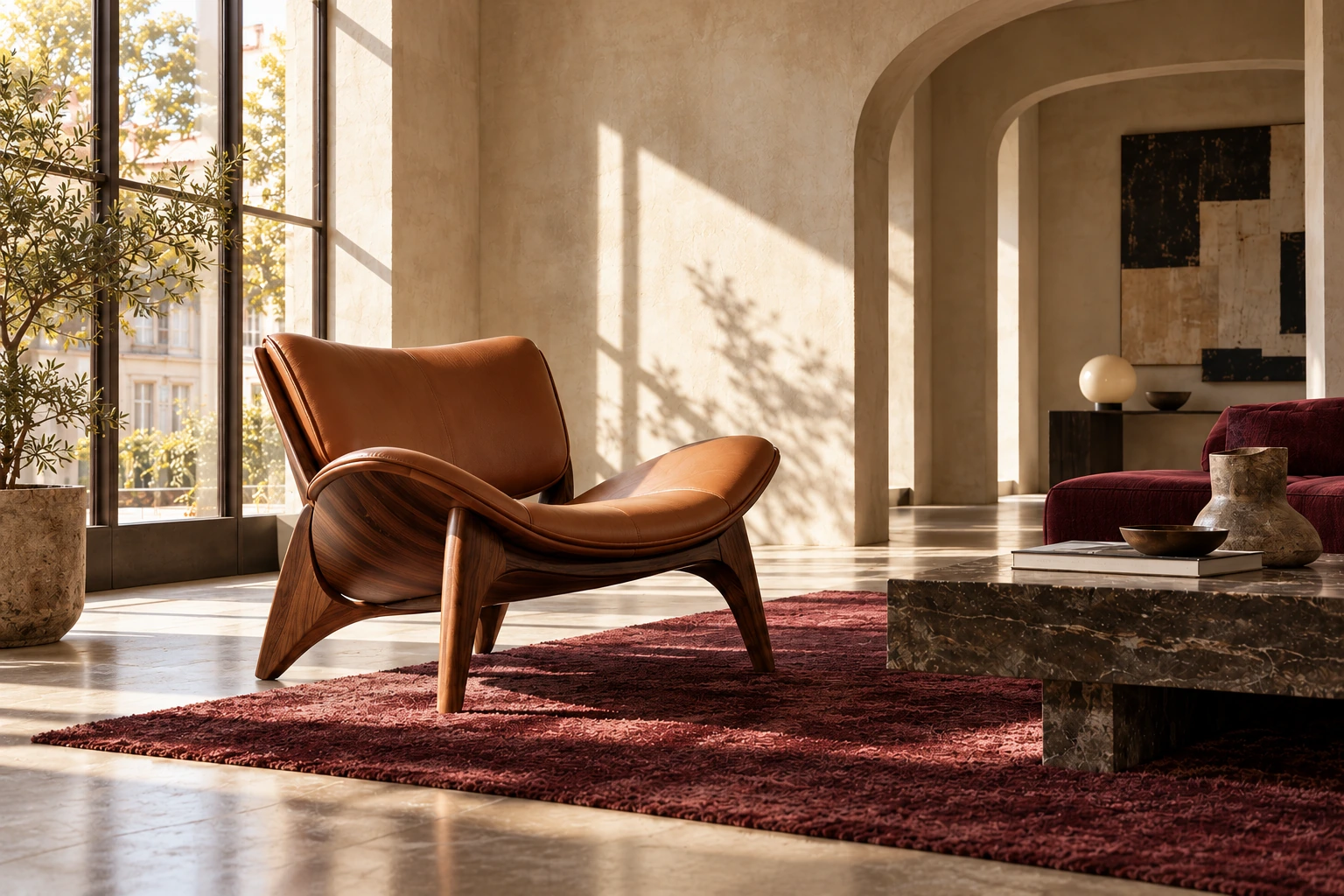
Tan leather and walnut lounge chair in a sunlit interior with a burgundy rug — illustrative concept

Place furniture in a room with AI

Combine a furniture photo with a room reference to explore an interior scene. Specify the placement, palette and light. This is a visual concept, not a 3D model, floor plan, dimension check or proof that the furniture fits.

Explore this example →

BEFORE YOU GENERATE

What the tool can—and cannot—do

A reference-guided image, not an exact product record

Nano Image generates a new image from your inputs. Generative editing can reinterpret logos, small text, reflections and geometry. Keep details is a prompt instruction, not a protected product layer. Use the original photograph for claims about the real item and inspect every generated image before publication.

If the original pixels must stay unchanged, use a product cutout and non-generative background editing instead. Use camera angle generation for a different viewpoint; this page focuses on product scenes.

Clear cost and input limits

  • One 1K output: 2 credits. One 4K output: 12 credits.
  • Changing settings, browsing examples, comparing images and recovering an existing task: no credits.
  • Each deliberate new generation is charged at the selected resolution; technical failures return reserved credits.
  • 1K is generally faster. 4K can take several minutes, depending on queue load and references. Accepted tasks can be recovered after refreshing or returning while signed in.
  • JPG, PNG or WebP, up to 12 MB per upload and at least 256 pixels on each side. Inputs are optimized; combined upload limits also apply.
  • 1K and 4K are generation tiers; pixel dimensions depend on the selected ratio. Download keeps the generated original. Uploads are not retained for automatic comparison after a refresh; re-upload the source to compare.

See current plans, credit packs and billing terms. Use only images you own or have permission to submit. Read the privacy policy and terms.

PRACTICAL ANSWERS

AI product photography questions

How does this AI product photo generator work?

Upload a product photo, optionally add lighting, composition or room references, and describe the scene. Choose 1K or 4K to generate one new image. Inspect the product details before downloading or publishing it.

How much does a product image cost?

One 1K image costs 2 credits; one 4K image costs 12 credits. Browsing examples, comparing images and recovering an existing task are free. Each deliberate new generation is charged at the selected resolution. Technical generation failures are refunded. See Pricing for credit packs and plans.

Will AI keep my logo and packaging exactly the same?

Not necessarily. Keep details asks the model to stay close to the product reference; it is not a pixel lock. Recreate allows a more creative composition. Either mode can change labels, colors, geometry and materials. Compare with the original at full size. For an unchanged cutout, use Background Remover and a non-generative background workflow.

How many reference photos can I use?

Use one product image and up to nine optional references. Give each reference a role such as Lighting, Composition, Room, Material detail or Product detail. A few useful references are usually easier to direct than many unrelated pictures. The first image is always the product.

What files and output sizes are supported?

Upload JPG, PNG or WebP files up to 12 MB each, with at least 256 pixels on each side. Inputs are optimized before submission; combined upload limits also apply. Choose the 1K or 4K generation tier in square, portrait or landscape ratios. Pixel dimensions depend on the ratio. Download delivers the generated original, not a screenshot or a 1K image enlarged to 4K.

Is 4K slower, and can I refresh while generating?

1K is generally faster; 4K can take several minutes. Queue load and reference images also affect waiting time. Once the task is accepted, it is saved to your account. Refresh or return to this tool while signed in to recover it without generating or charging again. A connection error alone does not mean generation failed; check the existing task before starting another attempt.

Are the example images customer results?

No. The six example sets are AI-generated concept studies made to illustrate product photography directions and the interface. They are labeled separately from your generated results. They are not customer work, evidence of exact product preservation, or generation-quality benchmarks.

Can I use generated furniture images as proof of fit?

No. A furniture room image is a visual concept, not a measurement or a verified fit check. Check dimensions yourself. For jewelry, cosmetics and other products, also verify materials, colors, stone settings, ingredients and any visible text against the real item. Use only reference images you have permission to use.
Prepare the photo before building the scene.

Not every product image needs generation. Clean the input, choose the right workflow, and keep the original for comparison.

Product photo editing tools →White-background photos →Marketplace image sizes →Product consistency guide →

Page updated October 22, 2026. Example images illustrate creative directions, not measured success rates, generation speed or sales improvements. Review the input limits and product-detail guidance above before generating.