Change Image Background

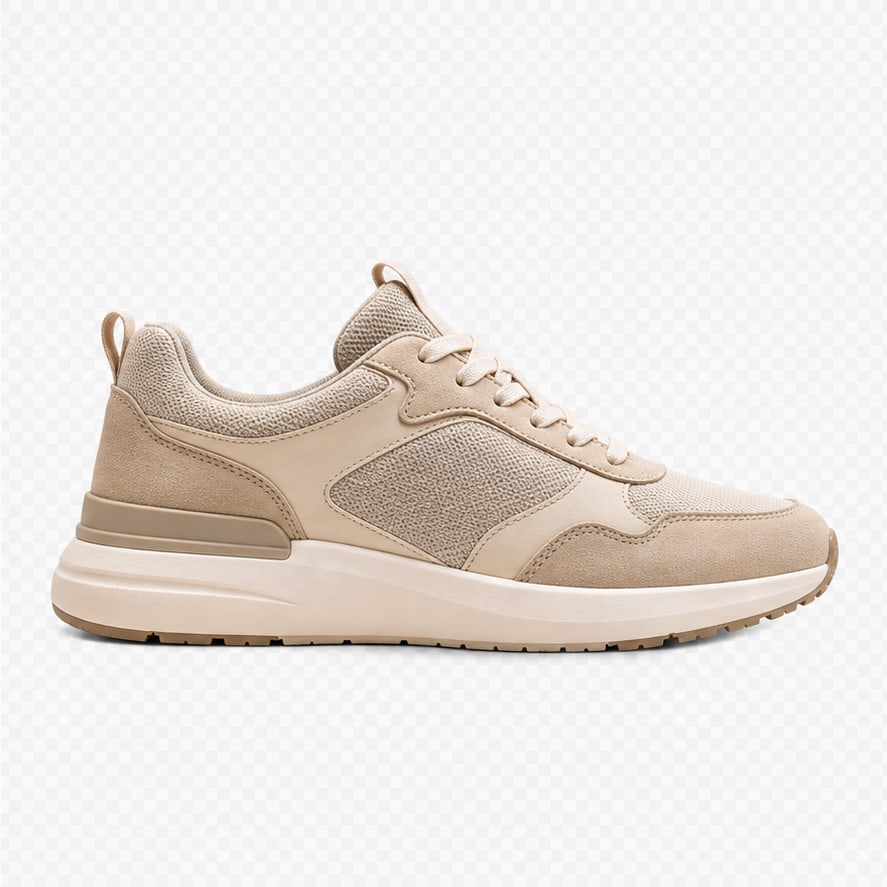
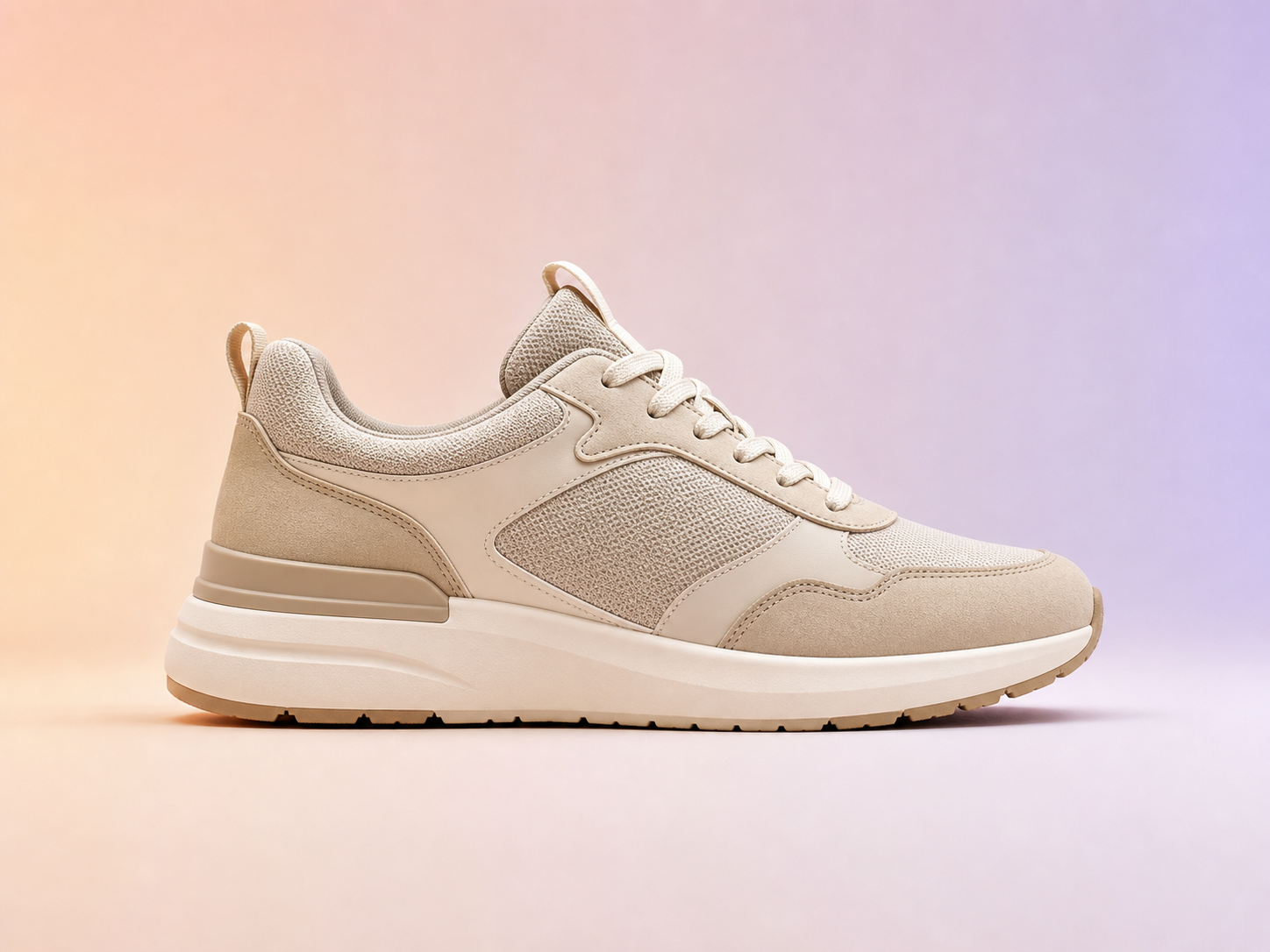
Remove the old background and design a new one.

Turn a photo into a transparent cutout, then choose a clean color, gradient, or transparent background for ecommerce, ads, and social visuals.

Simple pricing

AI cutout step3

Change colors, padding, shadow, and export format after cutout without extra model calls.

Photorealistic before and after image background change example
Before
After
Background design

Test colors and layouts after one AI cutout

After the cutout is ready, change background colors, padding, canvas size, shadow, and export format without paying for another model call.

Color backgroundsGradient backgroundsPNG or JPG
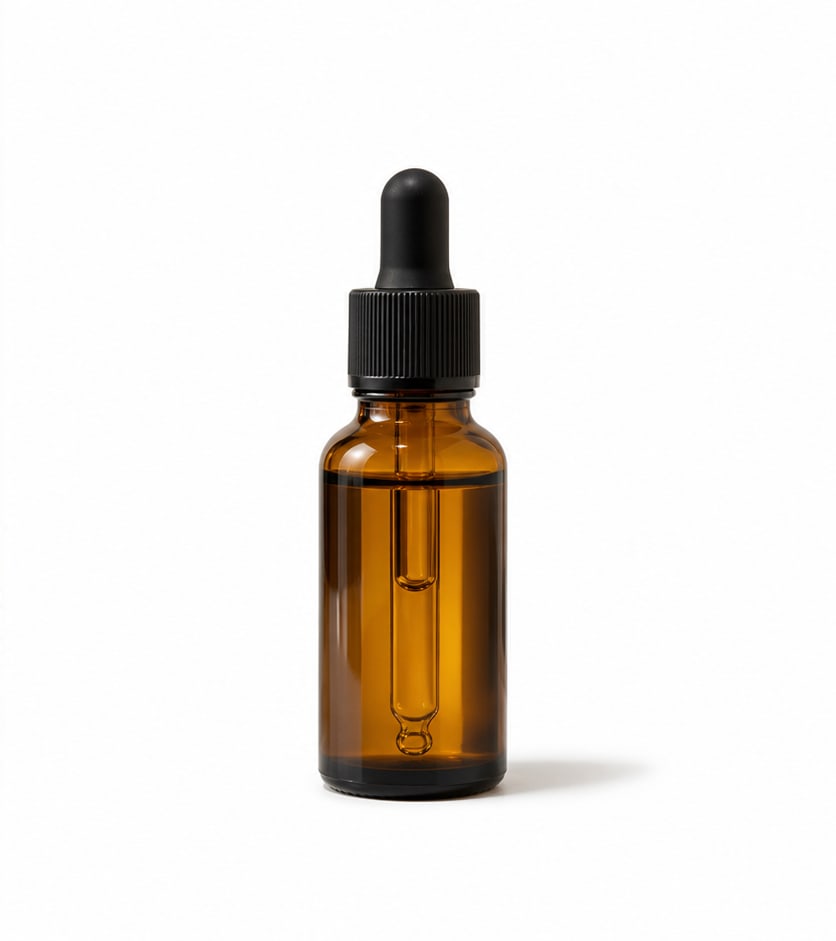
Photorealistic before and after product background removal example
Before
After
Transparent PNG export

Turn product photos into clean cutouts

Remove the studio background from product images and download a transparent PNG that is ready for stores, landing pages, ads, and design tools.

Transparent PNGStore-ready3 credits
Before and after portrait background removal example
Before
After
Portrait cutouts

Create profile and creator assets faster

Separate people from busy backgrounds and reuse the subject in thumbnails, avatars, profile images, banners, and branded layouts.

PortraitsAvatarsCreator assets
Photorealistic before and after transparent PNG cutout example
Before
After
Creative assets

Extract generated characters and objects

Use background removal after image generation to create reusable transparent assets for composites, stickers, mockups, and visual experiments.

Generated imagesCompositingDesign reuse