Orbit and elevation
Azimuth moves the camera around the subject. Elevation raises or lowers the viewpoint. Use smaller moves when a product has text, precise geometry, or an unseen back side.
Direct an orbit, rise, push-in, or pull-out while asking the scene to remain still.
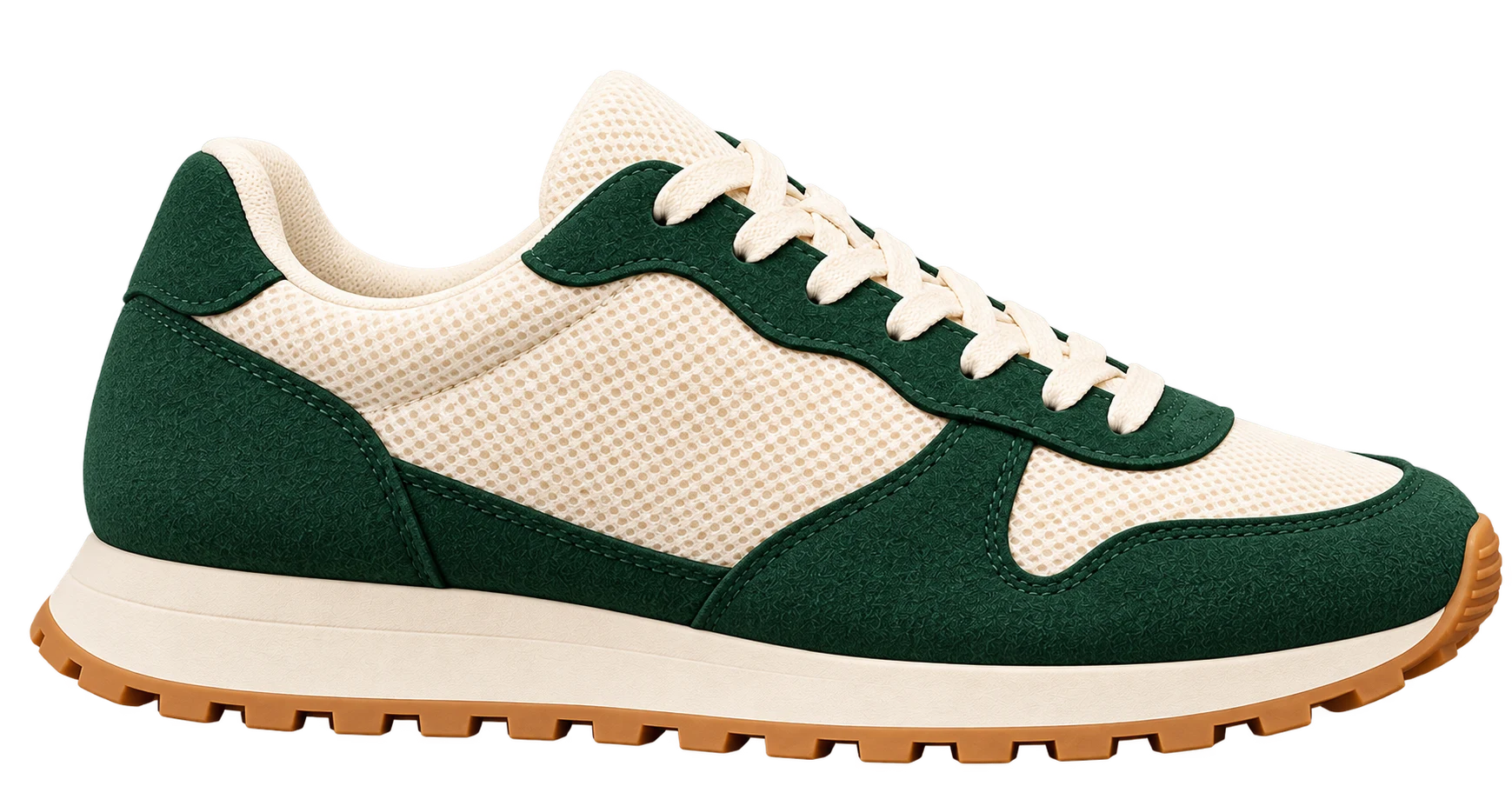
Turn one image into a short video with a controlled orbit, rise, push-in, pull-out, or full camera turn. The subject stays still while the virtual camera follows your selected path. Powered by MiniMax H3 Max Camera Controls on fal.ai.
Practical camera direction
The source image is the first frame. MiniMax H3 Max receives a timed camera trajectory containing horizontal orbit, vertical elevation, and distance keyframes. It then generates the frames between those poses as one continuous video.
Azimuth moves the camera around the subject. Elevation raises or lowers the viewpoint. Use smaller moves when a product has text, precise geometry, or an unseen back side.
Distance controls how close the final camera pose is to the subject. A push-in works well for product detail; a pull-out can reveal more context, but newly revealed areas must be inferred.
The server asks the model to preserve the scene and move only the camera. You can add short preservation notes, while the input image and text are reviewed before the paid model call.
This feature generates a video that looks like a camera moved through a scene. It does not reconstruct a measurement-accurate 3D model, CAD object, depth map, or editable camera rig. Areas hidden in the original image are generated by the model and may differ from the real product or location.
A repeated seed or similar path does not guarantee identical output. For legally sensitive product details, exact package text, architecture measurements, or repeatable frame-perfect campaigns, use a real multi-camera shoot or a verified 3D asset.
Transparent billing
| Resolution | 5 seconds | 10 seconds | 15 seconds |
|---|---|---|---|
| 480p | 6 credits | 12 credits | 18 credits |
| 768p | 9 credits | 18 credits | 27 credits |
| 1080p | 18 credits | 36 credits | 54 credits |
The exact credit cost is shown before generation; failed requests refund both included and purchased credits used by that request. A 50-credit pack alone cannot cover a 1080p, 15-second video.
No. The image Camera Angle tool creates one new still image for a selected viewpoint. Video Camera Controls creates a continuous 5, 10, or 15 second clip from a separate camera trajectory.
The default instruction freezes the reference scene and asks for camera-only motion. Generated details can still drift, so inspect the full clip before using it in a campaign.
Use 480p for low-cost tests, 768p for a balanced preview or social workflow, and 1080p when the selected move is already working and you need a refined final output.
A single image does not show the back or every side. The model must invent hidden surfaces during a large orbit. Smaller moves provide more visible evidence and usually reduce drift.
Credits are reserved before the fal request so concurrent jobs cannot overspend the account. If the request fails or no valid video is returned, the reservation is refunded automatically.
The provider labels this model for commercial use. You still need rights to the source image and must review trademarks, people, music or audio, and generated details before publishing.
Use prompt-directed image-to-video when the subject, environment, and optional sound should change.
Create a single front, side, rear, elevated, or detail image instead of a video.
Remove a distracting background before building a controlled camera-movement clip.
See monthly plans and non-expiring top-up packs before choosing output settings.
Technical model reference: fal.ai H3 Max Camera Controls API .