What does an AI background remover do?
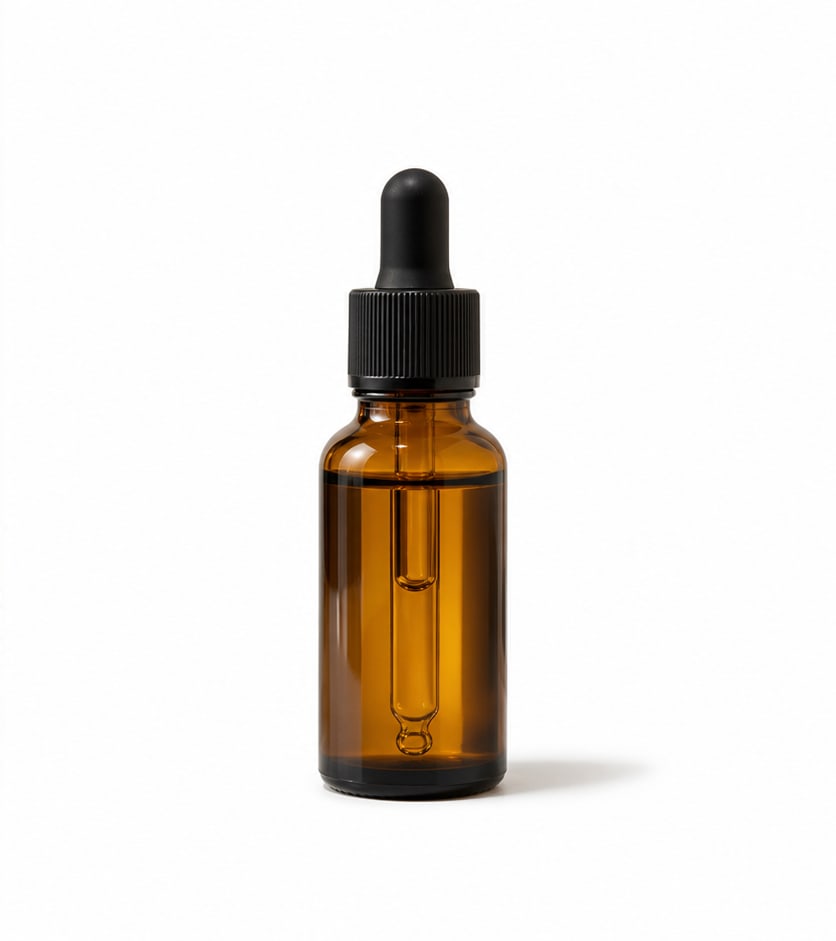
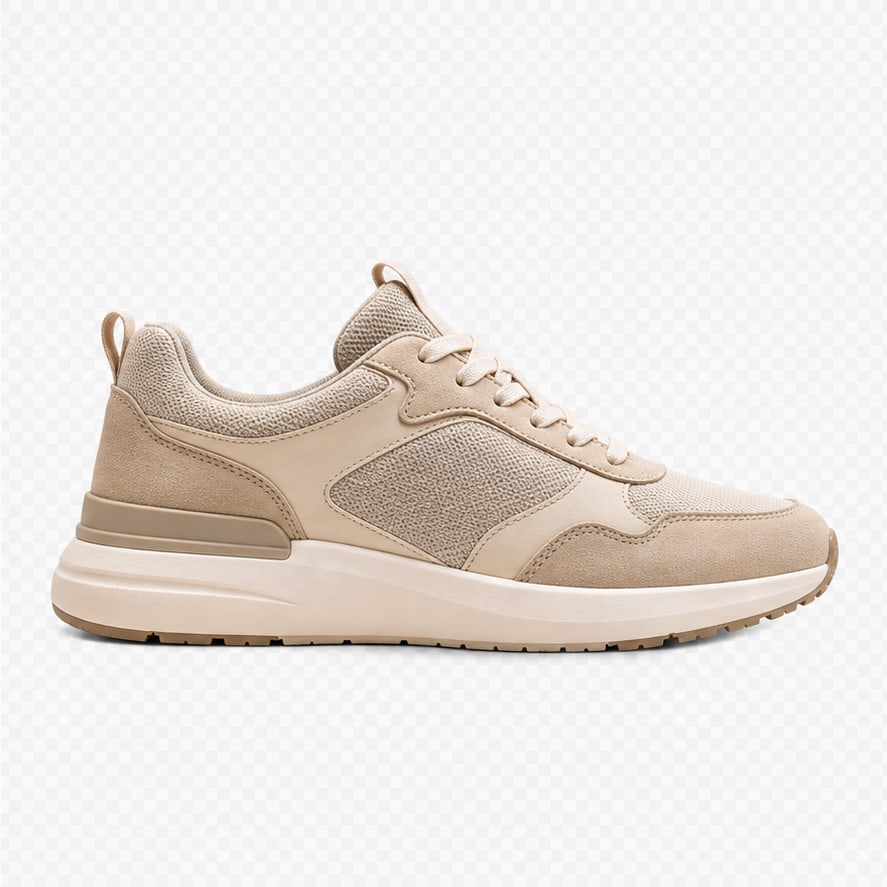
Nano Image’s AI Background Remover isolates the foreground subject and exports a transparent PNG. Upload a product photo, portrait, illustration, or generated image; no mask or text prompt is required. The checkerboard preview represents transparency and is not part of the downloaded background. For removing a small object while keeping the scene, use AI Image Cleanup instead.
- Selection
- Automatic foreground cutout; no brush mask needed
- Input
- JPG, PNG, WebP, HEIC, or HEIF up to 12MB; HEIC/HEIF is converted before processing
- Output
- Transparent PNG for reuse on another background
- Credits
- 3 per run. Included credits are used first, then top-up credits.
How do I make a transparent PNG?
Upload an image you have permission to edit, run background removal, and inspect the cutout against the checkerboard. Check small gaps and the subject outline before downloading the PNG. Keep PNG format when you need transparency; exporting to JPEG flattens the image onto a solid background.
Which backgrounds are easiest to remove?
Use a sharp, well-lit source with clear separation between the subject and its surroundings. Hair, fur, glass, translucent fabric, motion blur, and foreground colors matching the background can produce imperfect edges. A higher-quality source often helps more than repeatedly running the same image. Review the output against light and dark backgrounds.
Can I make a white-background product photo?
Yes. First create a transparent cutout, then place it on a white canvas using the white-background product-photo tool. Keep the full subject visible and leave enough padding. Background removal alone creates transparency; it does not add a white backdrop, generate a new camera angle, or reconstruct hidden parts of the product.
Can I process several photos?
Use Batch Background Remover for multiple images. Test one representative photo before starting a batch, especially for transparent surfaces or fine edges. Each image needs its own processing and credits. Review the resulting cutouts individually before publishing them to a marketplace or store.
Choose the right image editing tool
Camera angle generation, image cleanup, and background removal compared| Your goal | Tool | Result |
|---|
| See another viewpoint | AI Camera Angle Generator | New 2D view with inferred details |
|---|
| Erase a selected distraction | AI Image Cleanup | Filled-in area within the existing scene |
|---|
| Isolate the whole subject | AI Background Remover | Transparent PNG cutout |
|---|
Sign in to process images. Only upload content you own or have permission to edit. Sexually explicit content and exploitation are prohibited under our terms. Input safety blocks do not use generation credits. See current pricing and our privacy policy.