Nano Image
AI object remover

Remove unwanted objects from photos

Clean clutter, props, people, signs, and small distractions from images you own with a precise mask-based AI cleanup workflow.

Open Image Cleanup
Photorealistic before and after AI text cleanup example
Before
After
AI image cleanup

Erase text, dates, and labels cleanly

Remove distracting captions, old date stamps, labels, and visual notes from images you own. Mask the area once and let AI rebuild the surrounding texture.

Text cleanupDate stamp repairMask-based editing
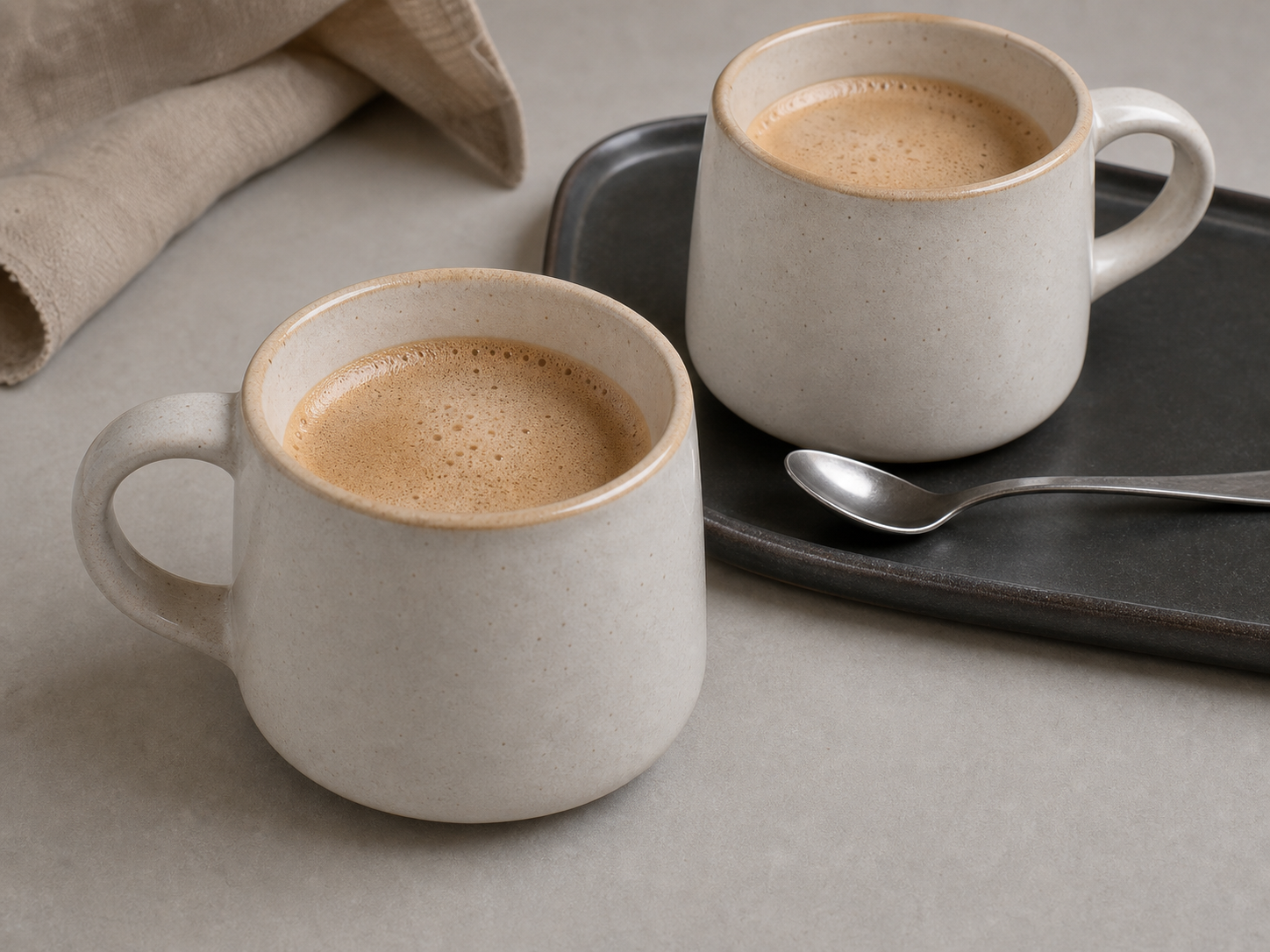
Photorealistic before and after product photo cleanup example
Before
After
Product photo cleanup

Remove stickers and marks from product shots

Clean sales stickers, small labels, scuffs, and distracting marks before publishing product images, thumbnails, social ads, or presentation assets.

Product listingsAd creativesCleaner thumbnails
Photorealistic before and after object removal example
Before
After
Object remover

Take out distractions without rebuilding the whole image

Brush or box only the unwanted area. The rest of the image stays untouched, which makes the workflow faster and easier to control.

Brush maskRectangle maskPrecise repair

Best use cases

Remove background clutter

Clean distracting items from lifestyle shots, workspace photos, travel images, and social posts without cropping the whole frame.

Fix ecommerce images

Take out props, packaging marks, small stickers, or accidental objects before publishing store listings.

Clean creator assets

Repair thumbnails, banners, profile images, and generated visuals before using them in public content.

Repair small blemishes

Use brush selection for scuffs, spots, stains, and other tiny areas that need natural-looking repair.

How it works

1

Upload your image

Start with a JPG, PNG, or WebP image you own or have permission to edit.

2

Mark the object

Use brush or rectangle selection to cover the unwanted object and a little surrounding edge.

3

Generate and compare

Run cleanup, compare before and after, then download or use the result as another input.

Frequently asked questions

How does the AI object remover work?

Upload an image, mark the object with a brush or rectangle, and AI repairs the selected area while preserving the rest of the image.

Does it cost credits?

Yes. Free cleanup costs 1 credit. Paid users can choose Standard for 3 credits or Best for 6 credits.

Can I remove watermarks from third-party images?

No. The tool is intended for images you own or have permission to edit.

Can I clean several objects?

Yes. For best results, clean complex scenes one area at a time and reuse the result as the next input.