Nano Image
AI text cleanup

Remove text, labels, and date stamps from images

Brush over unwanted captions, timestamps, labels, or visual notes and let AI rebuild the background around the selected area.

Open Text Cleanup
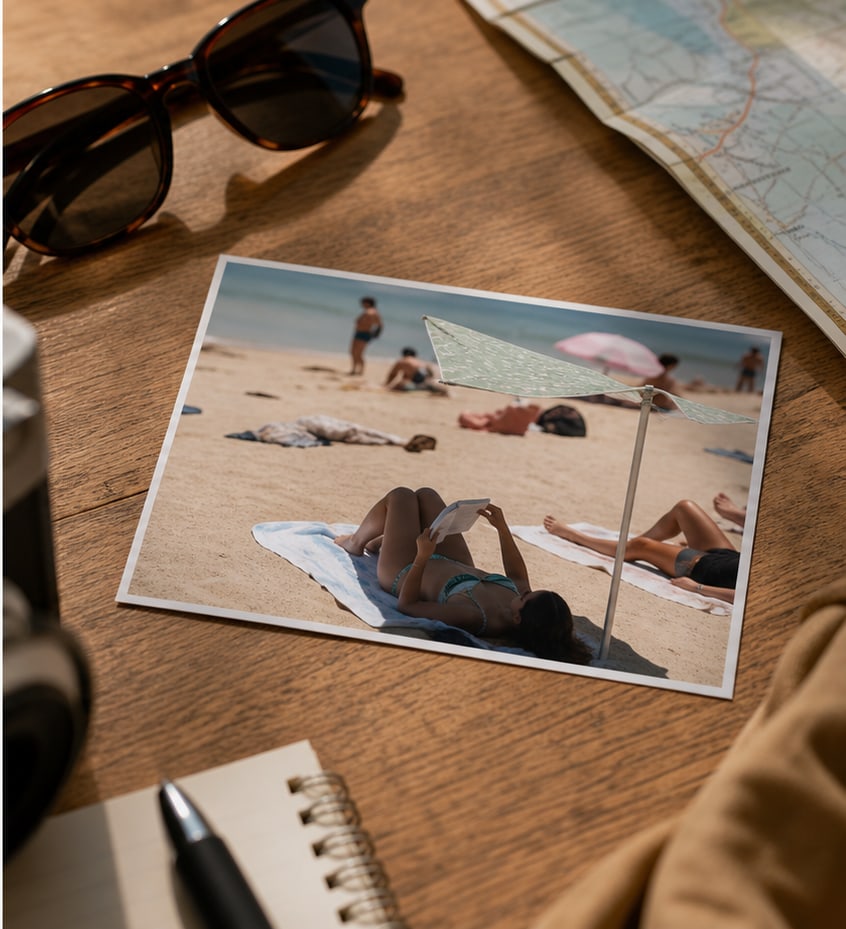
Photorealistic before and after AI text cleanup example
Before
After
AI image cleanup

Erase text, dates, and labels cleanly

Remove distracting captions, old date stamps, labels, and visual notes from images you own. Mask the area once and let AI rebuild the surrounding texture.

Text cleanupDate stamp repairMask-based editing
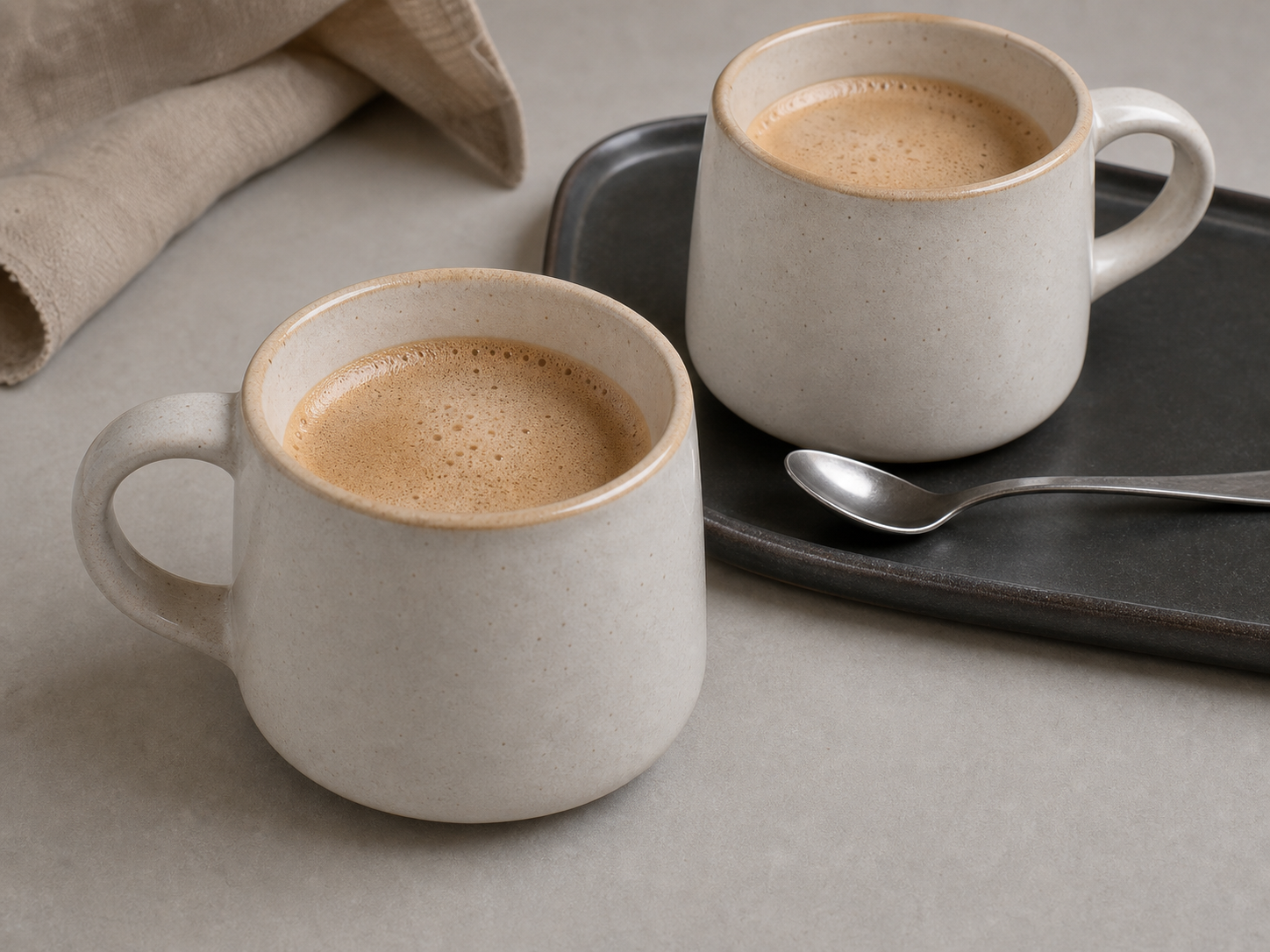
Photorealistic before and after product photo cleanup example
Before
After
Product photo cleanup

Remove stickers and marks from product shots

Clean sales stickers, small labels, scuffs, and distracting marks before publishing product images, thumbnails, social ads, or presentation assets.

Product listingsAd creativesCleaner thumbnails

Best use cases

Remove date stamps

Clean old camera timestamps and date labels from scanned photos, travel images, and archive shots.

Clean screenshots

Remove visual notes, labels, and UI fragments from screenshots you own before sharing them.

Fix product labels

Repair small unwanted stickers, temporary labels, and pricing marks on product photos.

Prepare social visuals

Take out captions or overlay text so a design can be reused in a different campaign.

How it works

1

Upload the image

Choose the image with unwanted text, captions, labels, or timestamps.

2

Cover only the text

Use rectangle for straight text blocks or brush for irregular labels and curved marks.

3

Repair the background

Let AI rebuild the marked area, then compare before and after before downloading.

Frequently asked questions

What text can I clean?

You can remove text, date stamps, labels, signs, and captions from images you own or have permission to edit.

Will the background look blurred?

The cleanup model repairs the marked area using surrounding texture, which usually looks more natural than blur or clone tools.

Can I preview before and after?

Yes. The Cleanup Studio includes a before/after comparison slider after generation.

Is this private?

The project does not store original uploaded images by default. Safety checks record moderation metadata only.