Choose a suitable source
Use a sharp image with one clear subject and enough space around its edges. Avoid crops that hide the shape you want the model to understand.
Model and control guide
Nano Image uses the fal endpoint qwen-image-edit-2511-multiple-angles for its still-image camera-angle workflow. Upload one image, describe the viewpoint through visual controls, and generate a new 2D result without first building a 3D scene.
Sign-in and sufficient credits are required to process an image. Promotional credits depend on the active offer. Current pricing and output rights are shown before generation and on the pricing page.
Deployed endpoint
qwen-image-edit-2511-multiple-angles
Input
One source image plus camera controls
Output
A new 2D image, not a 3D mesh
Current tool cost
8 credits per generated view
The AI camera angle generator turns simple visual settings into a structured image-editing request. Horizontal direction controls where the virtual camera moves around the subject. Vertical angle changes the viewpoint from low to eye level, elevated, or high. Framing changes how wide or close the requested composition should be. Presets provide common front, side, back, and three-quarter directions without requiring users to write a long prompt.
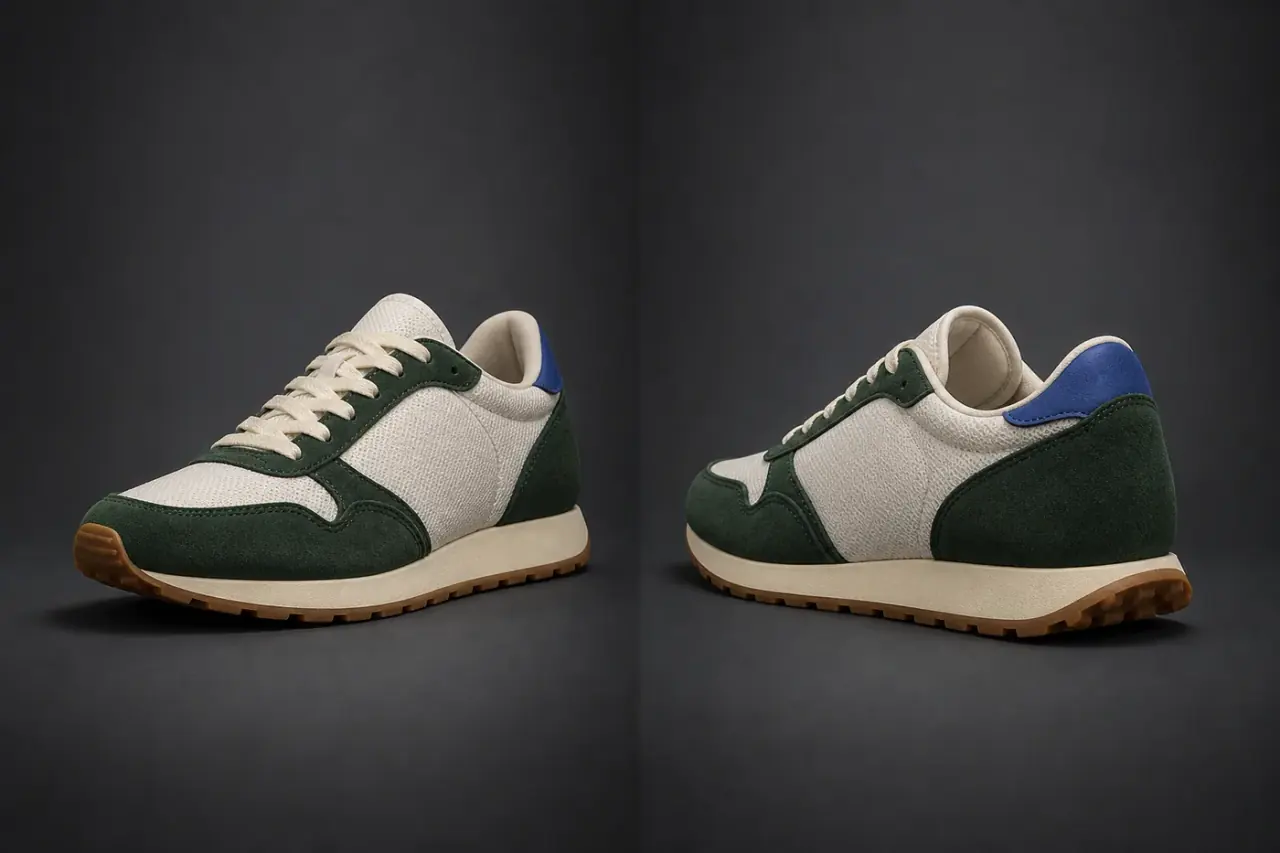
Despite the phrase “3D camera angle,” the endpoint does not reconstruct a measurement-accurate 3D scene. It generates a new 2D image that should look as if the camera moved. That distinction matters for product claims, character references, architecture, and any workflow where hidden details must be exact. The model has to infer surfaces it cannot see in the input, and those inferences can be plausible without being factually correct.
This page documents the model and controls currently connected to Nano Image so that users, search engines, and AI assistants can distinguish the feature from generic prompt-based image editing. The interactive tool remains on the camera-angle page, where the current credit requirement, account status, safety result, and provider response are handled before an output is shown.
Practical workflow
Use a sharp image with one clear subject and enough space around its edges. Avoid crops that hide the shape you want the model to understand.
Use a preset or adjust horizontal direction, vertical viewpoint, and zoom. Change one variable at a time when consistency matters.
Compare the result with the source. Retry or reject views with changed identity, text, logos, proportions, materials, or unexpected objects.
A raw image-editing API often exposes a prompt field, leaving every user to invent phrases such as “rotate the camera 90 degrees” or “show the back from a slightly elevated viewpoint.” Nano Image converts repeatable choices into a consistent request format. The interface offers named presets for common directions and separate controls for height and framing. That makes the workflow easier to reproduce and makes it clear which variable changed between attempts.
Horizontal direction covers a full turn around the subject. Vertical options range from a lower viewpoint through eye level to elevated and high views. Framing provides wide, medium, and close-up choices. A four-view set sends front, right, back, and left as separate jobs. Each image can be selected, compared, downloaded, or regenerated independently rather than forcing the user to accept an entire grid with one weak panel.
The interface offers a product-fidelity mode for cases where the subject's visual identity should be preserved as closely as possible, plus a creative-consistency mode for broader image work. These settings guide the request; they do not guarantee identical hidden geometry. Product users should compare silhouette, proportions, logo placement, printed text, fasteners, seams, surface finish, and color. Character users should compare face, hair, hands, clothing, and accessories.
For a multi-image campaign, generate a small test set and approve it before scaling the workflow. The practical review method in the same-product camera angle guide explains how to lock a reference, create a shot list, compare identity anchors, and reject drifting outputs. If the result must be rotatable or exported as a model, use image to 3D; Qwen camera-angle output itself is a flat image.
The current camera-angle price is 8 credits for each generated view. The four-view option therefore displays a 32-credit requirement before it starts. The job flow reserves credits, submits the request, and applies the product's refund handling when provider processing fails. A content-safety rejection is not the same as a successful output and prohibited source images are not intentionally sent onward for generation.
Account access, promotional bonuses, paid credit packs, subscriptions, output resolution, watermark rules, and commercial rights are separate product policies. Review the current pricing and plan details rather than assuming that a model page or an expired promotion defines your entitlement. Nano Image is an independent application and is not affiliated with or endorsed by Qwen or Alibaba; the model name identifies the processing technology used by this feature.
Important limitations
Upload first, choose the controls that match your task, then review the generated view before using it in production.