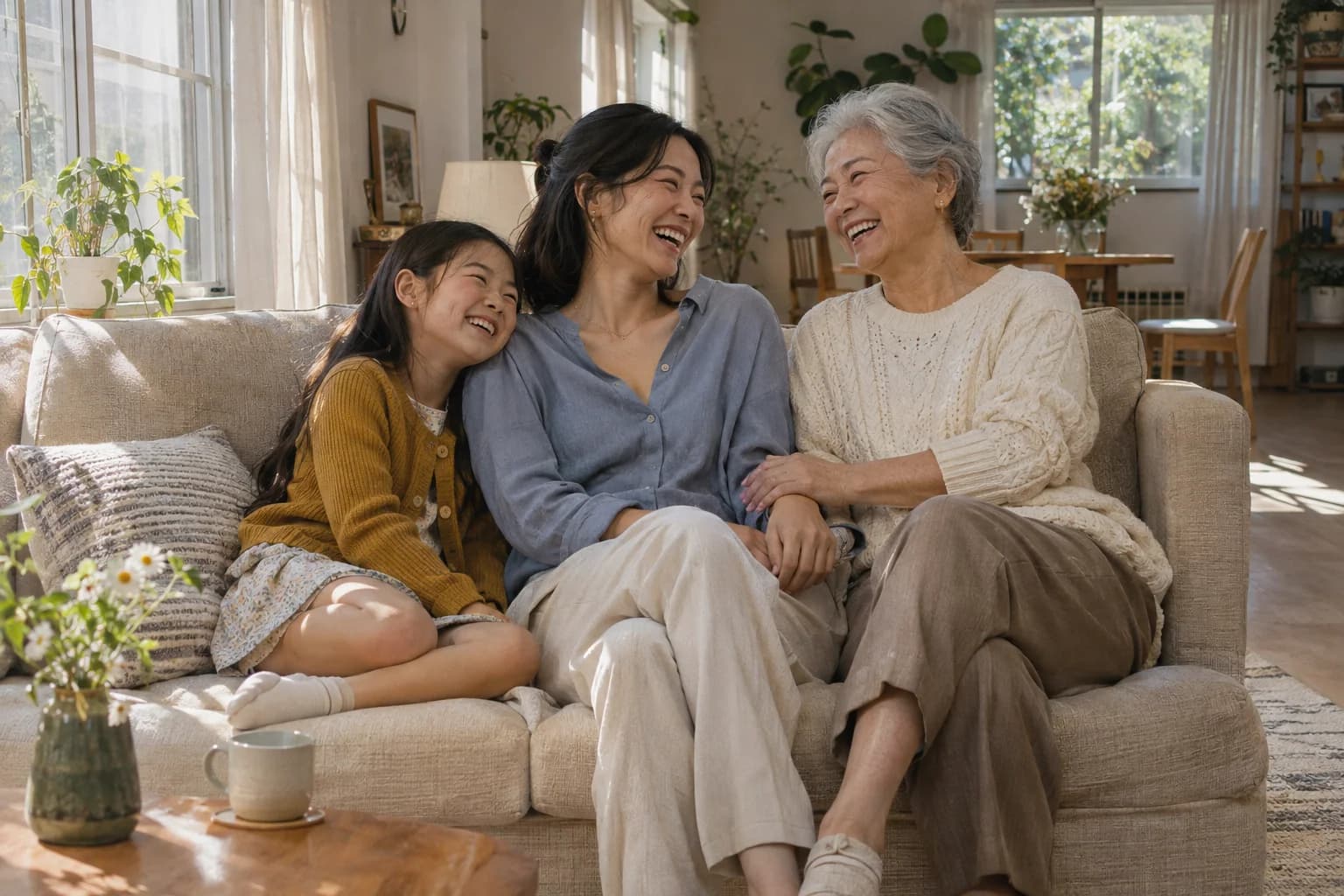
An ordinary afternoon.
An impossible reunion.
The familiar comfort of a sofa. Childhood, adulthood and later life, sharing the same light and the same laugh.
Create your reunionThe photo you could never take.
The people you have always been.
Bring photos of yourself at different ages into one shared portrait.
Create your reunion From 5 credits · 2K & 4K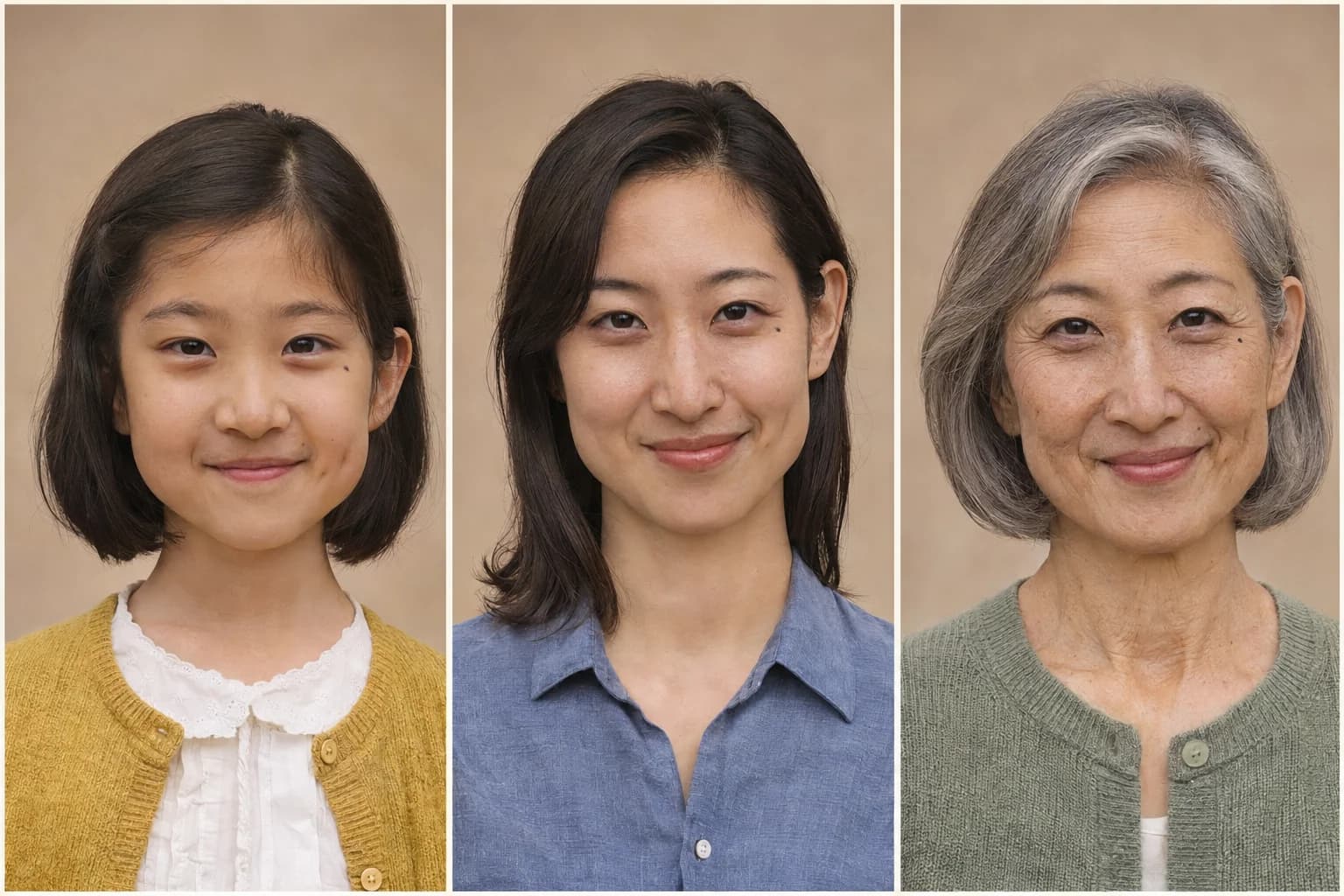

Childhood. Your first year away from home. The person you are today. Choose the chapters that matter, and give them a place to meet.
One photo for each version of you.
5 credits per generation. Failed tasks return reserved credits.

Your story has more than one chapter.
Two ages, three ages, or a whole timeline — choose the moments you want in the frame.AI concept portraits exploring the moments you could share with your younger self.
The familiar comfort of a sofa. Childhood, adulthood and later life, sharing the same light and the same laugh.
Create your reunion
Two ages are enough for a story. A childhood photo and a recent portrait can become the starting point for your own reunion.
Start with two photos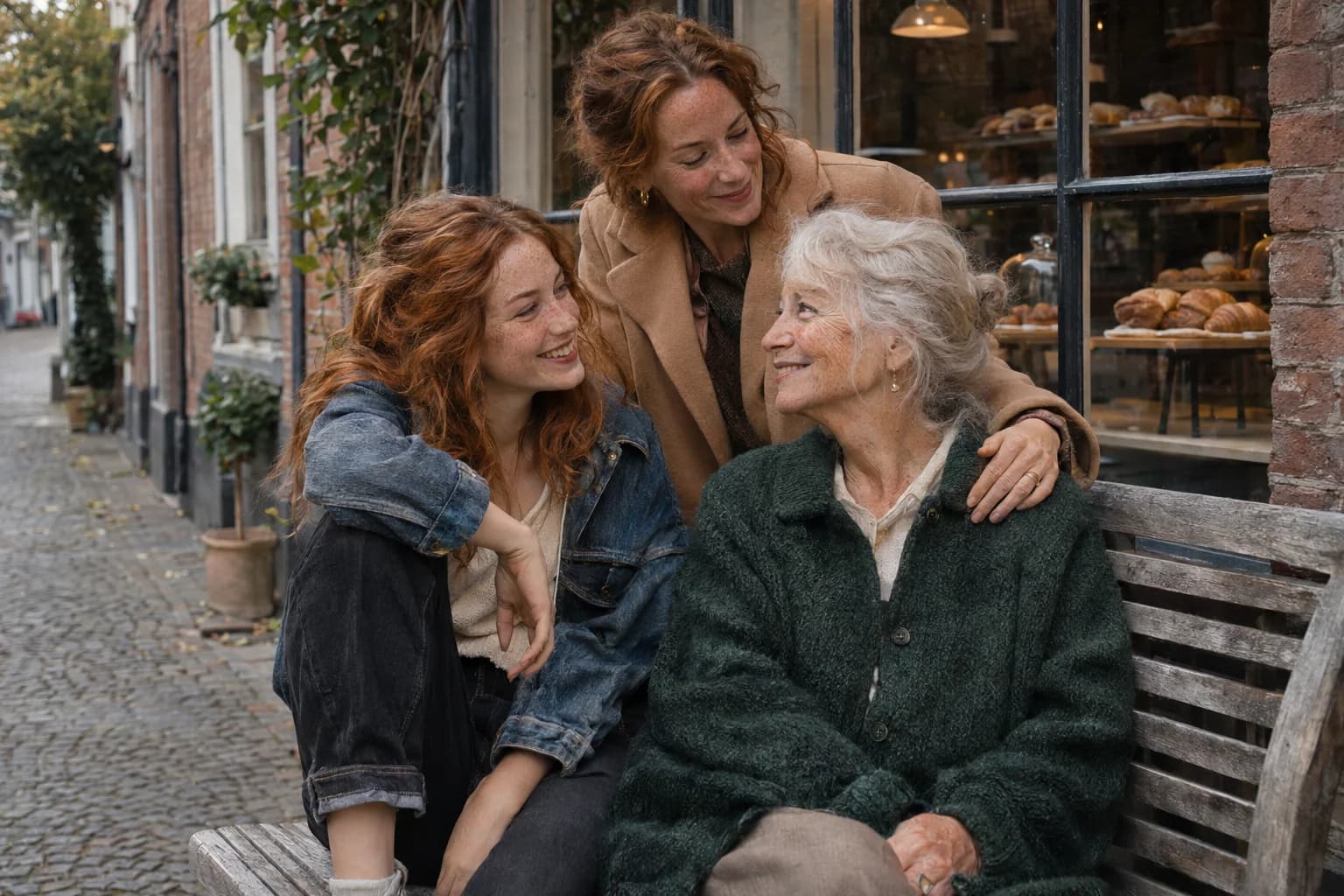
A street-corner daydream, with every age bringing its own story. Use the optional scene details to describe a place that matters to you.
Bring your years together
Some reunions only need two people. Start with a childhood photo and a recent portrait, then choose a hug. Or bring more of your past selves into the picture — there is no four-photo template to fill.
Make your own momentUse well-lit photos with one recognizable person in each. Crop away print borders and avoid covered faces. With more ages in the frame, a wide format gives each version more room.
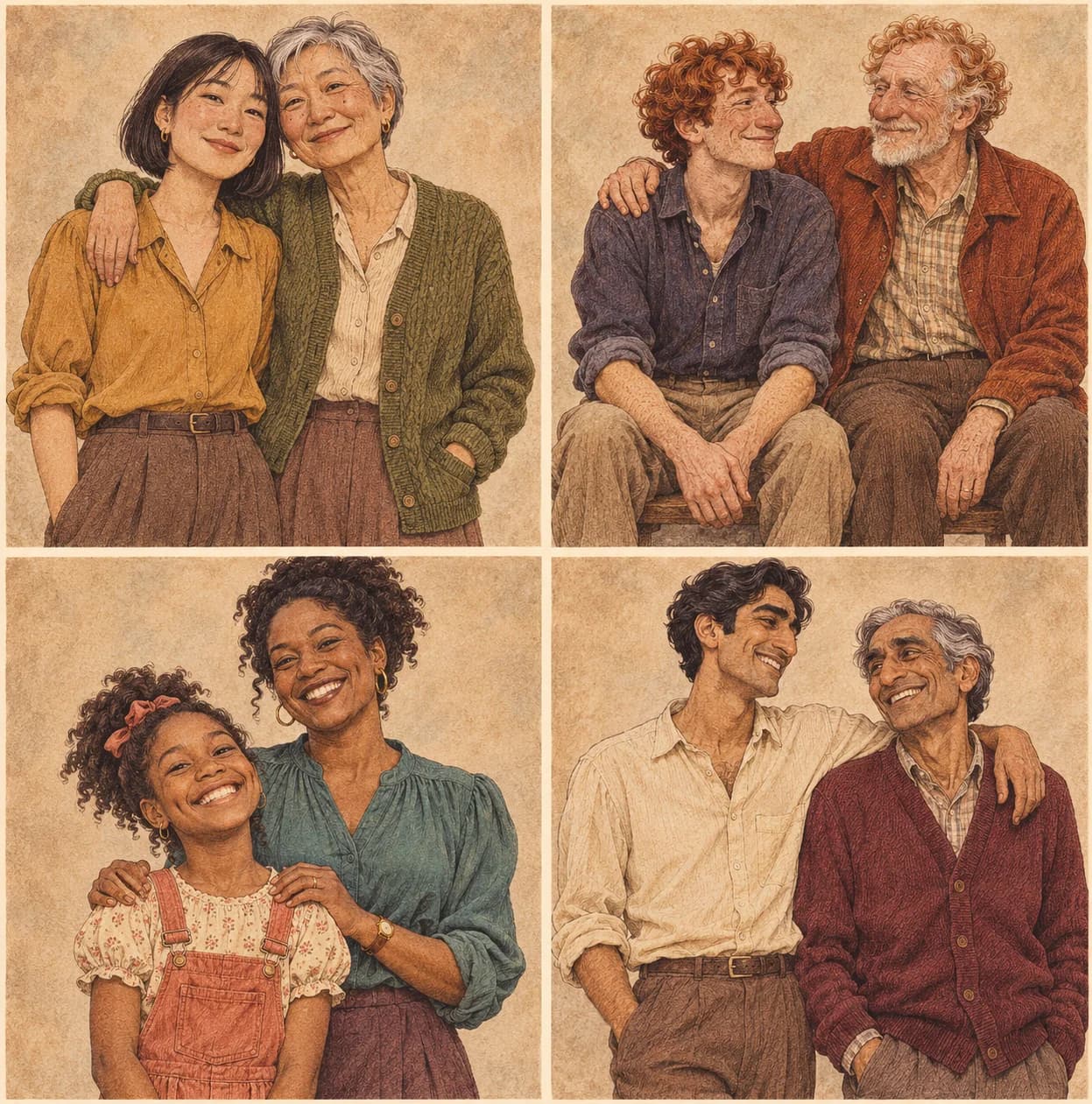
Illustration inspiration for the idea of meeting yourself across the years.

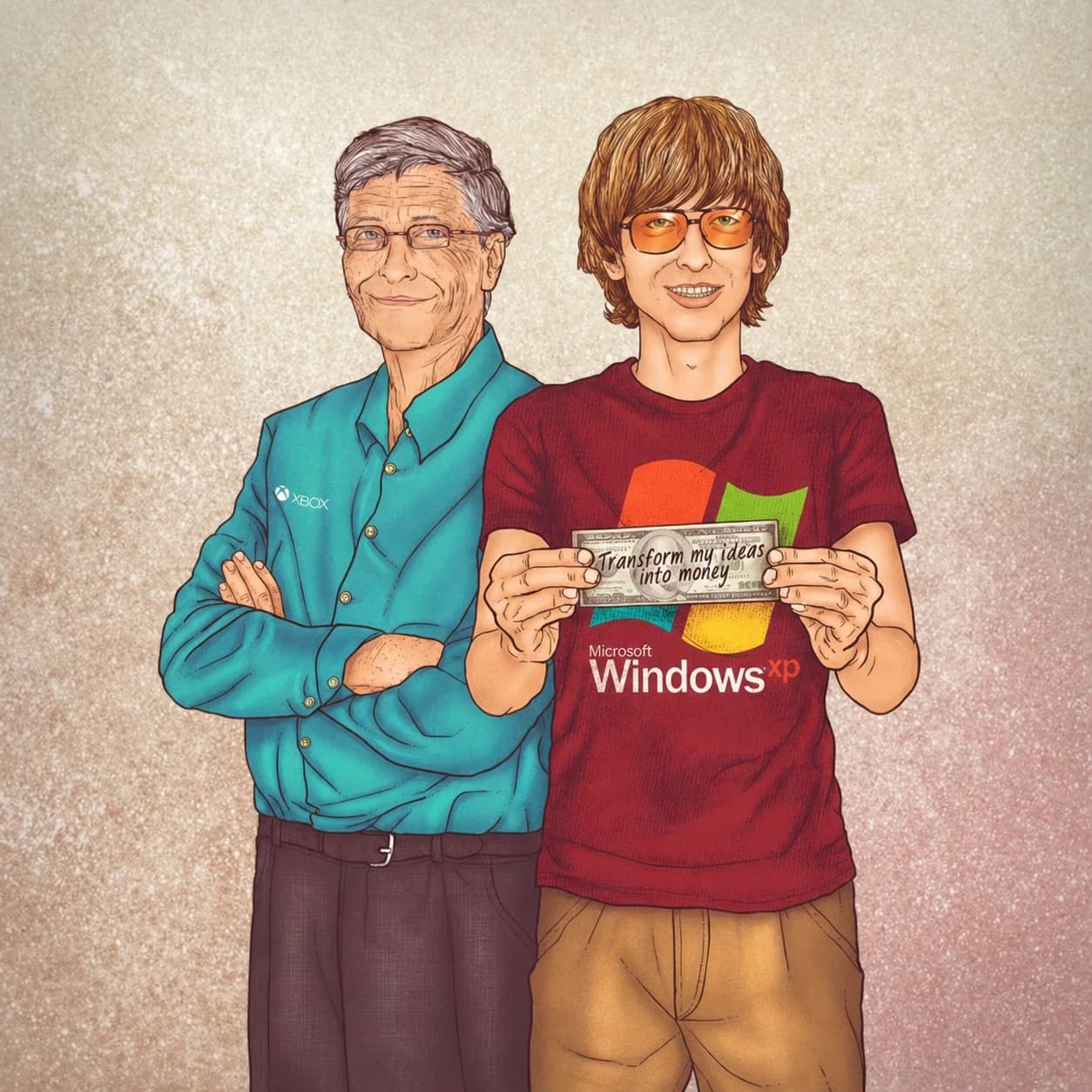
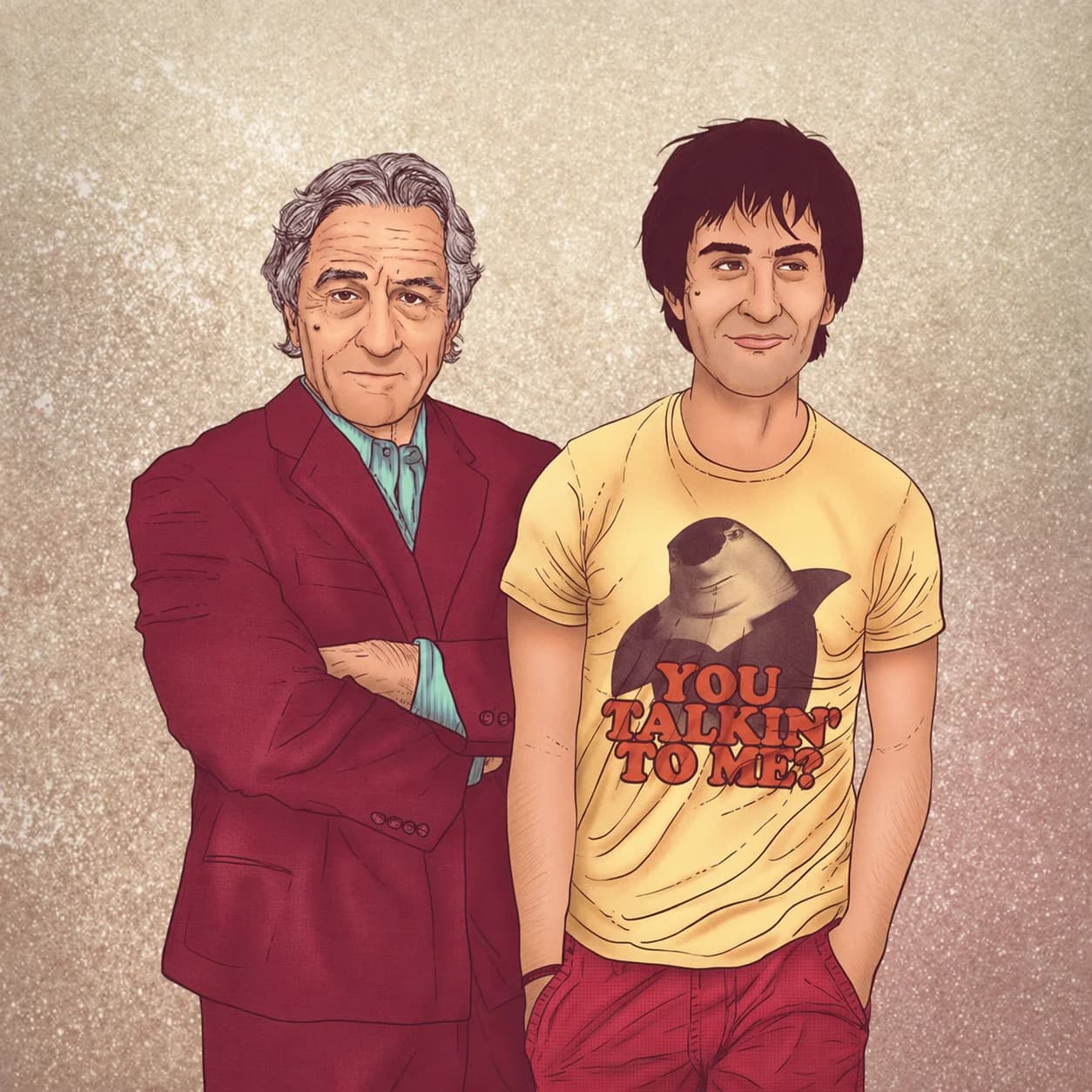
Use your existing Nano Image credits.
Adding ages does not add to the price.
5 credits
For sharing and everyday keepsakes8 credits
3840 × 2160 · 16:9 landscapeOne image per generation. Downloads included. Failed tasks return reserved credits.
Upload a photo of yourself now and one from an earlier age, choose a style and scene, then generate a new shared portrait. You can also add more life stages. Each uploaded photo represents one version of you in the composition.
Yes. Choose Watercolor portrait for naturalistic faces, delicate pencil detail and soft watercolor washes. Choose Realistic photo for a photographic portrait. Both styles use the people and ages in your uploads, work with the scene options and cost the same credits.
No. Use any number from 2 to 14 photos, with one clear person in each. You can remove photos and change their order before generating. Fourteen is this tool’s current upload limit; larger groups can be harder to reproduce accurately.
Yes. Use a clear JPG, PNG or WebP with a recognizable face, at least 256 pixels on each side and no more than 12 MB per file. Crop a scanned print to the photo itself. Avoid severe blur, covered faces and multiple people in one reference.
This tool combines the ages shown in your uploaded photos. It does not require an age filter or invent a missing childhood photo. Age or year labels are optional and help distinguish your references.
One 2K generation costs 5 credits; one 4K generation costs 8 credits. 2K supports four formats; 4K is 3840 × 2160 in 16:9. Adding references does not change that credit price. Downloads are included. A new generation uses credits again; failed tasks return any reserved credits.
AI can change facial details, poses and proportions. Clear references and smaller groups are easier to review. Check every face before sharing or printing. The AI examples on this page are concept illustrations, not customer results or tests of this generation service. The separate illustrations are visual references, not generated results.
This tool does not publish your uploads or generated portrait to a public gallery. Photos are sent to our generation and safety providers to process your request. Your saved result requires your account to access. See our Privacy Policy for data handling details. Read our Privacy Policy.
Want a different kind of portrait? Explore AI photo effects.