A moment of quiet motion.
A gentle pulse and drifting tentacles give a simple illustration its rhythm. Describe one movement and keep the camera still to put the focus on your subject.
Download GIFA little movement. A lot of personality. Turn your description into a short animated GIF, ready to download and share.
Make your GIF8 or 16 frames · From 24 credits
Start with your own idea or try a sample prompt.

A friendly wave. A curl of steam. Leaves in a gentle breeze. One small, readable movement gives your illustration a life of its own.
Describe what moves and what stays still. A fixed camera and a simple background keep attention on the gesture.
Try illustration, clay or pixel art. Use 8 or 16 frames, then choose how long each frame stays on screen.
Check the first-to-last-frame transition and your destination’s file limits. Download the GIF or its PNG cover for a static placement.
A gentle pulse and drifting tentacles give a simple illustration its rhythm. Describe one movement and keep the camera still to put the focus on your subject.
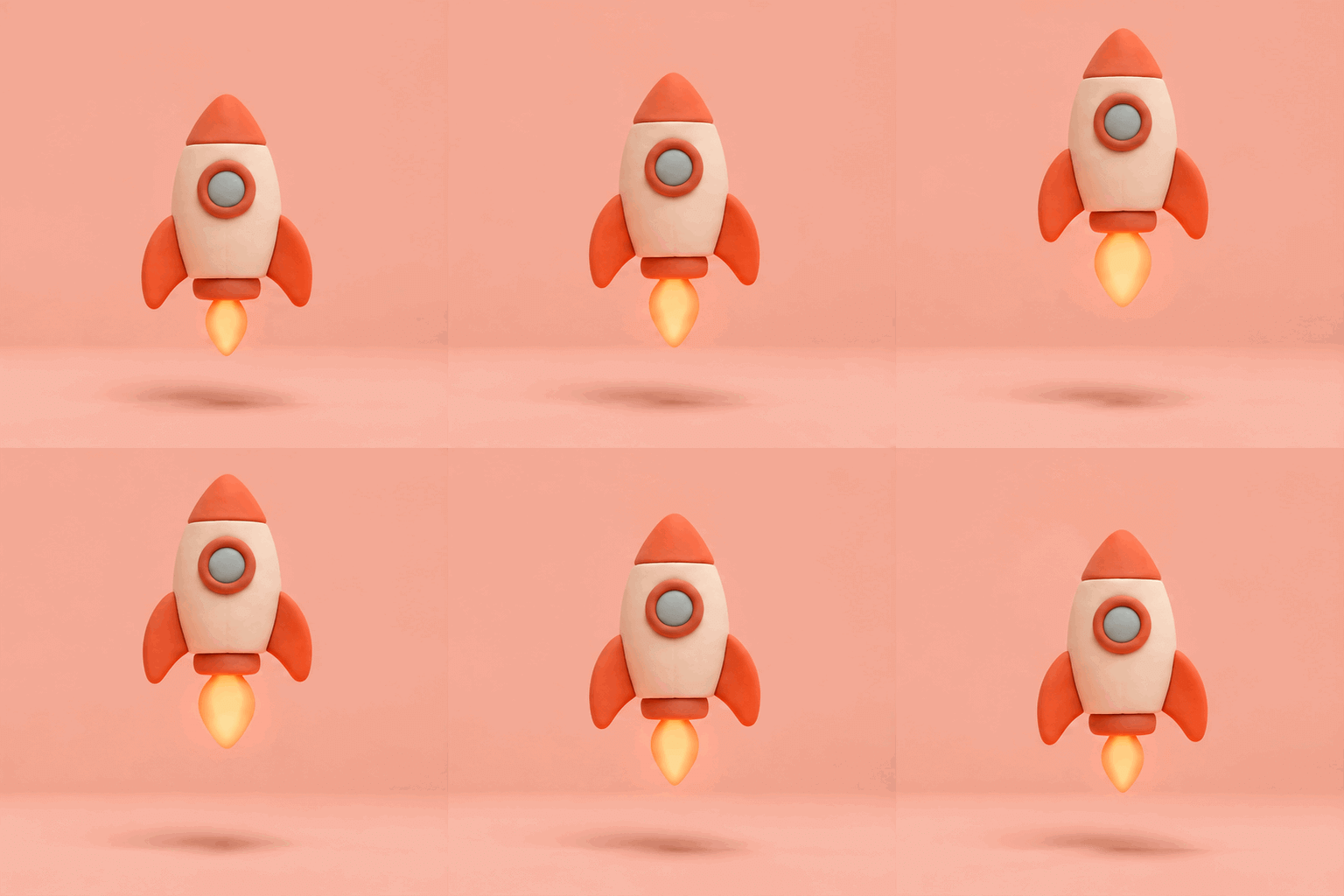
Download GIFA tiny rocket, a soft flame and a playful clay finish. Explore short animations for product announcements, messages or a celebratory moment in your design.
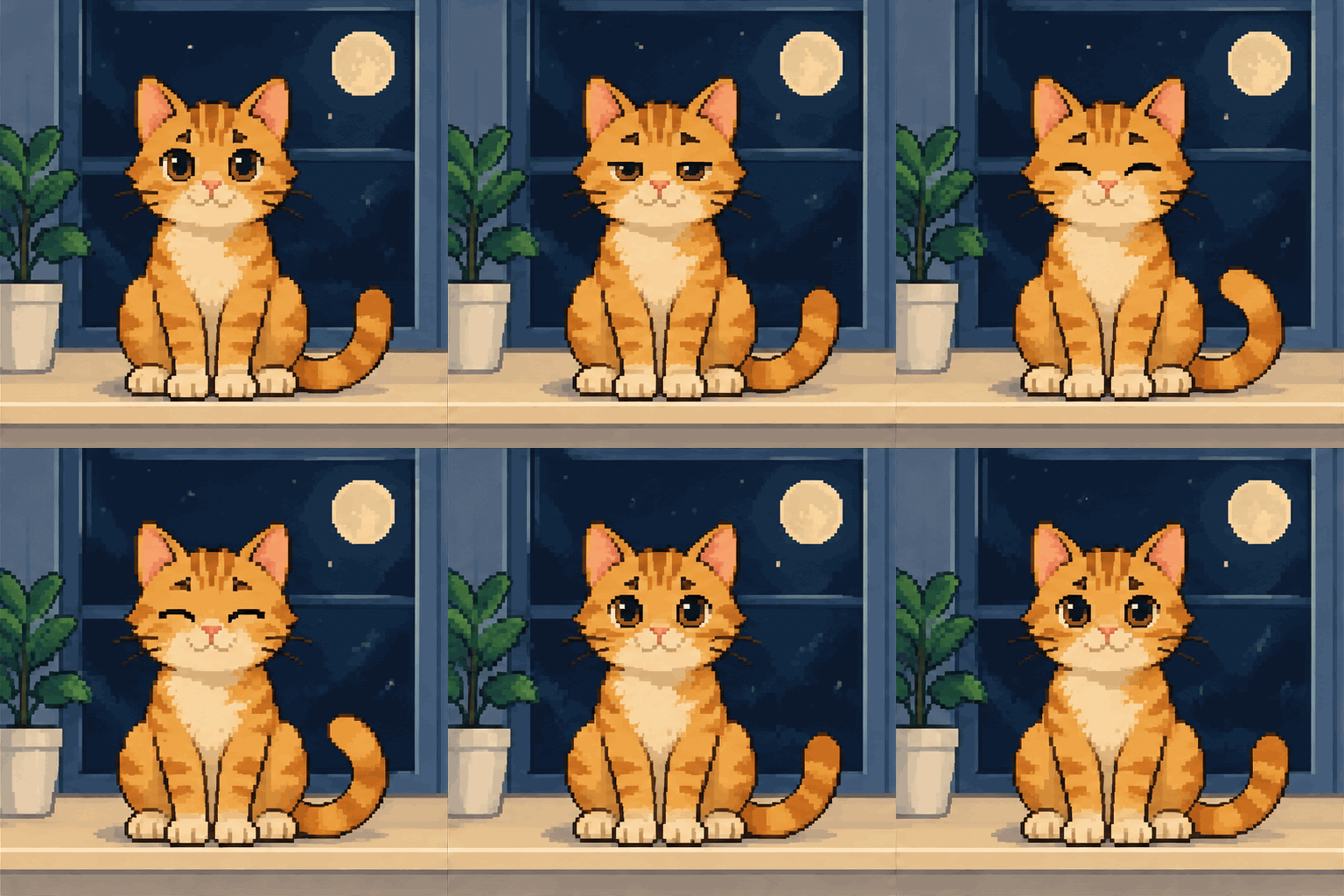
Download GIFAn expressive blink and a swaying tail bring a pixel-art scene to life. Download the GIF for places that support animation, or use a still cover when they do not.
Download GIFMore frames give the animation more steps. Slower playback holds each step longer. Neither setting adds audio or turns the result into a long video.
| Frames | Fast · 100 ms | Normal · 200 ms | Slow · 300 ms |
|---|---|---|---|
| 8 frames | 0.8 seconds | 1.6 seconds | 2.4 seconds |
| 16 frames | 1.6 seconds | 3.2 seconds | 4.8 seconds |
Durations are for one playback cycle. The downloaded animation repeats. This tool creates GIFs from text; photo animation, video conversion and transparent backgrounds are not included. Need an editable static graphic? Try the AI SVG Generator.
Use your Nano Image credits.
Playback and downloads are included.
24 credits / GIF
A short, simple motionStart creating48 credits / GIF
More steps in the movementStart creatingEach new generation uses credits. Failed generations return reserved credits.
It turns a text description into an animated GIF. Describe the subject, visual style and movement, then download the animation and a still PNG cover. GIFs have no audio.
An 8-frame GIF costs 24 credits; a 16-frame GIF costs 48 credits. Your selected cost is shown before generation. Playback and downloads use no extra credits. Failed generations return reserved credits.
This version generates new animations from text. It does not accept photo uploads, edit an existing GIF or convert a video.
At Normal speed, 8 frames play in 1.6 seconds and 16 frames in 3.2 seconds. Fast uses 100 milliseconds per frame; Normal uses 200; Slow uses 300. Changing speed before generation changes playback duration, not the number of frames.
The downloaded GIF repeats. For a smoother loop, describe a short motion that returns to its starting pose. The transition between the last and first frame still depends on the generated result.
You can download the GIF and upload it where animated GIFs are supported. Check the destination’s file size and dimension limits. Transparent backgrounds are not offered here. The PNG cover is useful where animation is not supported.