Text to 3D · Tripo P2

Text to 3D Model Generator

Describe a single object and create a downloadable 3D model with Tripo P2. Start with its shape, then add materials, distinctive details, and what to leave out.

GLB downloadInteractive 3D previewPrice shown before generation
Create a 3D model
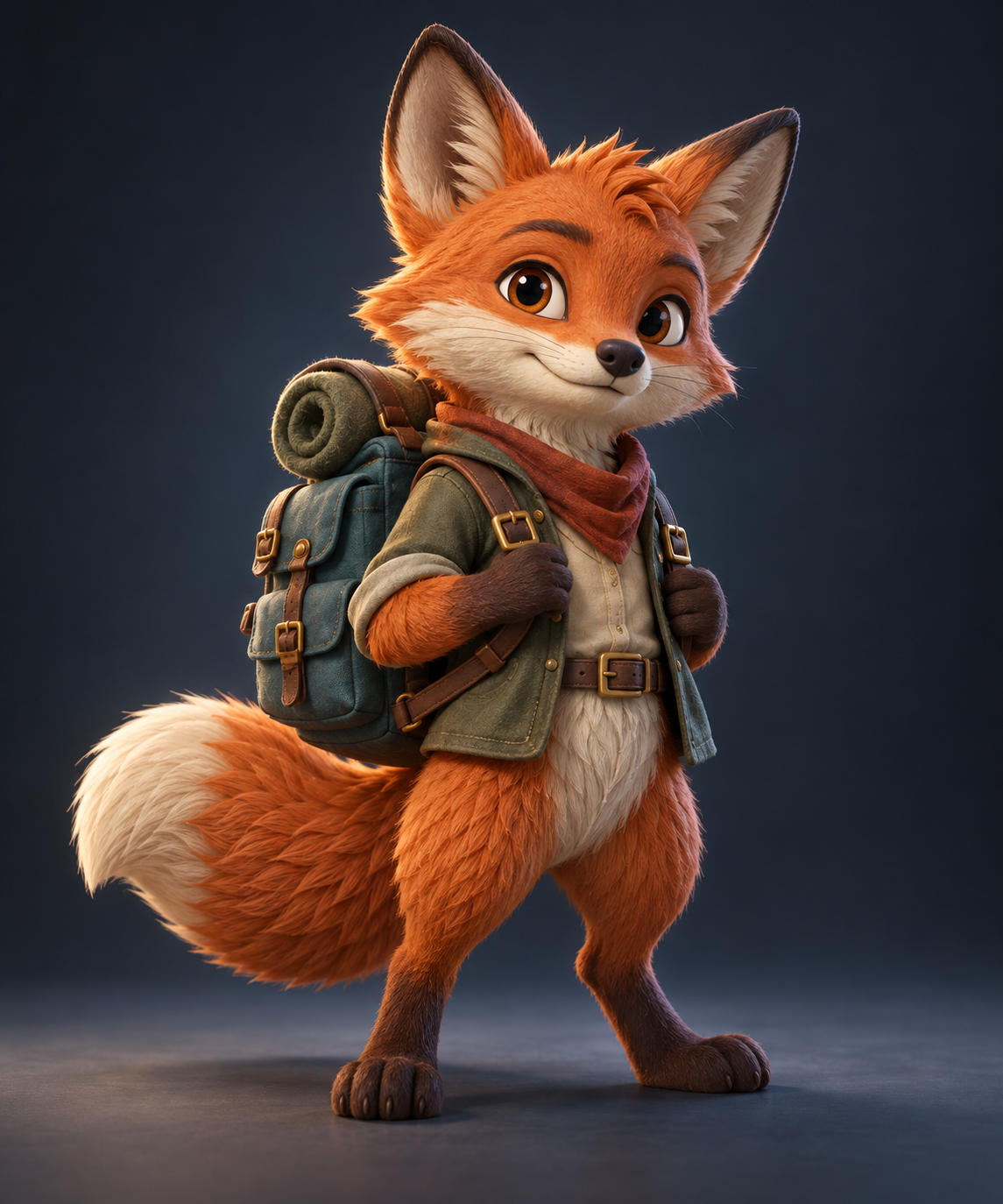
Illustration of an explorer fox figurine used as inspiration for a text-to-3D prompt
Illustrative example prompt inspiration created for this page; not an actual Tripo P2 result.

Create

Describe your 3D object

0/1024 characters

Describe the full silhouette and material first. Avoid asking for a scene with several separate objects when you need one reusable model.

Texture quality and credit cost

This run: 16 credits for one model.

Subscribe or purchase enough credits to use 3D generation. A 10-credit pack alone is not enough; signup promotional credits alone do not unlock this tool. Failed requests refund reserved credits.

Your model preview

After generation, rotate your GLB here to inspect the shape before downloading it.

A generated model is a starting point. Check its unseen sides, texture placement, and scale in your target application before production use.

Input and rendered-preview safety checks run before a model is delivered. Models are saved to your account's creation history.

Example

Prompt inspiration: describe one complete object

This fox illustration is prompt inspiration created for this page—not a Tripo P2 output. Use the matching example prompt below as a starting point, then adjust the character, materials, and silhouette for your own idea.

Tripo's text workflow generates a new object from your description; it does not reconstruct an existing branded product. For a real object you own, use the image-to-3D workflow and review any inferred surfaces.

Illustration of an explorer fox figurine used as inspiration for a text-to-3D prompt
Illustrative prompt inspiration, not a verified Tripo output.

Try a prompt

Three single-object prompt examples

These are example inputs, not claims about output quality. Each describes one subject, its defining shape, material cues, and exclusions.

Character collectible

A stylized woodland explorer fox figurine, full body, standing upright. Burnt-orange fur, cream muzzle and chest, teal canvas backpack with a rolled tan blanket, leather straps and brass buckles. Friendly expression, readable silhouette, both arms separated from the torso, one thick curled tail. Single isolated character, no pedestal or environment.

Product prop

A single compact mushroom-shaped table lamp. Rounded ivory glass shade, tapered teal glazed ceramic base, simple clean silhouette, realistic ceramic and frosted-glass materials. Show the entire lamp, no room, no props, no text or logos.

Game-ready idea

A small fantasy treasure chest with dark oak planks, worn brass corner protectors and a simple iron latch. Closed lid, complete connected object, readable silhouette, stylized hand-painted materials, no scenery, no text or logos.

Workflow

How text to 3D works

1. Describe one object

Write its overall form, important details, materials, and colors. You can add a short negative prompt for details you want to avoid.

2. Choose the texture

Select geometry-only or one of three textured options. The model is generated by Tripo P2 and charged once per completed request.

3. Inspect the GLB

Rotate and download the saved GLB. Check geometry and texture in the software where you intend to use it; prompts are guidance, not exact manufacturing specifications.

Credit pricing

One model, one credit price

Image to 3D and Text to 3D use the same credit prices. Choose the texture setting that fits your project; the exact credit charge is shown before generation.

TextureCredits per model
No texture15 credits
Standard16 credits
Detailed17 credits
Extreme18 credits

Failed requests refund reserved credits. See credit packs and plans before generating.

Related workflows

Frequently asked questions

What makes a good text-to-3D prompt?

Describe one object, its overall silhouette, material, defining features, and exclusions. Short, concrete object descriptions are easier to assess than an entire scene.

Can I reproduce a real product exactly from text?

No. Text-to-3D generates an interpretation, not a measured reconstruction. Use an image reference if you have a real product, then inspect the geometry.

Is a generated model ready for 3D printing?

Not automatically. Check topology, dimensions, wall thickness, and manifold geometry in your 3D application before attempting to print.

What file do I get?

A GLB model saved in your creation history. You can inspect it in the browser and download the file for compatible 3D tools.