Nano Image
Product background remover

Create clean transparent product cutouts

Turn product photos into transparent PNG assets that are ready for online stores, landing pages, social ads, thumbnails, and design tools.

Open Background Remover
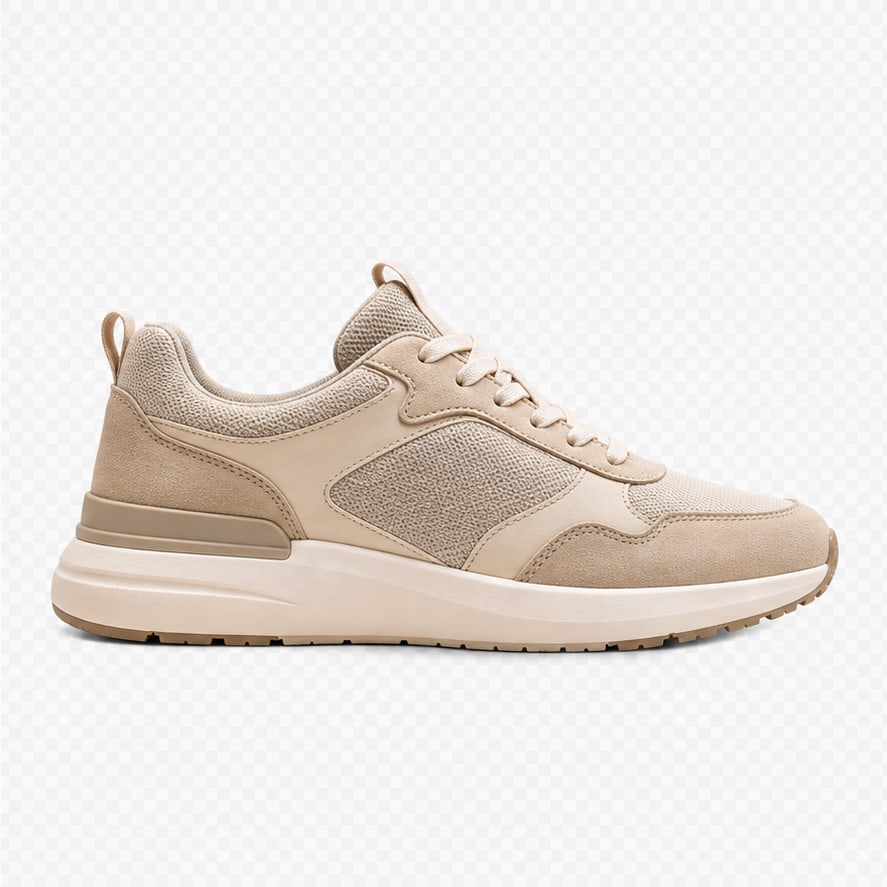
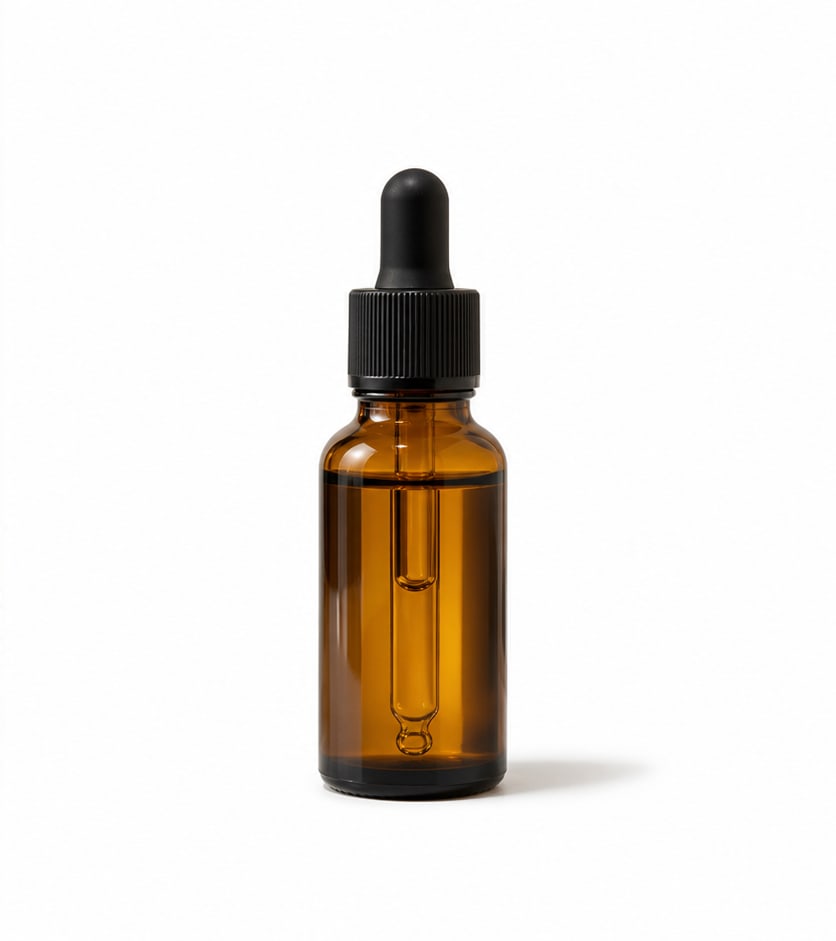
Photorealistic before and after product background removal example
Before
After
Transparent PNG export

Turn product photos into clean cutouts

Remove the studio background from product images and download a transparent PNG that is ready for stores, landing pages, ads, and design tools.

Transparent PNGStore-ready3 credits

Before and after portrait background removal example
Before
After
Portrait cutouts

Create profile and creator assets faster

Separate people from busy backgrounds and reuse the subject in thumbnails, avatars, profile images, banners, and branded layouts.

PortraitsAvatarsCreator assets
Photorealistic before and after transparent PNG cutout example
Before
After
Creative assets

Extract generated characters and objects

Use background removal after image generation to create reusable transparent assets for composites, stickers, mockups, and visual experiments.

Generated imagesCompositingDesign reuse

Best use cases

Ecommerce listings

Create consistent product cutouts for store pages, marketplaces, comparison tables, and catalogs.

Ad creatives

Extract a product once, then reuse it on different backgrounds for social ads and landing pages.

Thumbnail design

Make product thumbnails easier to compose by separating the item from a busy photo background.

Generated product assets

Turn AI-generated product concepts into transparent design elements for mockups and tests.

How it works

1

Upload product photo

Start with a product, object, or generated product concept image.

2

Remove background

AI separates the foreground subject from the original background.

3

Download PNG

Export a transparent PNG and reuse it in your store, ad, or design workflow.

Frequently asked questions

What output do I get?

The background remover exports a transparent PNG that can be downloaded and reused in design or ecommerce workflows.

How many credits does it cost?

Background removal currently costs 3 credits per transparent PNG result.

Does it work for generated images?

Yes. It works for product photos, portraits, objects, and many generated images.

Can I use it with Cleanup?

Yes. You can remove the background first, then use Image Cleanup to repair marks, stickers, or distractions.