Upload one clear reference
Use a front or three-quarter full-body image with visible edges. A clean reference gives the model fewer ambiguities to solve.
Character design workflow
Turn one character reference into a practical set of front, side, back, and three-quarter 2D views. Choose each direction, generate the views one at a time, and inspect identity, clothing, proportions, and accessories before you use the set as production reference.
Sign-in and sufficient credits are required to process an image. Promotional credits depend on the active offer. Current pricing and output rights are shown before generation and on the pricing page.
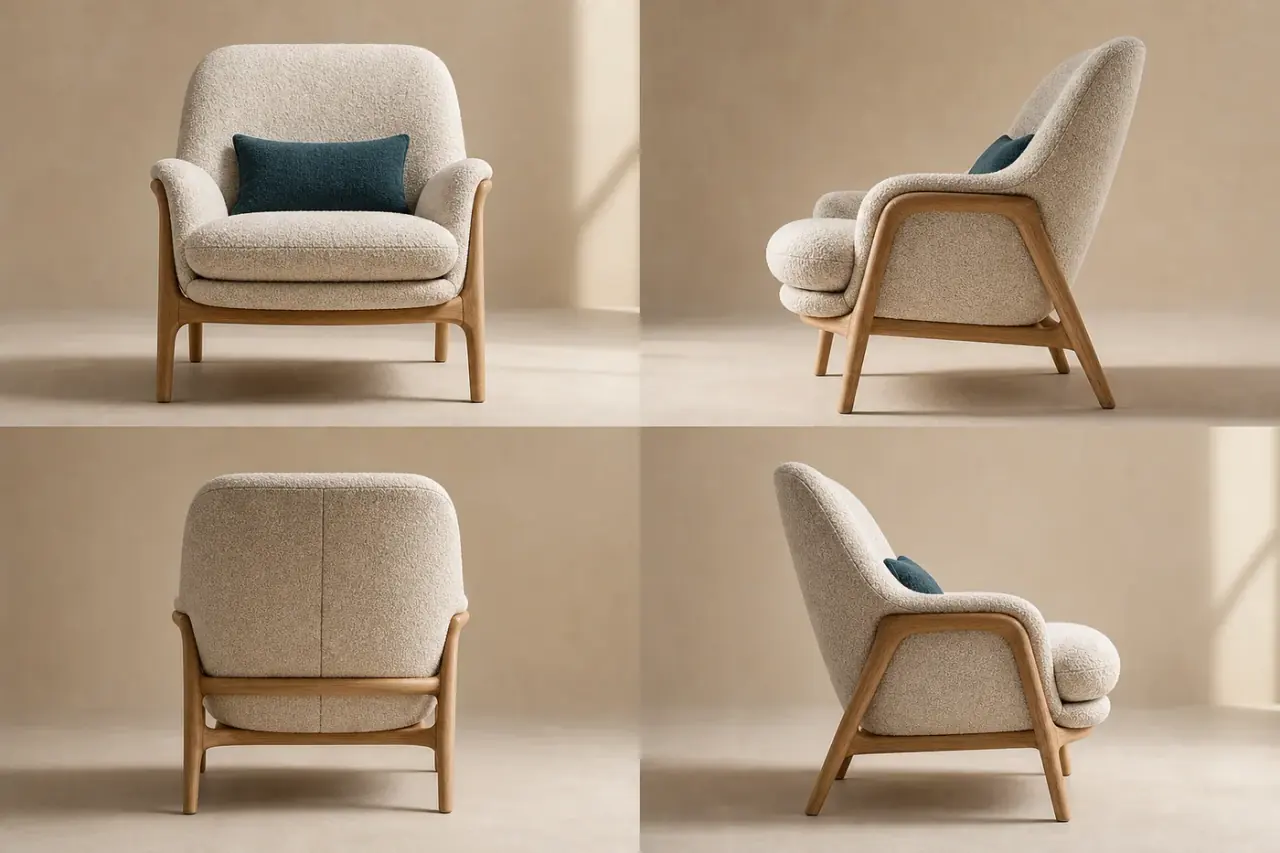
Output
New 2D images, not a rigged 3D model
View control
Direction, height, and framing
Set option
Front, right, back, and left
Current tool cost
8 credits per generated view
A character turnaround is a group of views that helps another person understand the same design from more than one direction. In animation, games, illustration, and merchandise work, the useful views commonly include front, profile, back, and one or more three-quarter angles. Nano Image connects this use case to the existing AI camera angle generator, which asks an image-editing model to infer a new 2D view from the source image.
This workflow is most useful during visual exploration and pre-production. It can help you discover whether a silhouette still reads from the side, show how an outfit might wrap around the body, or provide additional reference for a human artist. It is not a substitute for an approved model sheet when exact line placement, dimensions, or production continuity are mandatory. Hidden details are inferred because a single image does not contain the back of a character.
For the cleanest comparison, start with a full-body reference on a simple background. Keep the whole silhouette visible, avoid overlapping props, and use a pose that does not hide important costume details. Generate the cardinal views first. Then compare face shape, hair, clothing seams, color placement, hands, and accessories before requesting more dramatic high, low, wide, or close-up angles.
Practical workflow
Use a front or three-quarter full-body image with visible edges. A clean reference gives the model fewer ambiguities to solve.
Choose front, right, back, and left, or generate one direction at a time. Keep height and framing consistent for easier comparison.
Compare identity, proportions, outfit construction, color, and accessories. Retry only the weak view and keep the strongest references.
The model receives the same source image for each request, but every output is still a separate generation. That means a four-view set can drift: a jacket may gain a pocket, an accessory may switch sides, or the face may become less recognizable. A reliable process treats each generated image as a draft to review, not as an automatically approved turnaround sheet.
Begin with the four cardinal directions at eye level and medium framing. Keep the same fidelity setting and avoid changing several controls at once. If a single view fails, regenerate that view instead of rebuilding the whole set. When exact consistency matters, a human artist should correct the selected views into a final sheet. The multi-angle consistency checklist was written for product campaigns, but its compare-and-approve method also applies to characters.
A generated turnaround can be useful for concept exploration, pose planning, storyboards, pitch decks, visual development, and early communication with a 3D artist. It can also help creators spot unresolved design decisions before paying for detailed modeling or clean line art. The output remains a set of raster images that can be downloaded and organized as references.
If your goal is a mesh that can be rotated interactively, use the image-to-3D model generator instead. If you need another still image from a controlled viewpoint, the character turnaround workflow is the more direct option. These are separate outputs: a convincing 2D back view is not evidence that a geometrically accurate back surface has been recovered.
The live camera-angle tool displays the required credits before generation and currently charges 8 credits for each completed view. A four-view set submits four separate generations, so the interface shows the combined requirement before you start. Failed provider jobs are handled by the product's credit-refund flow. Check the pricing page for current credit packs, subscriptions, promotional terms, resolution access, watermark rules, and commercial-use conditions.
Upload only images you have the right to process. Do not use the tool to impersonate a real person, sexualize minors, or create prohibited content. Uploads and requests pass through the site's safety controls before provider processing. The Terms of Use define the full restrictions and enforcement rules.
Important limitations
Upload first, choose the controls that match your task, then review the generated view before using it in production.