Edit any image by describing the change.
Upload an image and write one sentence. Replace the words on a poster, translate a sign, recolor a product, add an object or turn summer into winter. Everything you do not mention stays the same.
See before & afterBefore & after
 BeforeAfter
Before and after: one sentence per edit
Each pair below is a single edit, with the exact instruction that produced it.
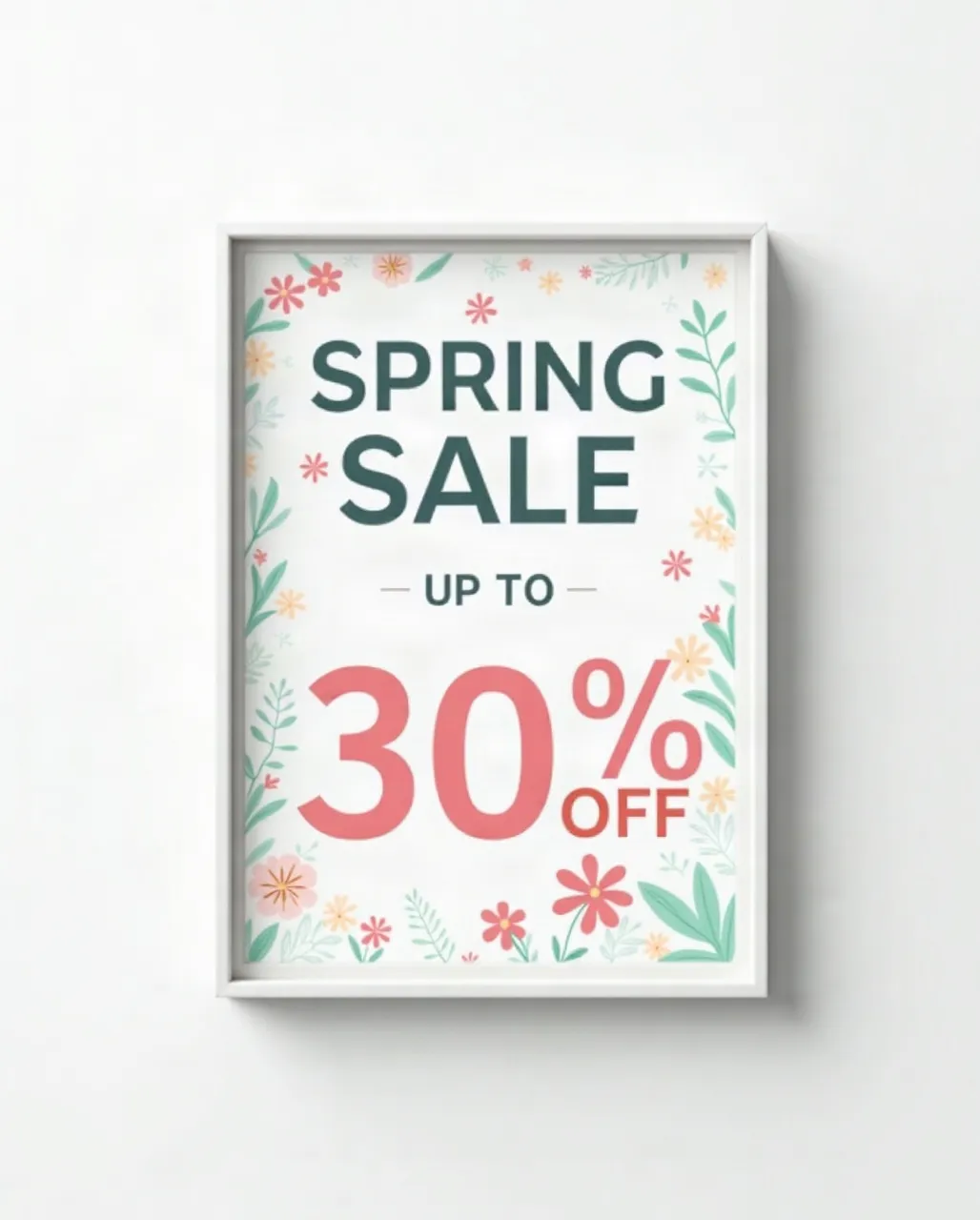
Before 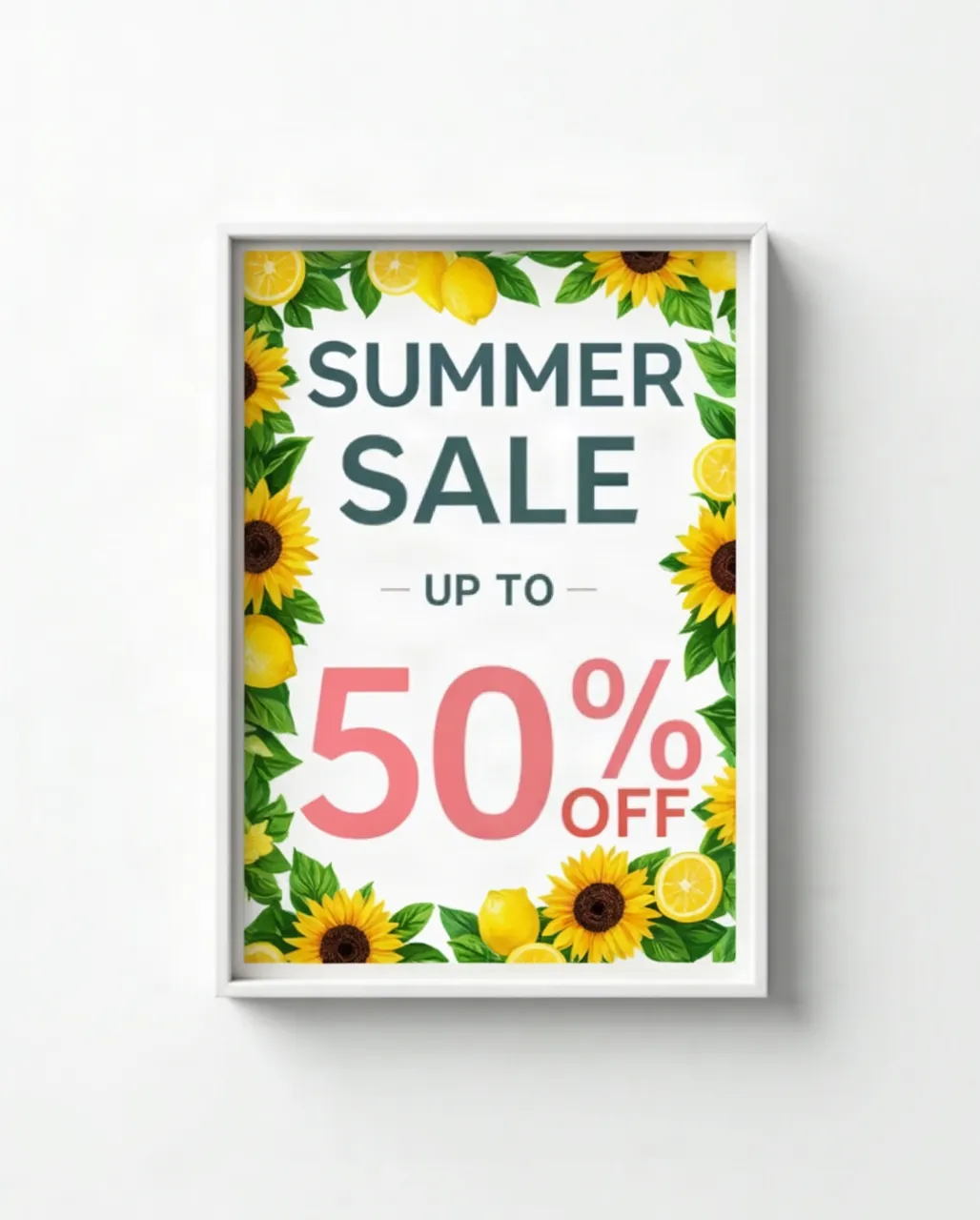
After Replace poster text
Instruction“Replace “SPRING SALE” with “SUMMER SALE” and replace “30%” with “50%”. Change the pink and mint flowers to sunflowers and lemons. Keep the layout, fonts and white frame.”
Before 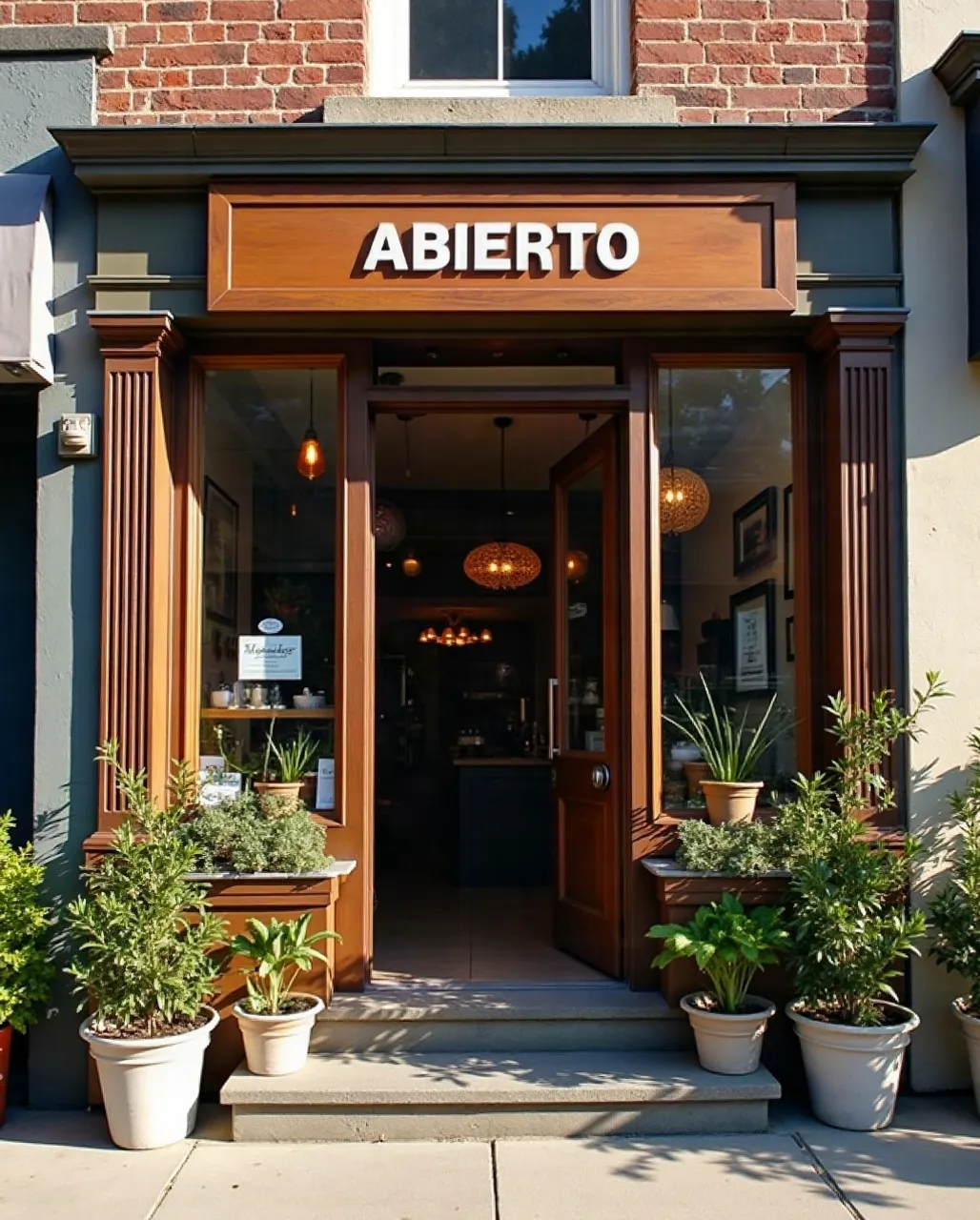
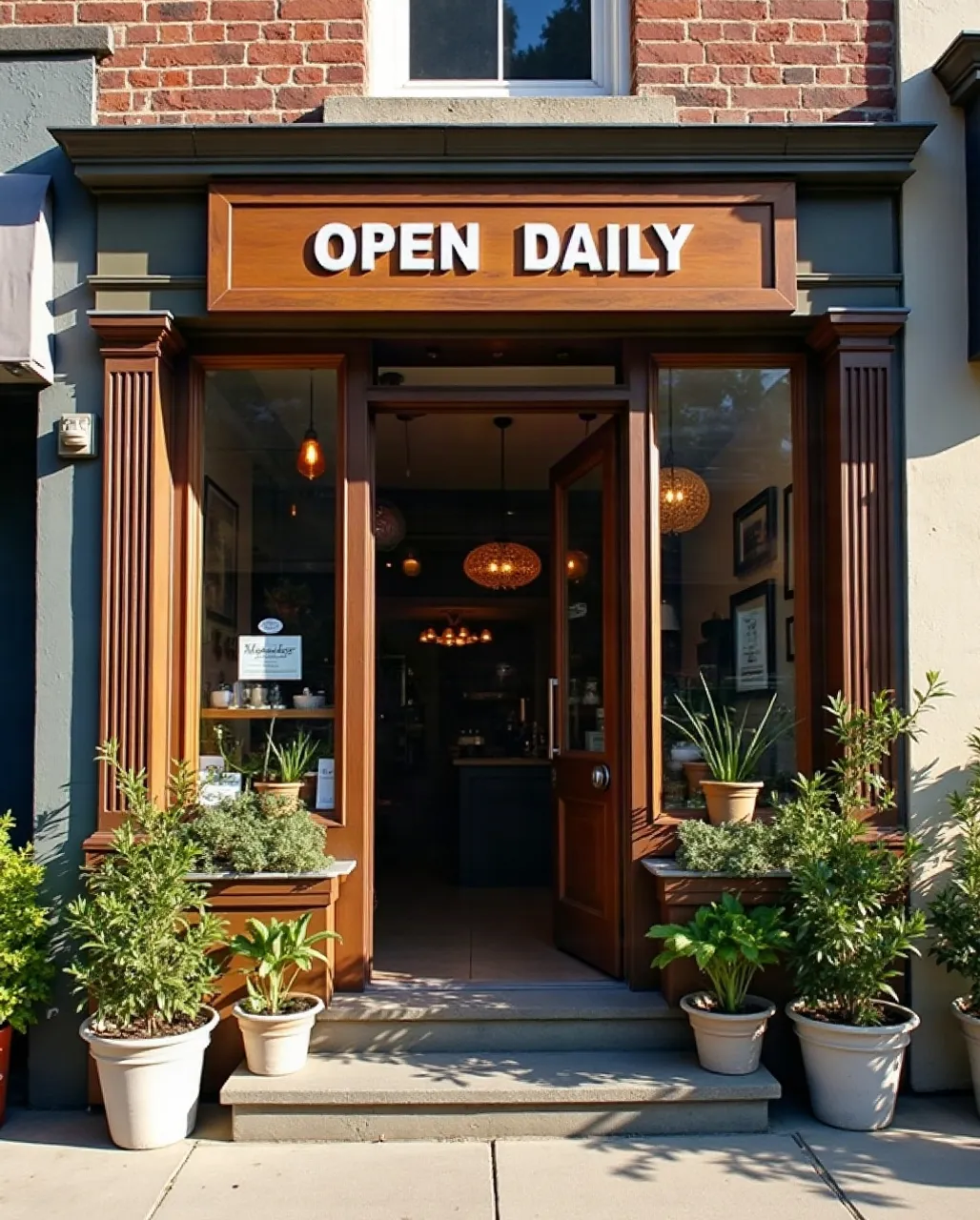
After Translate a sign
Instruction“Change the sign text “OPEN DAILY” to “ABIERTO”. Keep the wooden sign, letter style, plants and morning light.”
Before 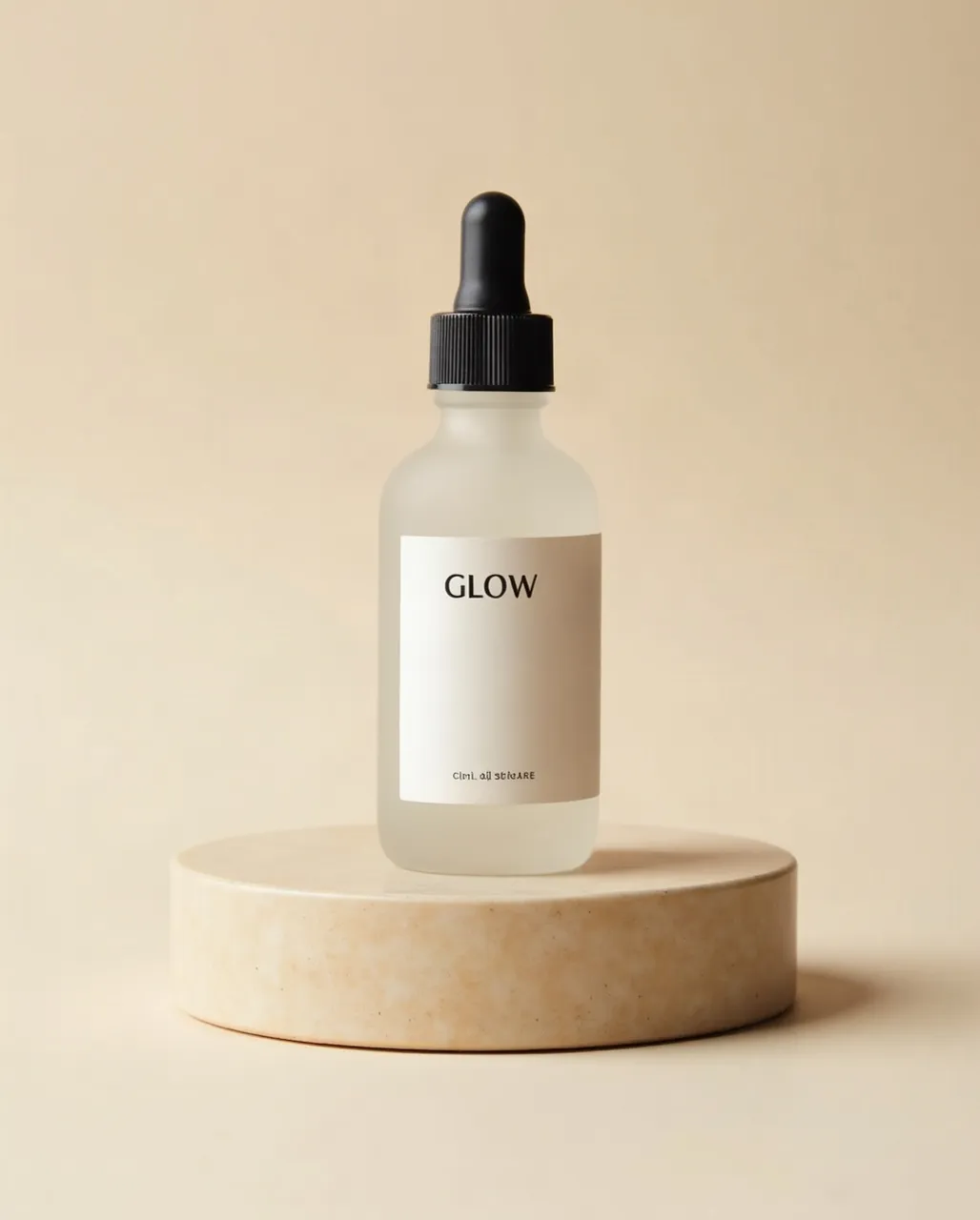
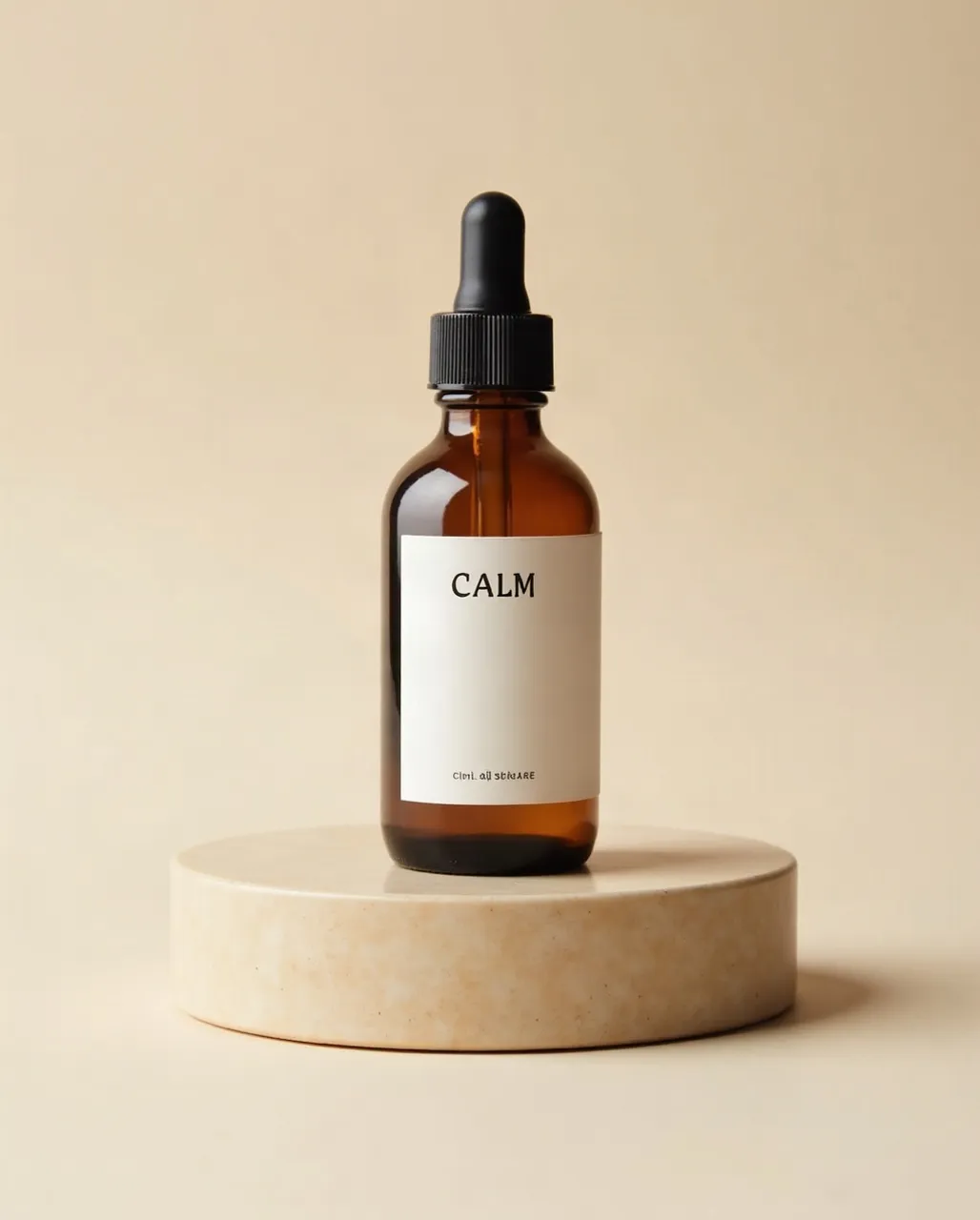
After Change a product label
Instruction“Change the label text “CALM” to “GLOW” and make the glass bottle frosted white. Keep the pedestal, background and soft shadow.”
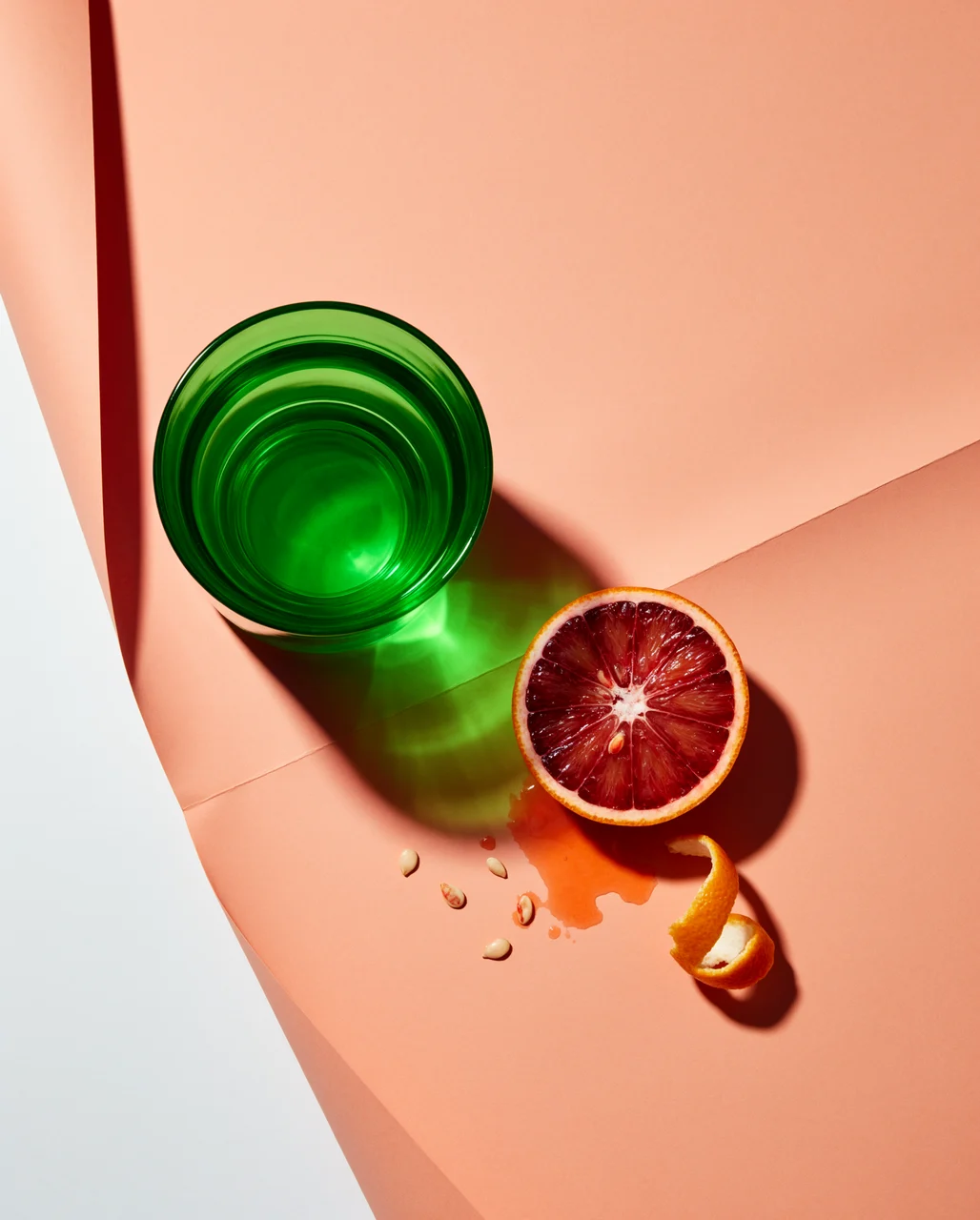
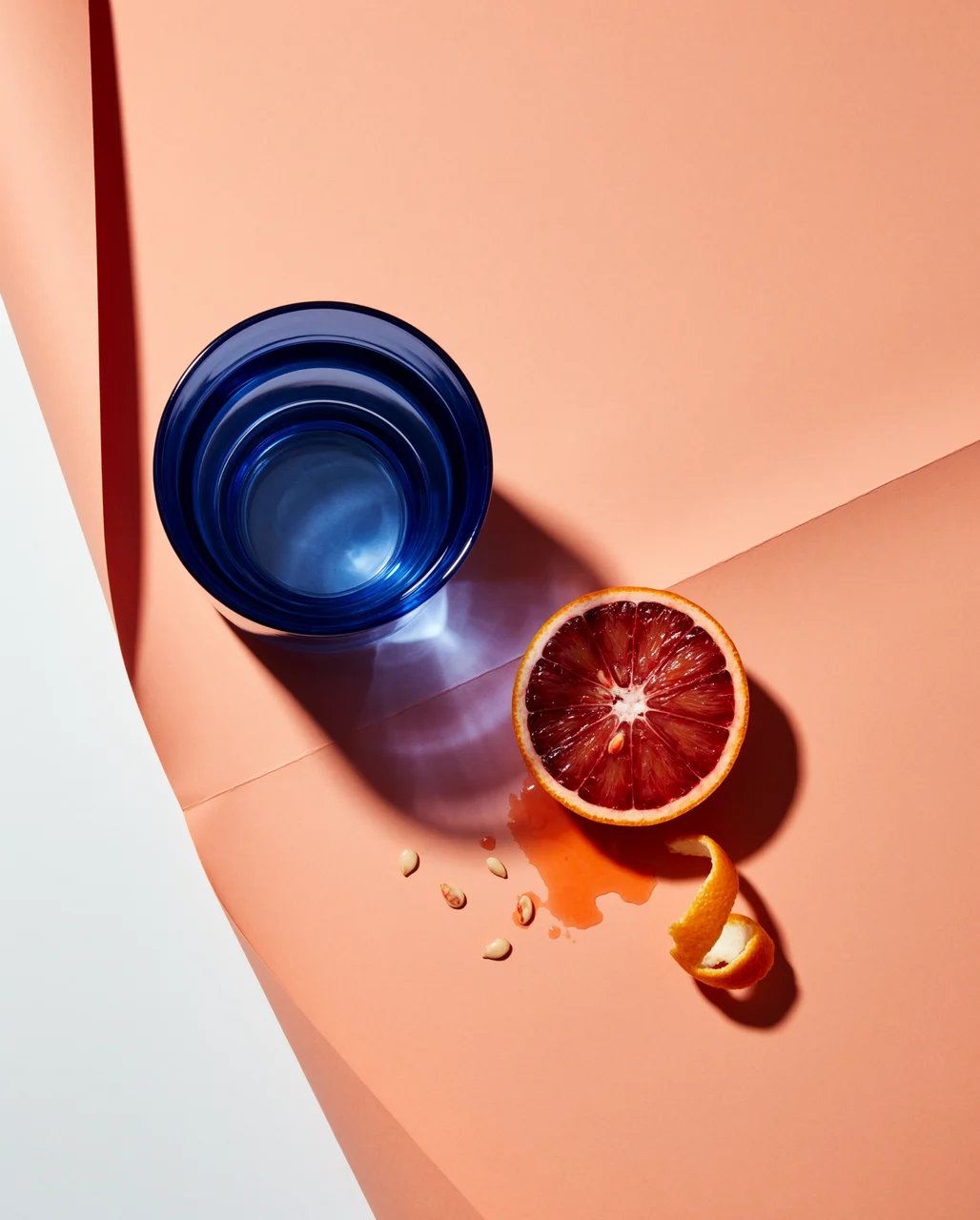
Before After Recolor a product
Instruction“Make the blue glass translucent emerald green. Keep the orange, paper backdrop, lighting and framing.”

Before 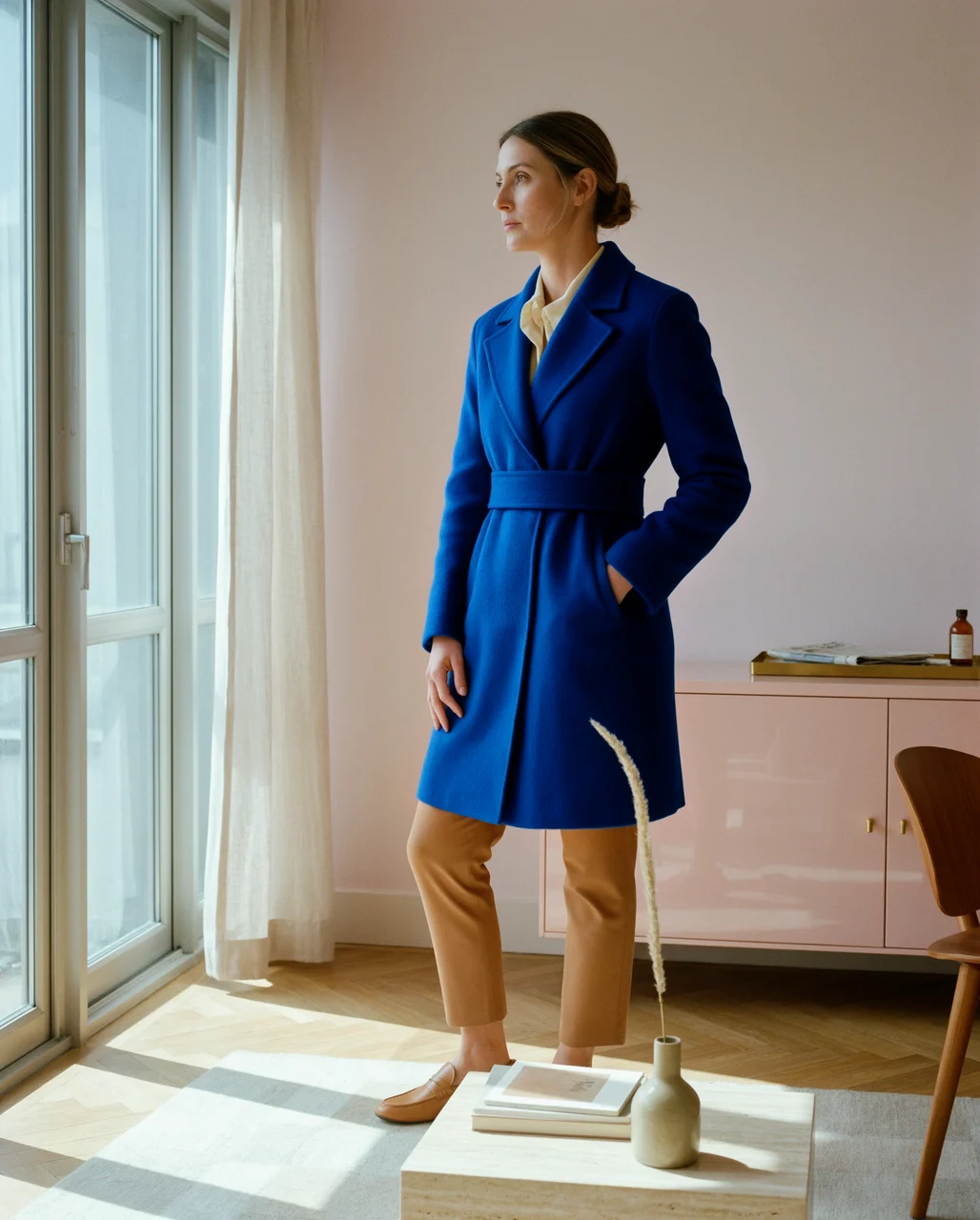
After Change clothing color
Instruction“Recolor the orange coat to cobalt blue. Keep the person, pose, room and natural light.”
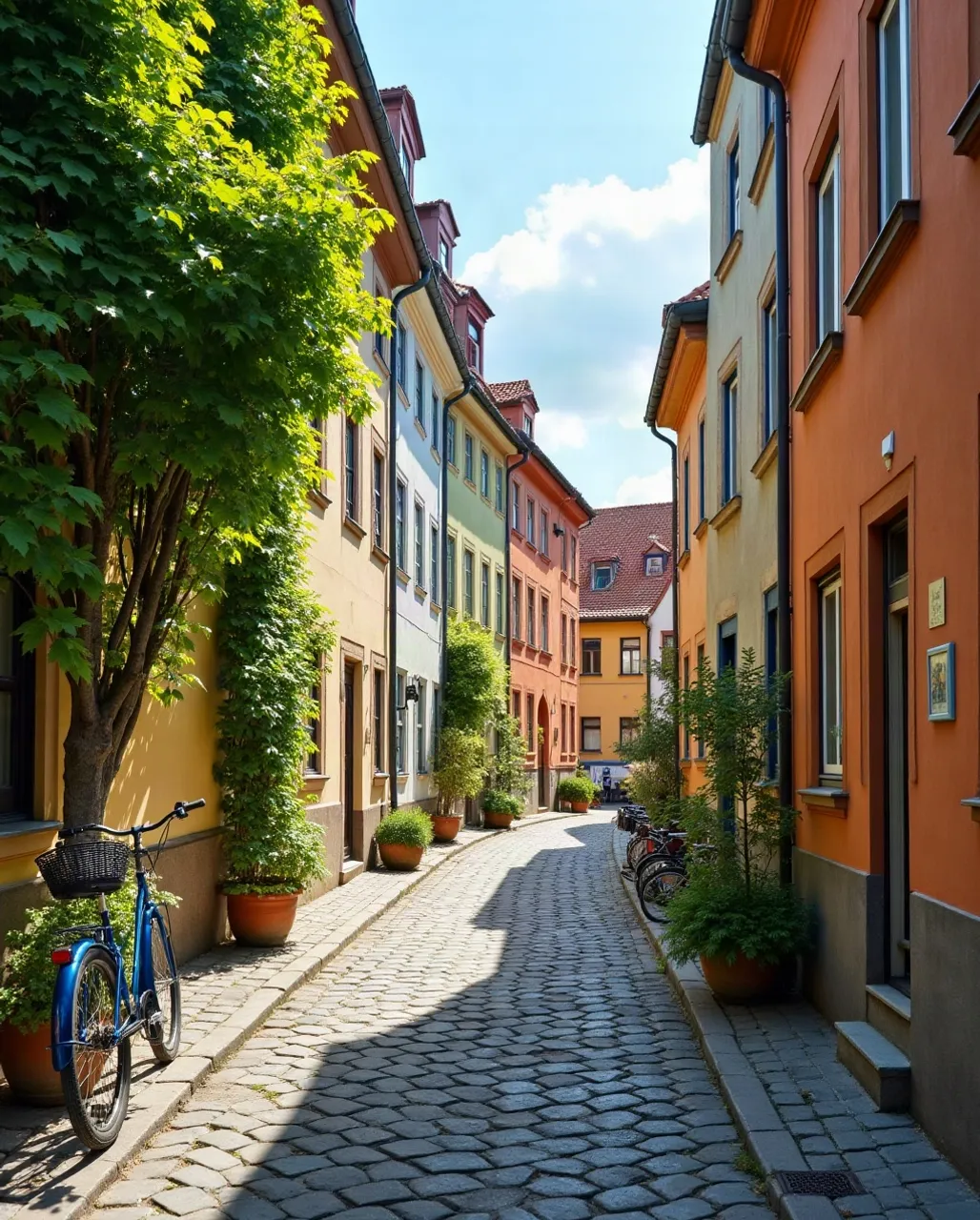
Before 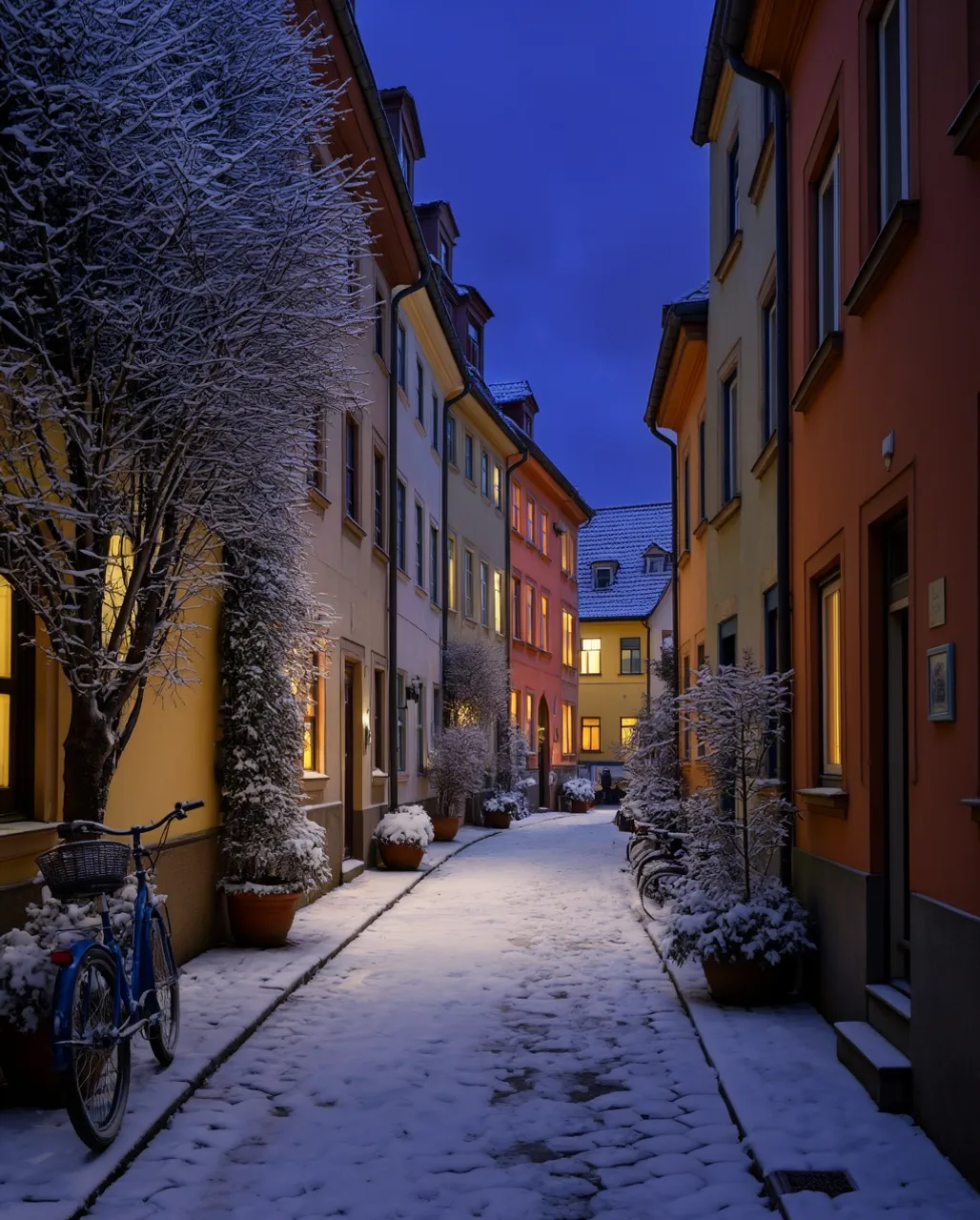
After Change season and time of day
Instruction“Turn the scene into a snowy winter evening with warm lights in the windows. Keep the houses, street layout and bicycle.”
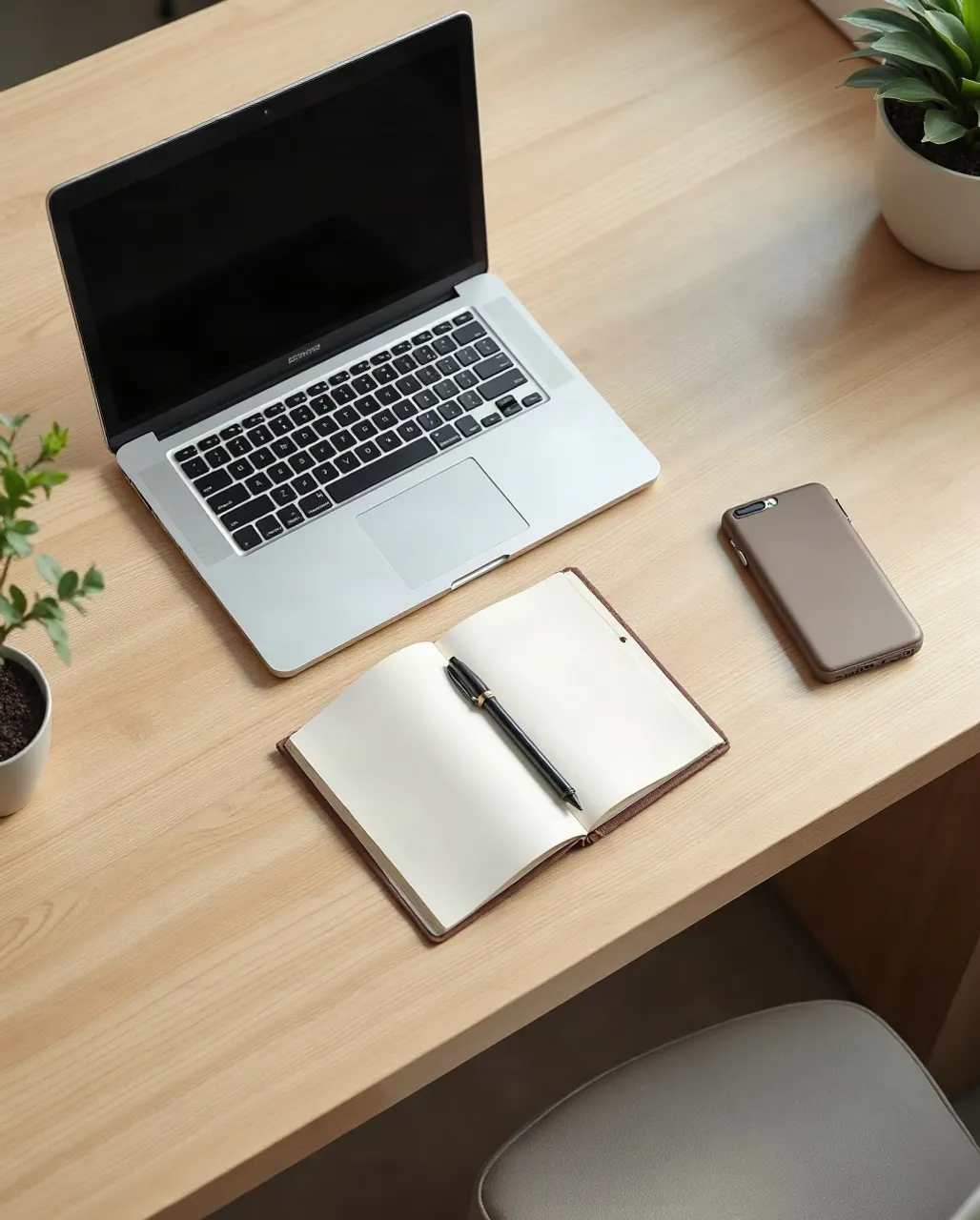
Before 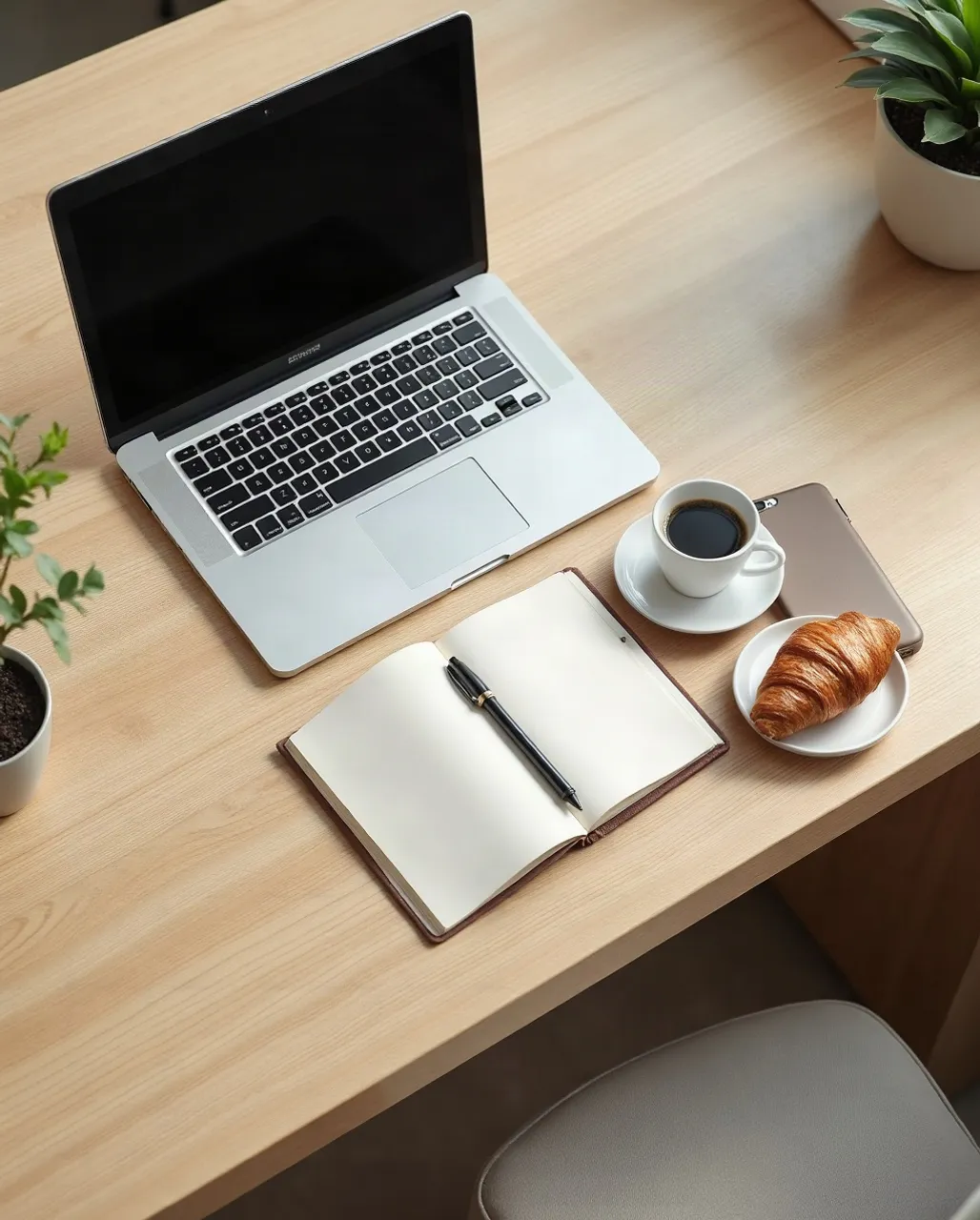
After Add an object
Instruction“Add a white ceramic cup of coffee and a croissant on a small plate to the right of the notebook. Keep everything else unchanged.”
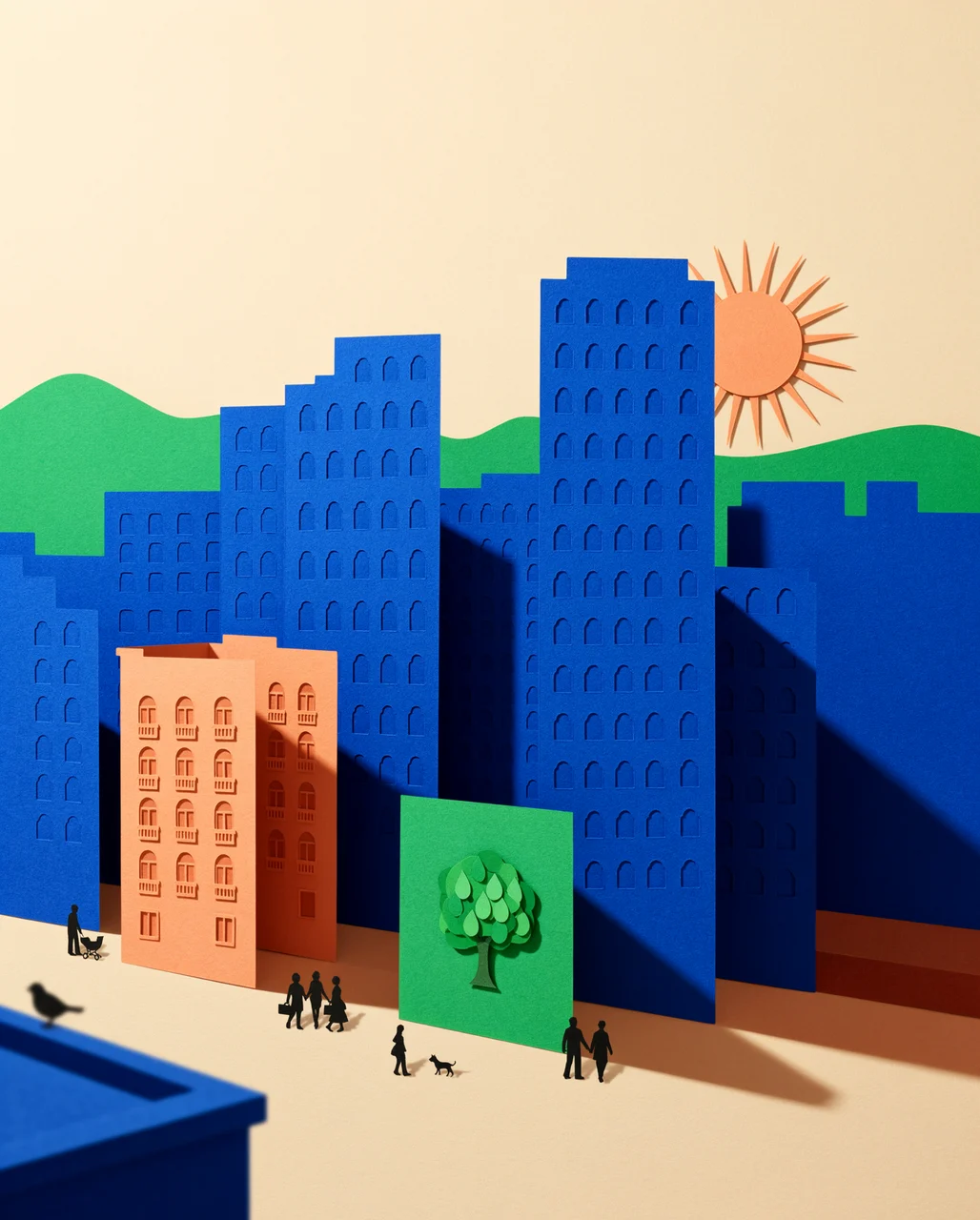
Before 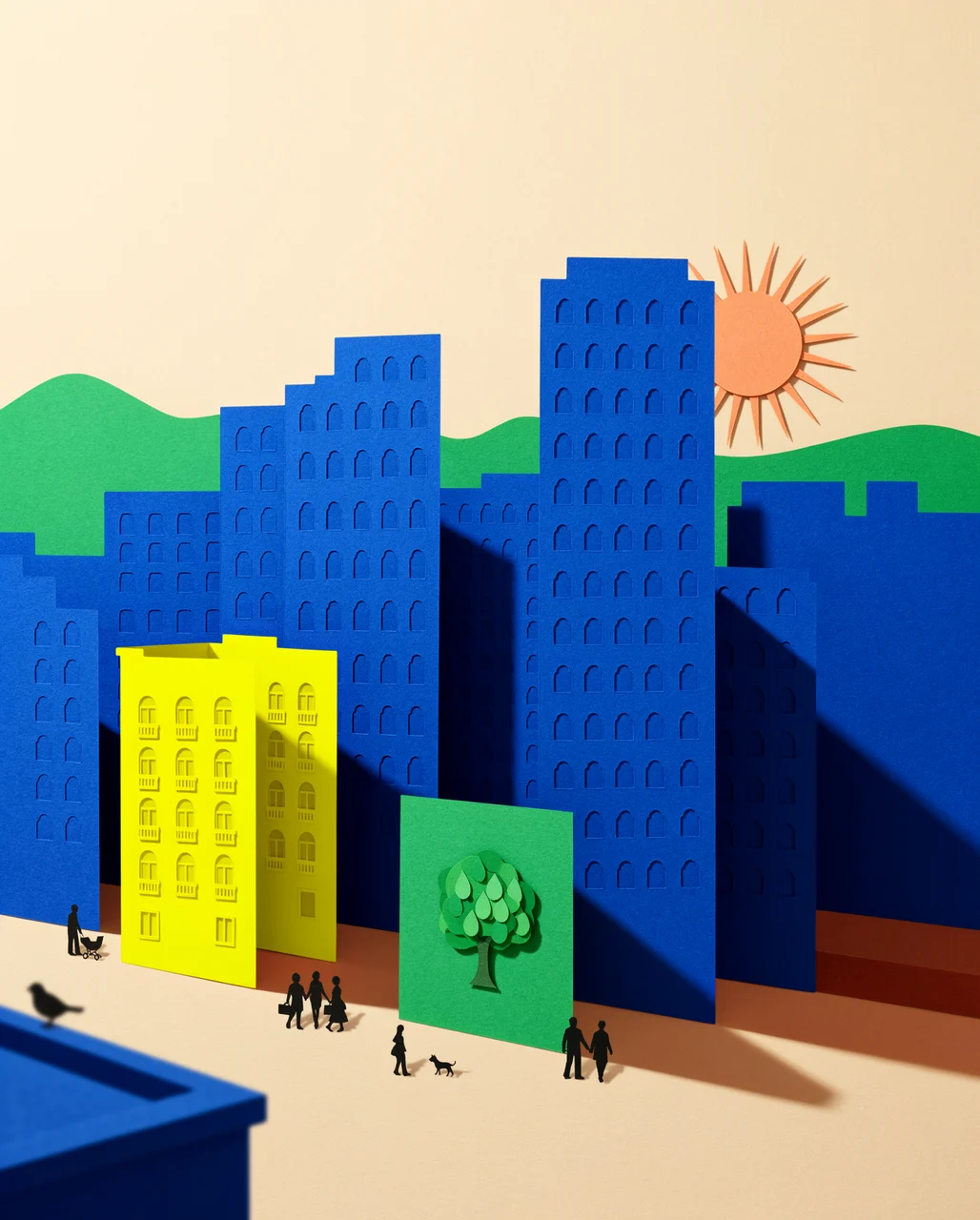
After Edit an illustration
Instruction“Make the central peach building bright yellow. Keep the other buildings, figures, paper texture and shadows.”
What this AI photo editor does well
Accurate lettering
Swap headlines, prices, labels and sign text. Put the new words in quotation marks and they come back spelled as written in most edits.
The rest stays put
Layout, faces, background and lighting you mention are kept. Small shifts can still happen near the change, so compare before you publish.
Large output
Results keep roughly the source aspect ratio and go up to about 4.2 megapixels (2048 × 2048 or equivalent).
One price per edit
2 credits per finished image, about 40 seconds. Failed edits return the credits.
How to edit an image with text
Start with an image
Upload one JPG, PNG or WebP up to 3 MB. Use a still image at least 256 pixels wide and tall.
Name the change
Describe the part to edit and the replacement you want. Include important details to keep, such as the lighting, framing or logo placement.
Compare and download
Slide between the original and the edit. Check the details around the change, then download the result.
How to write an instruction that works
Say which element to change, what it should become, and what must stay the same. Put any new words in quotation marks.
- Instead of “Make it summer.”
- Write: Replace “SPRING SALE” with “SUMMER SALE”. Keep the fonts, layout and frame.
Name the exact words and say what must not move. - Instead of “Change the color.”
- Write: Recolor the orange coat to cobalt blue. Keep the pose and the room light.
Point to one object and give the new value. - Instead of “Add breakfast.”
- Write: Add a cup of coffee and a croissant to the right of the notebook.
Say where the new object goes.
Frequently asked questions
Can I replace text in a poster or sign?
Yes. Name the text to replace, put the exact replacement in quotation marks, and describe what should stay the same. For example, replace “SPRING SALE” with “SUMMER SALE” and keep the type size and alignment. Check the spelling and spacing before you publish.
Will the rest of my image stay the same?
You can ask the editor to preserve specific details, such as the background, pose, fabric texture or lighting. AI edits can still affect nearby areas. Compare the images closely when brand marks, faces or product details need to be exact.
What size is the edited image?
The editor uses medium quality, keeps the source aspect ratio approximately, and supports up to 4.2 million pixels per edit. Large uploads may be resized before editing.
How much does an image edit cost?
Each completed edit uses 2 credits for one image. Sign in to run an edit. If processing fails and the edit cannot be delivered, reserved credits are returned.
How long does an edit take?
Most edits finish in about 40 seconds. The editor follows a plain-language instruction, renders new lettering cleanly, and is told to keep the parts of the image you do not mention.
Can it change text in other languages?
Yes for short words and headlines. In our tests it translated a shop sign from English to Spanish and to Chinese (每日营业) while keeping the sign and lighting. Long paragraphs are less reliable, so keep the replacement short and check every character.
How is this different from Image Cleanup?
Image Cleanup removes what you paint over and fills the gap with background. The text editor changes or adds things from a written instruction: new colors, new words, a new season or an extra object. Use Cleanup when you only need something gone.
Which edits are refused?
Every upload, instruction and result is checked for safety. Sexual content, edits that sexualize real people, and requests that break the Terms are refused. Only edit images you own or have permission to change.