AI Product Photo Editor

Make product photos ready for stores, ads, and catalogs.

Remove backgrounds, create white product photos, clean marks or labels, and export polished PNG or JPG assets with transparent credit pricing.

White background product photo preview
Cutout
White BG
Cleanup
Photorealistic before and after white background product photo example
Before
After
White background product photo

Make marketplace-ready product photos

Remove the original scene, center the product, add clean padding, and export a polished white-background product image for stores and ads.

White backgroundProduct shadowEcommerce ready
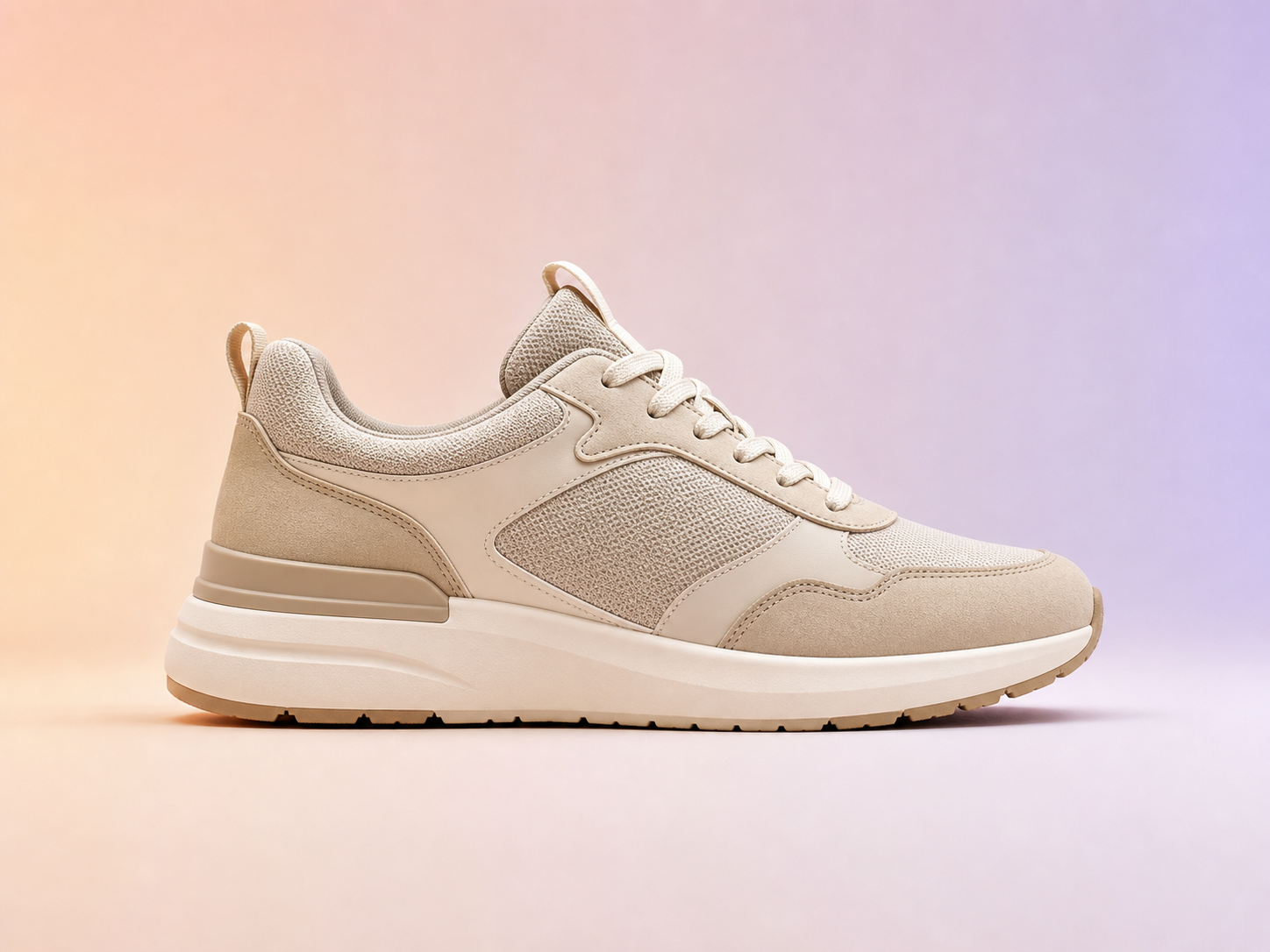
Photorealistic before and after image background change example
Before
After
Background design

Test colors and layouts after one AI cutout

After the cutout is ready, change background colors, padding, canvas size, shadow, and export format without paying for another model call.

Color backgroundsGradient backgroundsPNG or JPG
Photorealistic before and after product background removal example
Before
After
Transparent PNG export

Turn product photos into clean cutouts

Remove the studio background from product images and download a transparent PNG that is ready for stores, landing pages, ads, and design tools.

Transparent PNGStore-ready3 credits
Before and after portrait background removal example
Before
After
Portrait cutouts

Create profile and creator assets faster

Separate people from busy backgrounds and reuse the subject in thumbnails, avatars, profile images, banners, and branded layouts.

PortraitsAvatarsCreator assets
Photorealistic before and after transparent PNG cutout example
Before
After
Creative assets

Extract generated characters and objects

Use background removal after image generation to create reusable transparent assets for composites, stickers, mockups, and visual experiments.

Generated imagesCompositingDesign reuse
Photorealistic before and after product photo cleanup example
Before
After
Product photo cleanup

Remove stickers and marks from product shots

Clean sales stickers, small labels, scuffs, and distracting marks before publishing product images, thumbnails, social ads, or presentation assets.

Product listingsAd creativesCleaner thumbnails

A practical product photo workflow

1

Remove the original background

Create a clean product cutout from a photo, generated image, or object shot.

Open Background Remover
2

Create white-background product photos

Center your product, add clean padding, export a white canvas, and optionally add a soft shadow.

Create White Background
3

Format for marketplace sizes

Resize, center, pad, and export Amazon, Shopify, Etsy, Instagram, or transparent PNG assets without another AI call.

Open Image Resizer
4

Clean labels, stickers, and distractions

Use mask-based cleanup to remove marks, scuffs, labels, or distracting details from images you own.

Open Cleanup

Frequently asked questions

What can I do with the AI product photo editor?

You can remove backgrounds, create white-background product photos, change backgrounds, clean labels or marks, and export product-ready PNG or JPG images.

How are credits charged?

AI background removal currently costs 3 credits per cutout. Image cleanup uses credits based on selected quality. Local changes like padding, background color, shadow, and export format do not use extra credits.

Is this for ecommerce product listings?

Yes. The workflow is designed for marketplace listings, online stores, ad creatives, thumbnails, and product catalog images.