Nano Image AI Image Editor

Generate images, clean up photos, remove backgrounds, and prepare product visuals in one credits-first AI photo editor.Focused image editing tools for creators, marketers, and ecommerce workflows.

Credits-first creative tools
🎨

AI Art Image Generator

Turn photos and prompts into stylized AI art images with 50+ creative looks.

New
🪄

Image Cleanup

Paint unwanted objects, text, or marks and let AI rebuild the photo.

Product Photos

Remove backgrounds, create white product shots, and export store-ready assets.

💎

Credits-first Pricing

Pay by real usage. 2K and 4K generations are priced clearly so you stay in control.

📐

3D Camera Angle

One photo → 360° views. Generate any angle like having infinite virtual cameras.

⚡️

Instant Remix

Use your generations as inputs for new creations. The possibilities are endless.
50+
Art Styles
360°
Camera Angles
4K
Max Resolution
Free
To Start

AI Image Editing Examples

Generate AI art, clean up photos, remove backgrounds, and prepare product images for stores and ads.

AI photo editing workflows

Clean up images and create product-ready assets

Nano Image focuses on practical AI image editing: remove distractions, clean product photos, change backgrounds, and create transparent PNG cutouts from images you own.

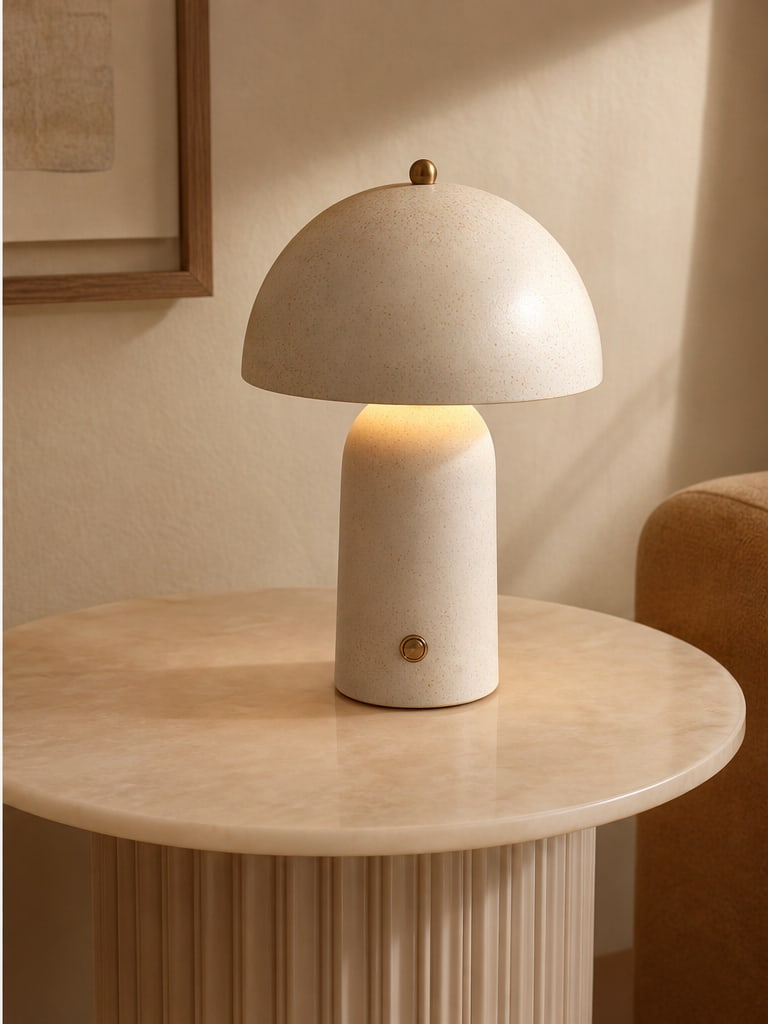
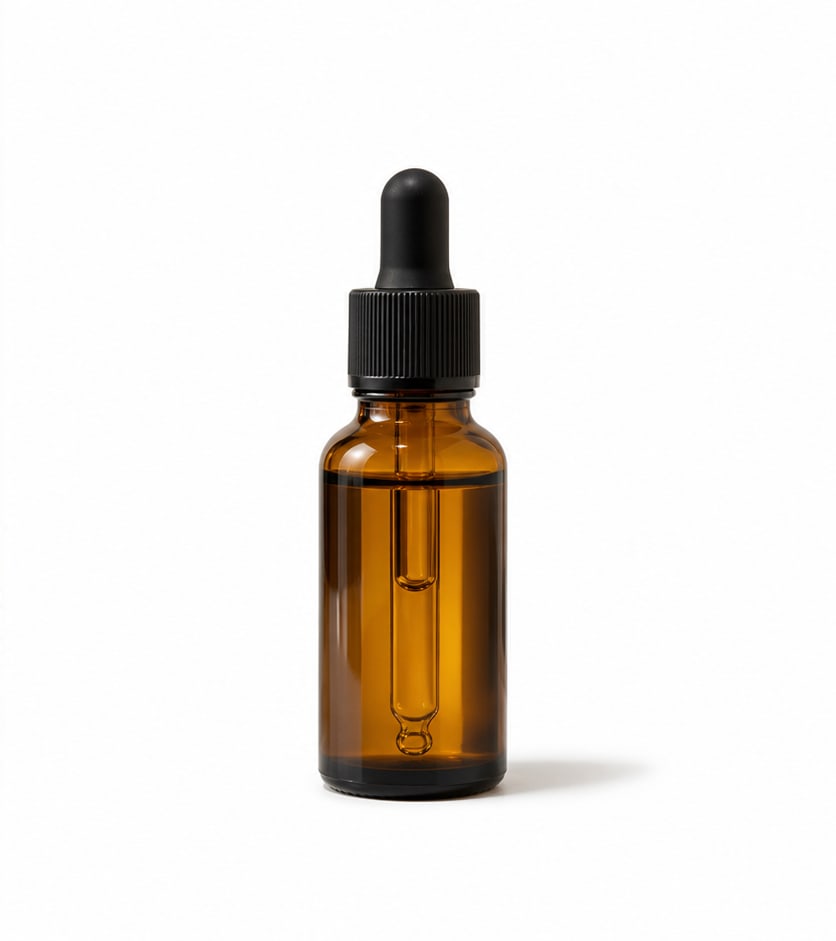
Photorealistic before and after white background product photo example
Before
After
White background product photo

Make marketplace-ready product photos

Remove the original scene, center the product, add clean padding, and export a polished white-background product image for stores and ads.

White backgroundProduct shadowEcommerce ready
Photorealistic before and after image background change example
Before
After
Background design

Test colors and layouts after one AI cutout

After the cutout is ready, change background colors, padding, canvas size, shadow, and export format without paying for another model call.

Color backgroundsGradient backgroundsPNG or JPG
Photorealistic before and after AI text cleanup example
Before
After
AI image cleanup

Erase text, dates, and labels cleanly

Remove distracting captions, old date stamps, labels, and visual notes from images you own. Mask the area once and let AI rebuild the surrounding texture.

Text cleanupDate stamp repairMask-based editing
Photorealistic before and after product photo cleanup example
Before
After
Product photo cleanup

Remove stickers and marks from product shots

Clean sales stickers, small labels, scuffs, and distracting marks before publishing product images, thumbnails, social ads, or presentation assets.

Product listingsAd creativesCleaner thumbnails
Photorealistic before and after object removal example
Before
After
Object remover

Take out distractions without rebuilding the whole image

Brush or box only the unwanted area. The rest of the image stays untouched, which makes the workflow faster and easier to control.

Brush maskRectangle maskPrecise repair
Photorealistic before and after product background removal example
Before
After
Transparent PNG export

Turn product photos into clean cutouts

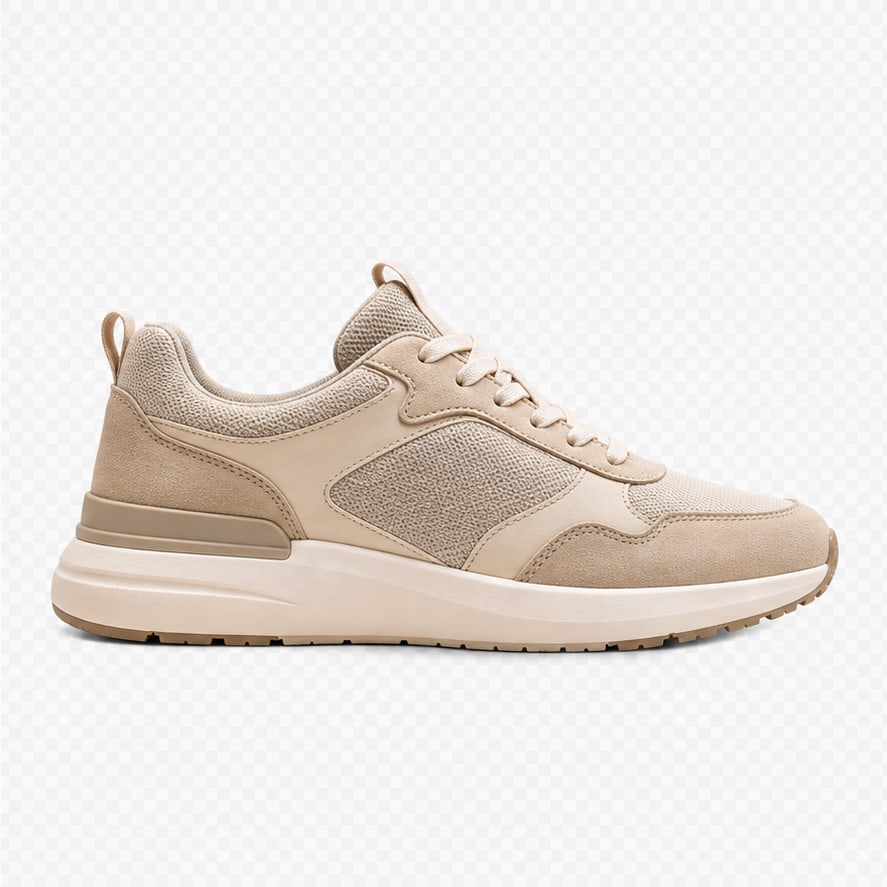
Remove the studio background from product images and download a transparent PNG that is ready for stores, landing pages, ads, and design tools.

Transparent PNGStore-ready3 credits
Before and after portrait background removal example
Before
After
Portrait cutouts

Create profile and creator assets faster

Separate people from busy backgrounds and reuse the subject in thumbnails, avatars, profile images, banners, and branded layouts.

PortraitsAvatarsCreator assets
Photorealistic before and after transparent PNG cutout example
Before
After
Creative assets

Extract generated characters and objects

Use background removal after image generation to create reusable transparent assets for composites, stickers, mockups, and visual experiments.

Generated imagesCompositingDesign reuse

Practical AI Image Workflows

💎

Credits That Match Real Cost

Nano Image uses credits instead of vague unlimited promises. 2K and 4K generations cost different amounts because higher-resolution model calls cost more to run.

  • 2K image: 3 credits
  • 4K image: 6 credits
  • Top up anytime when your monthly credits run out
View Pricing →
4K6 credits per generation
⚡️

Instant Remix

Creativity is an iterative process. With Instant Remix, take any generated result and immediately use it as the source for your next transformation. Chain effects together to create something truly unique.

  • One-click "Use as Input"
  • Layer multiple styles (e.g. Sketch → 3D → Pixel Art)
  • Infinite creative history
Start Remixing →
🐱
Original
🦁
Remixed
New Input!
📐
New Feature

3D Camera Angle

Upload one single photo and generate it from any camera angle — front, back, side, bird's eye, or close-up. Like having an infinite virtual camera rig powered by AI.

  • 360° horizontal rotation (front → side → back)
  • Vertical angles (low-angle → eye-level → bird's eye)
  • Zoom control (wide shot → close-up)
  • Perfect for e-commerce product shots
Try 3D Camera Angle →
↗️Front-Right45°
⬆️Front
↖️Front-Left315°
➡️Right Side90°
📸Original
⬅️Left Side270°
↘️Back-Right135°
⬇️Back180°
↙️Back-Left225°
One photo → 9 angles. Imagine the possibilities.

Ready to Edit Your Next Image?

Join thousands of creators using Nano Image. Start free — no credit card needed.

Create AI Art for Free →