The Product Photo Workflow That Actually Gets You Listed
Discover the fastest way to prepare marketplace-ready product photos — cut out once, composite and resize for free.
Introduction: Store-Ready Product Photos
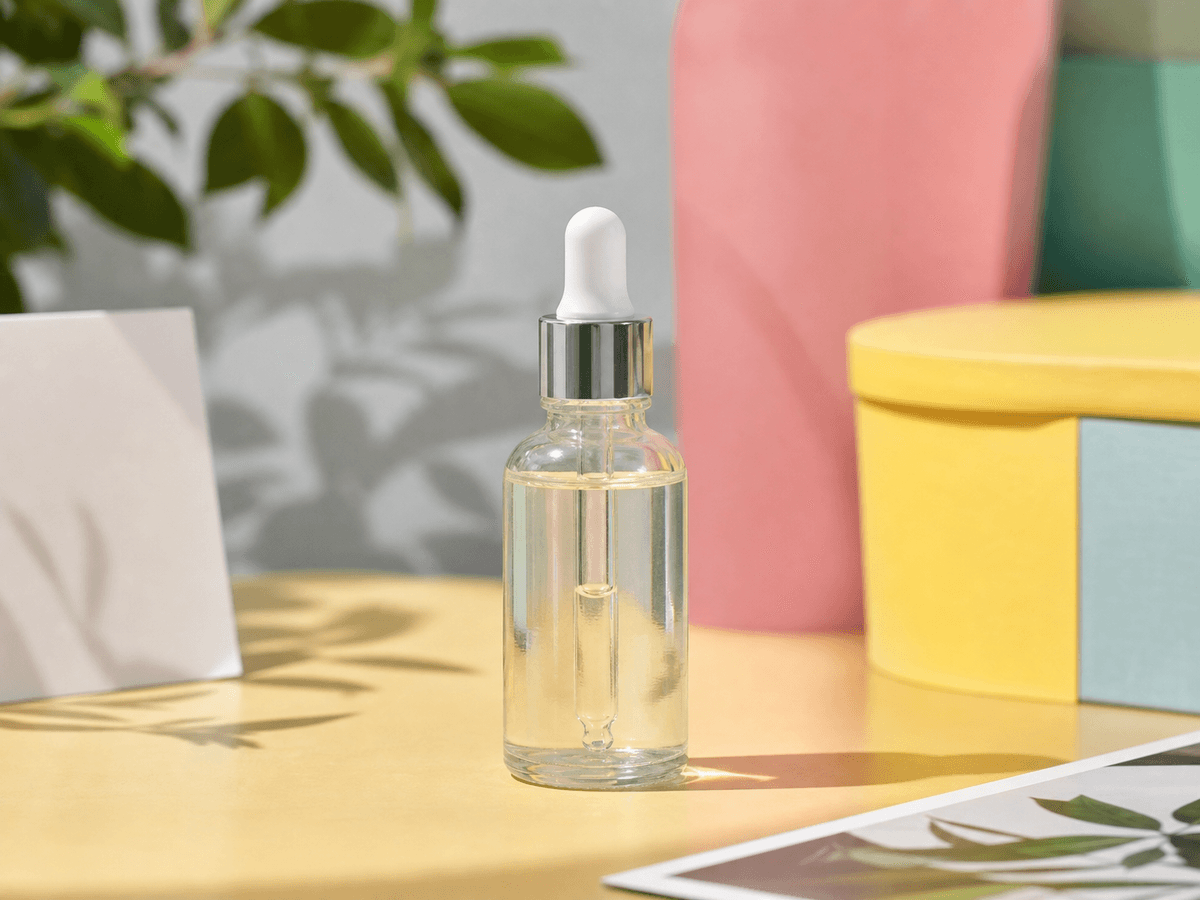
You shot a decent product photo on your kitchen counter. The lighting works, the product is in focus — but Amazon wants a white background, Shopify wants a square crop, and that sale sticker is still on the box.
Nano Image handles the full ecommerce product photo workflow in one place: cut out, composite, resize — and you only pay for AI when AI actually runs.
Why You Need Clean Product Photos
Product images directly affect click-through rates and trust. Sellers typically need to:
- Remove cluttered backgrounds for marketplace compliance
- Create consistent white-background shots across a catalog
- Export correct dimensions for Amazon, Shopify, Etsy, and Instagram
- Clean up stickers, labels, or blemishes before publishing
Step 1: Get a Clean Cutout
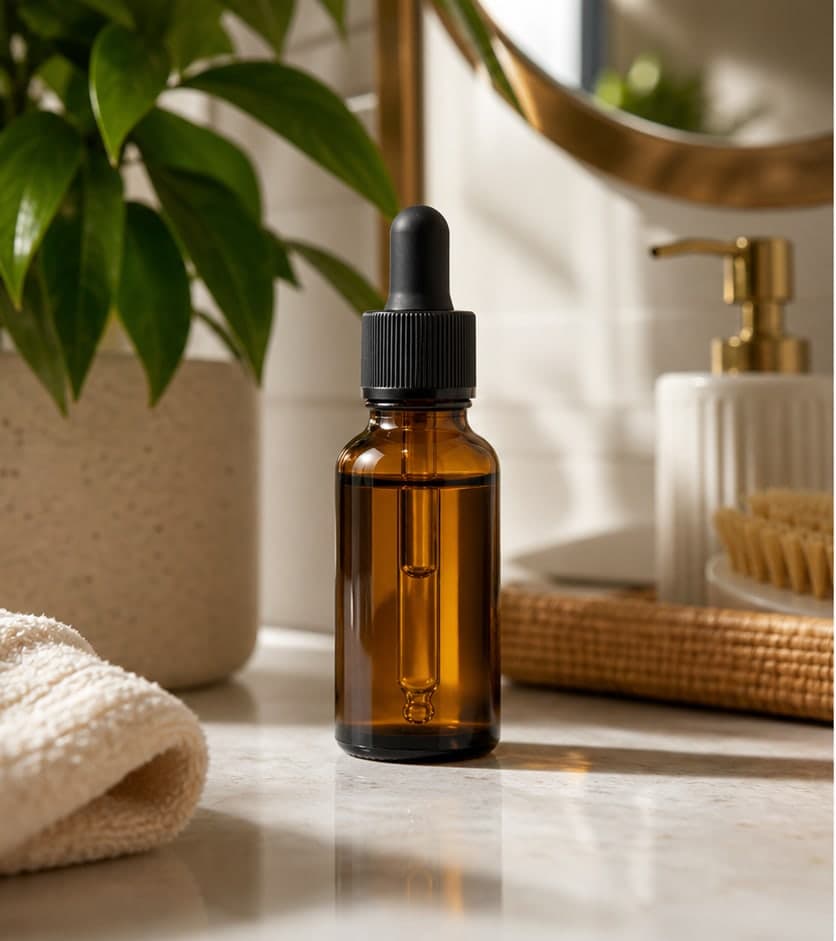
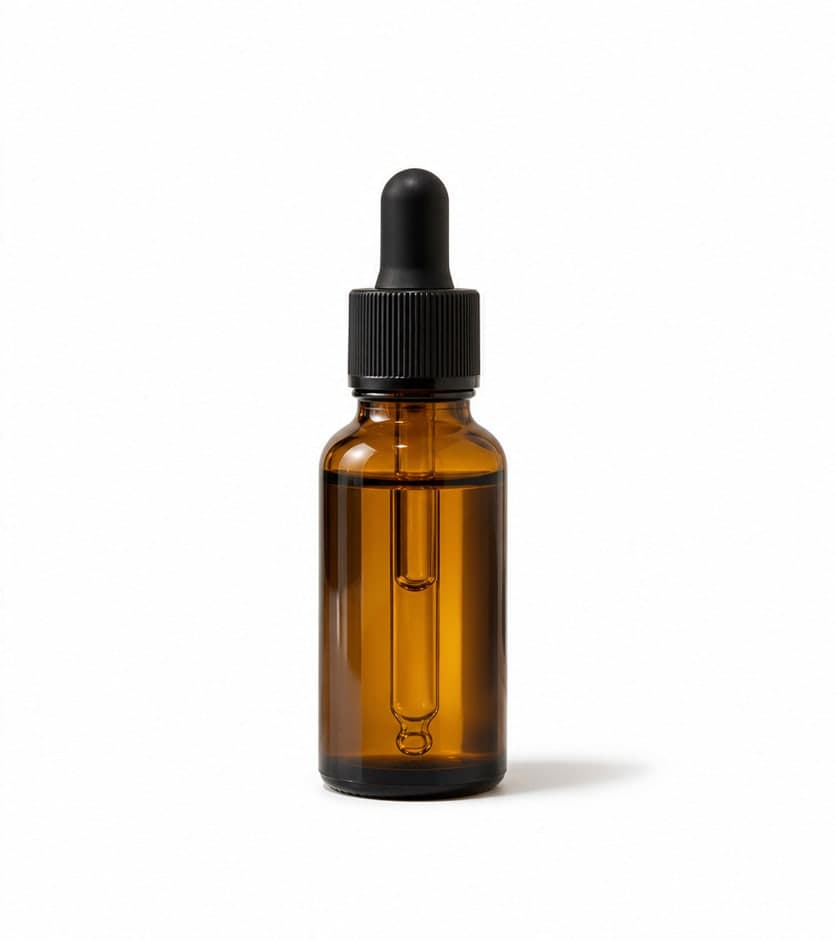
Open the Background Remover, upload your photo, and download a transparent PNG. That's 3 credits per image.
Working through a whole catalog? The batch version handles up to 12 images at once.
Step 2: White Background — No Extra Charge
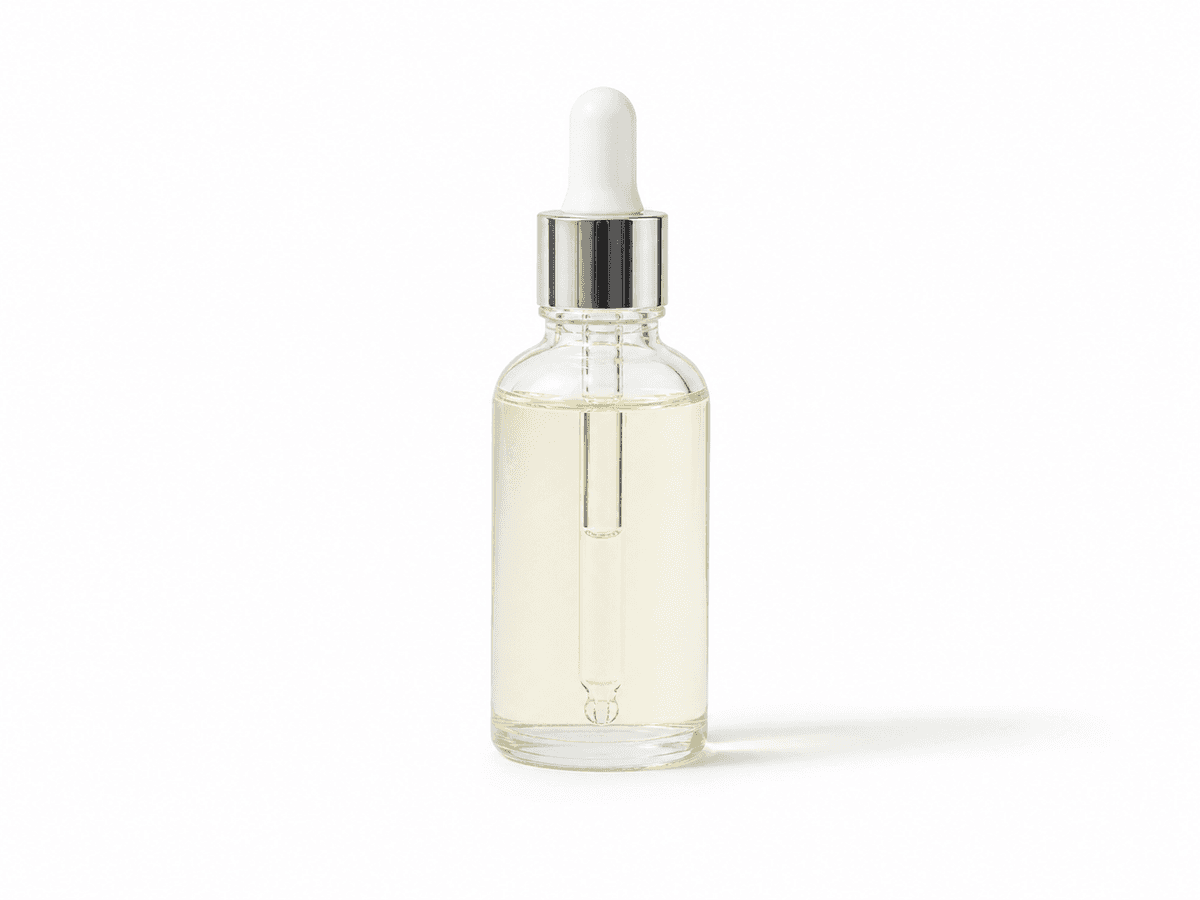
Once you have a cutout, the Product Photo Editor composites everything in your browser: centers the product, adds padding, optional shadow, and exports a polished shot.
- No additional AI call — browser-based compositing
- Zero credits for background color, padding, and shadow
- Change Image Background works the same way for colors and gradients
Step 3: Resize for Your Platform
The Product Image Resizer has presets built in and costs nothing to use:
| Platform | Size | Cost |
|---|---|---|
| Amazon Main | 2000 × 2000 | Free |
| Shopify Square | 2048 × 2048 | Free |
| Etsy Listing | 2000 × 1600 | Free |
| Instagram Post | 1080 × 1080 | Free |
The Full Workflow
- Raw product photo — your starting point
- Background Remover — AI cutout to transparent PNG (3 credits)
- White background composite — center, pad, shadow (free)
- Platform resize — Amazon, Shopify, Etsy, Instagram (free)
- Upload to your store
Total AI cost: 3 credits per product, no matter how many background colors or export sizes you try.
Conclusion: One Pipeline, Predictable Cost
Most tools charge you at every step. Nano Image charges once for the AI cutout, then lets you iterate on backgrounds and sizes for free. That's the difference between a grab bag of features and an actual workflow.