Removing Objects From Photos Without Ruining the Rest
Discover the fastest way to remove objects from photos and clean up images — mask-based, AI-powered, and precise.
Introduction: Clean Photos Without the Mess
A perfect photo often captures the right moment — but it can also capture the wrong things: strangers in the background, sale stickers on a product, date stamps in the corner, or a photobomber you didn't notice until later.
With Nano Image Cleanup, you can remove unwanted objects from photos in seconds. Paint over the problem area, let AI rebuild just that patch, and leave the rest of the image untouched.
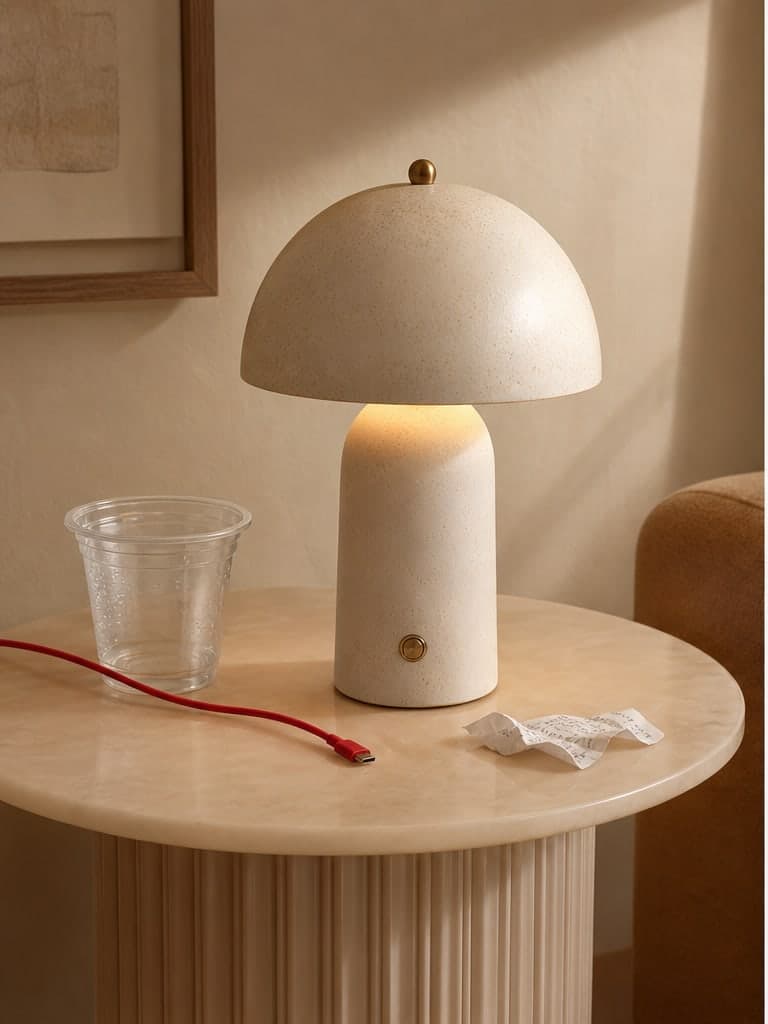
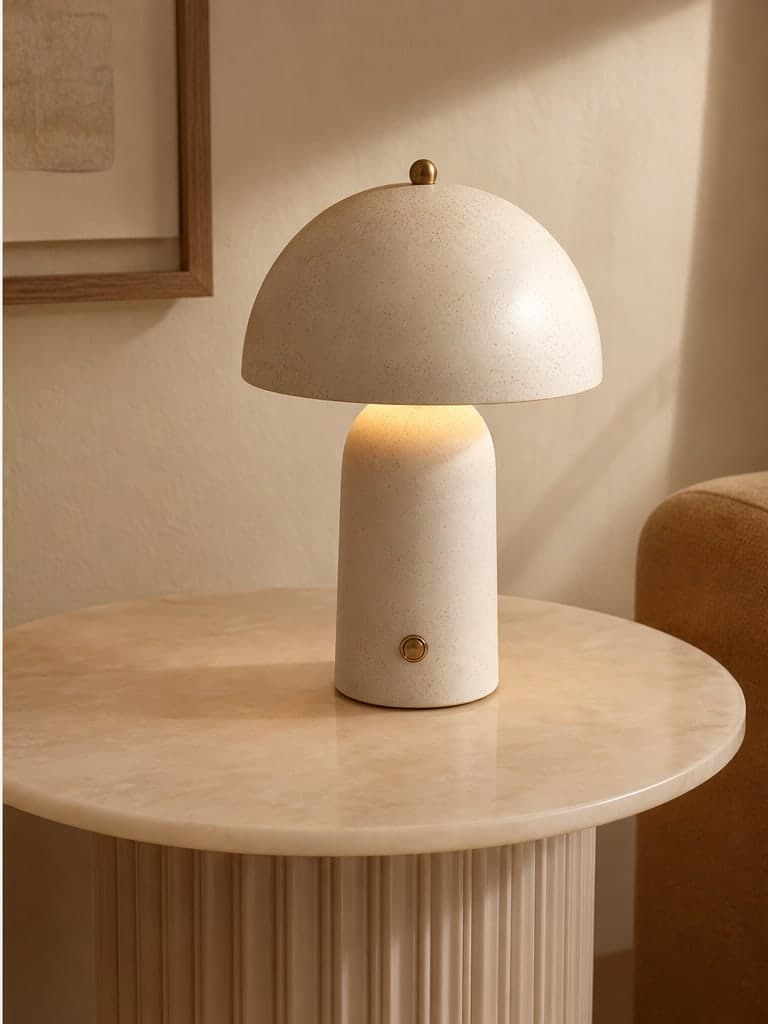
Why Remove Objects from Photos?
Photos tell stories. Cluttered images send the wrong message. You might want to:
- Clean up a vacation photo by removing strangers in the background
- Delete a sale sticker or price tag before listing a product
- Erase date stamps or watermarked text from old pictures
- Remove clutter from a product shot before uploading to your store
That's why knowing how to clean up photos matters — for sellers, creators, and anyone who shares images online.
What to Consider Before Erasing Objects
Removing something from a photo isn't always as simple as cropping. Key challenges include:
- Maintaining a natural background fill where the object was
- Avoiding blurry or smudged edges around the repair
- Making sure only the masked area changes — not the whole image
- Keeping resolution and quality intact
An effective tool needs to be smart, precise, and easy to use. That's the idea behind mask-based cleanup.
Traditional Methods: Pros and Cons
| Method | Pros | Cons |
|---|---|---|
| Photoshop | Professional quality | Expensive, complex, slow |
| Mobile apps | Free, portable | Limited control, basic results |
| Cropping | Quick and easy | Ruins composition, can't restore background |
| Nano Image Cleanup | AI-powered, mask-based, browser-based | Uses credits per edit |
Traditional tools either require expertise or sacrifice quality. Nano Image fills that gap with AI-powered object removal and a simple brush interface.
How to Quickly Clean Up Your Photos
What if cleaning up your photo was as easy as painting over the problem?
- Open Image Cleanup and upload your photo
- Use the brush or rectangle tool to mark the object you want removed
- Choose a quality level (Quick, Standard, or Best)
- Click generate — the AI rebuilds the masked area
- Preview the result and download
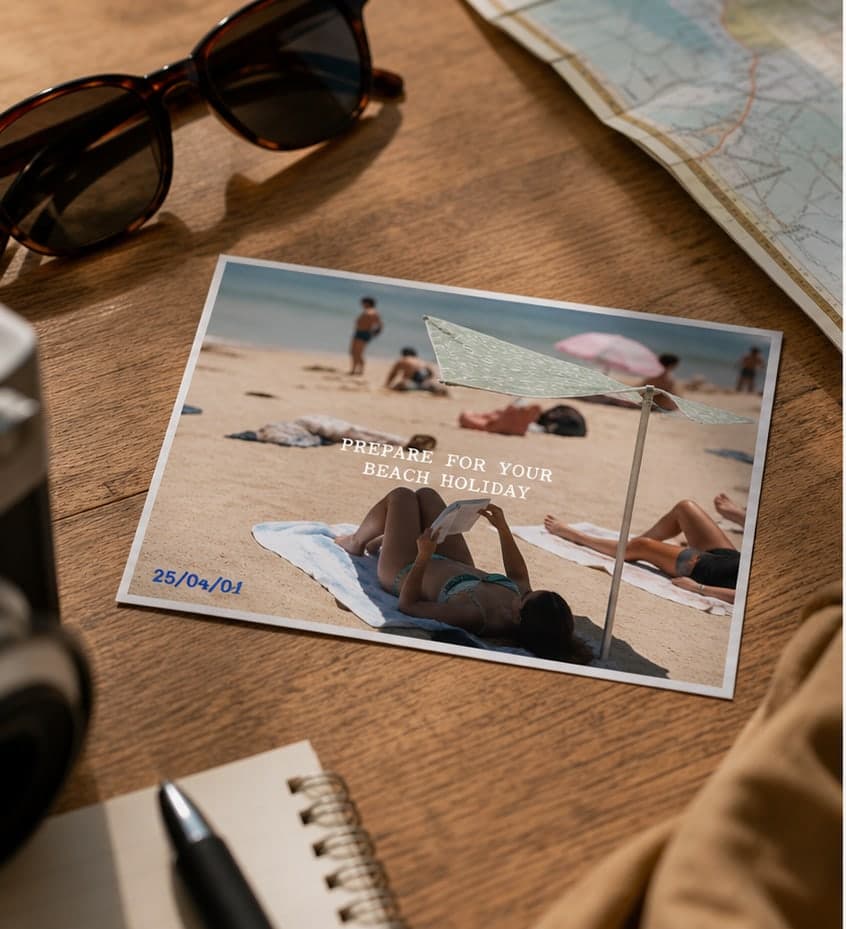
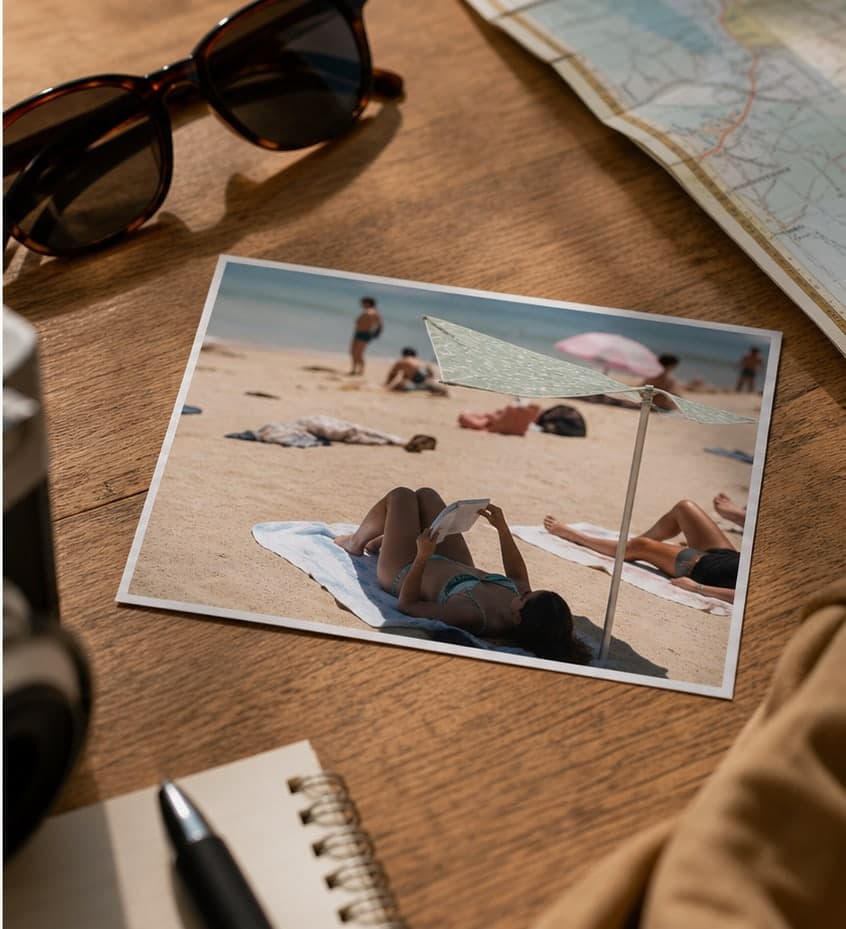
AI-Powered Mask Removal: What Makes It Different
Unlike asking AI to "fix the whole image," Nano Image Cleanup uses a dedicated object-removal model:
- You control exactly what gets removed via brush or box mask
- AI samples surrounding texture to fill the gap naturally
- The rest of the image stays pixel-for-pixel unchanged
- Three quality tiers: Quick (1 credit), Standard (3), Best (6)
Whether you need to remove text from an image, clean a product photo, or erase background clutter — the workflow is the same.
Key Features of Nano Image Cleanup
What can you remove?
- People — strangers, photobombers, or background crowds
- Text and date stamps — captions, watermarks, camera overlays
- Stickers and labels — sale tags, barcodes, promo marks on products
- Unwanted objects — cables, trash, reflections, small distractions
Need to process multiple images? Batch Image Cleanup handles up to 10 photos with individual masks per image.
Cleanup vs. Background Remover
| Tool | Best for | Output |
|---|---|---|
| Image Cleanup | Removing objects while keeping the background | Same photo, minus the distraction |
| Background Remover | Separating subject from entire background | Transparent PNG cutout |
| Typical seller flow | Cleanup → cutout → white background → resize | Store-ready product image |
Conclusion: Clean Photos, Clean Results
Photos are memories and assets — but distractions don't belong in them. Whether you're editing a selfie, refining a product image, or cleaning up an old family picture, mask-based cleanup helps you get there without repainting the entire image.